
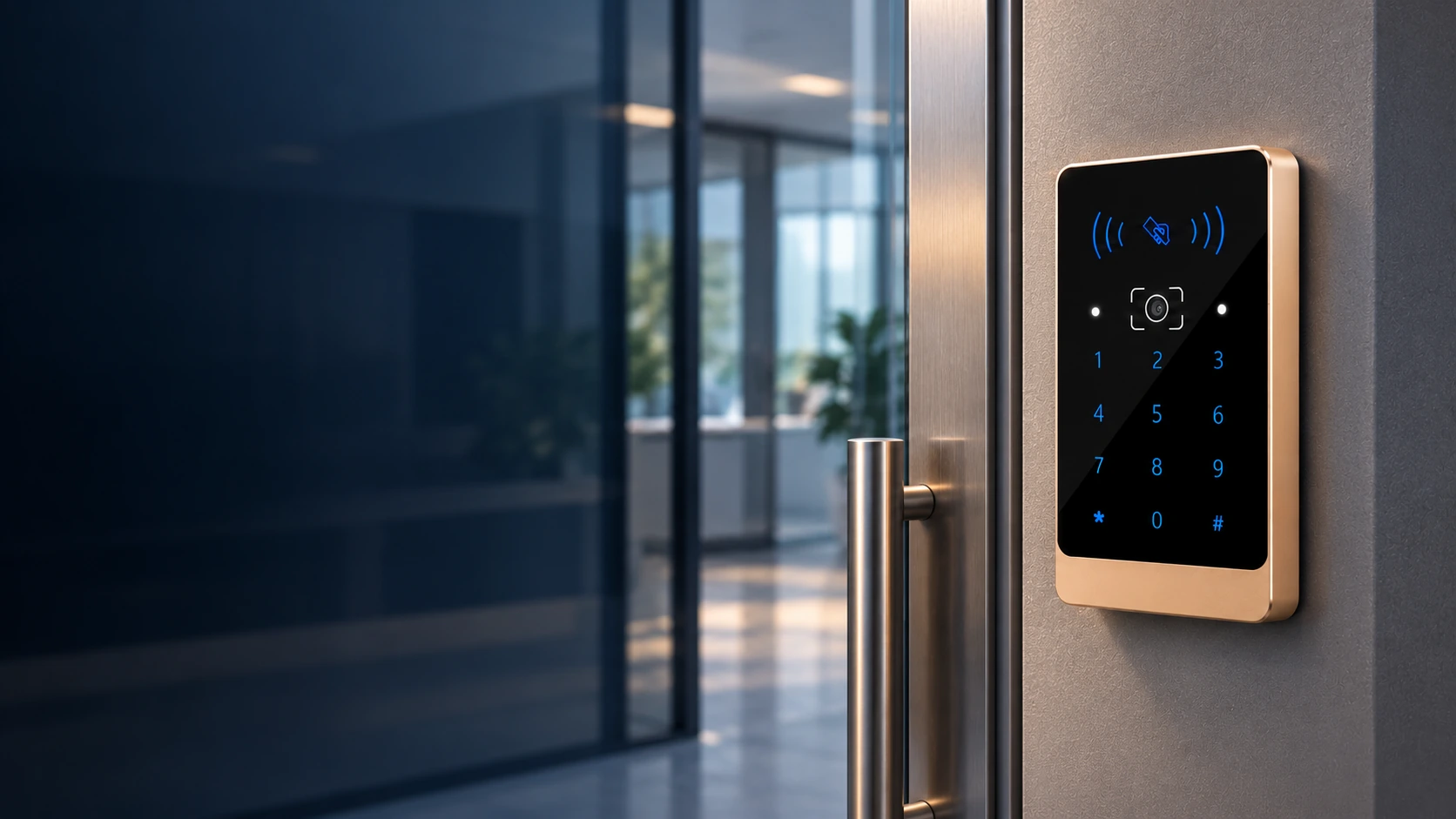
C3 QR Code Access Reader Manufacturer for Door Access Integration
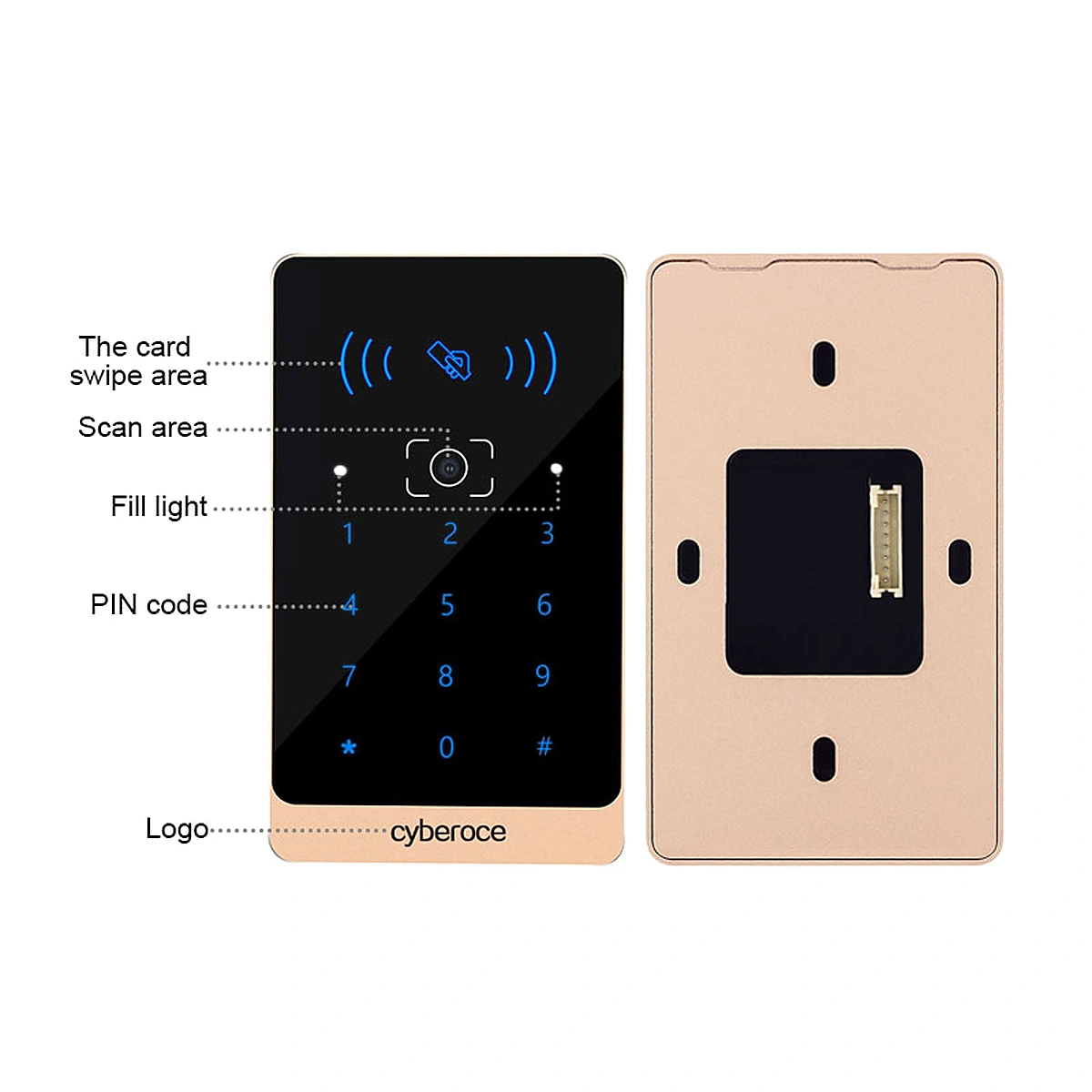
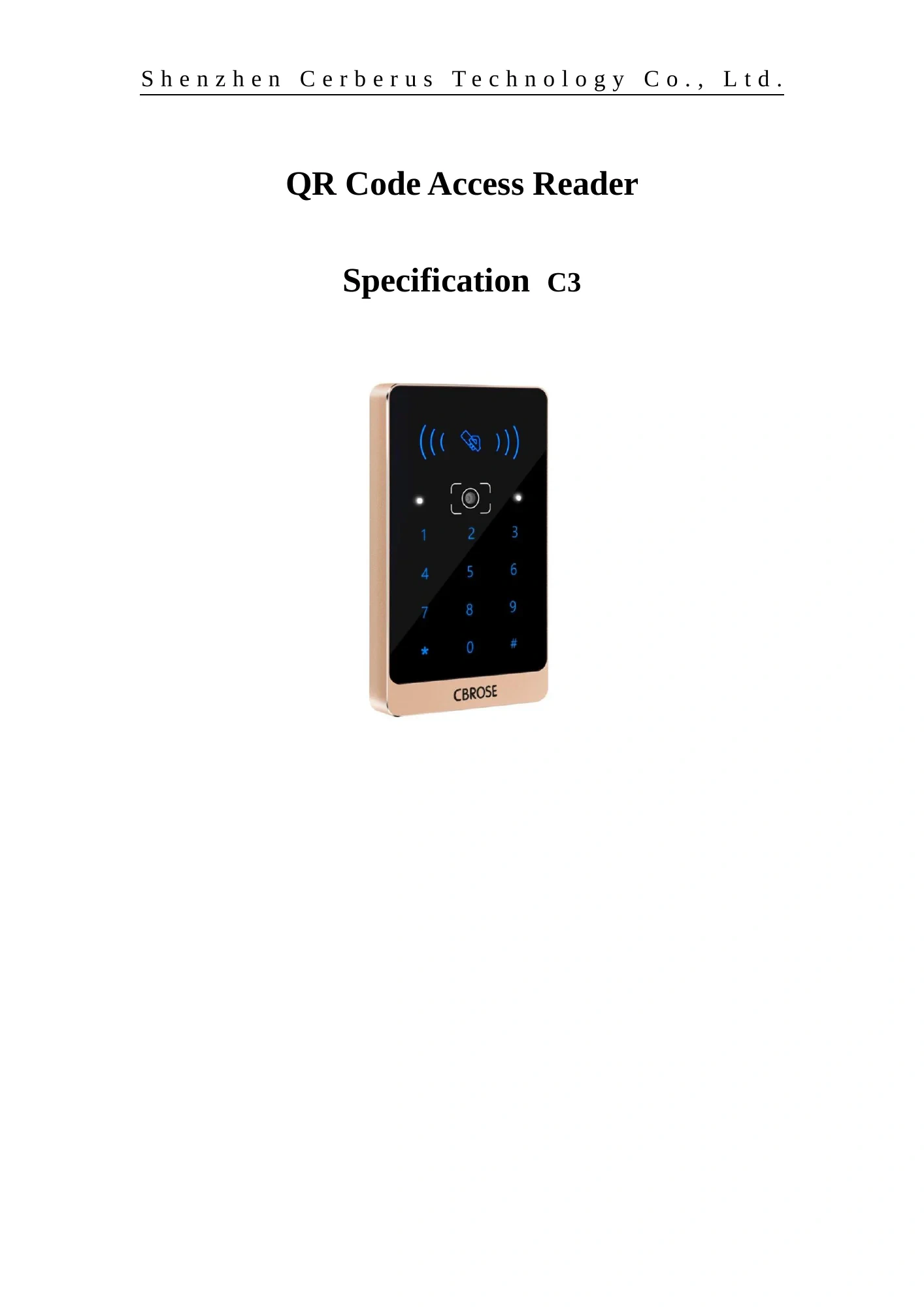
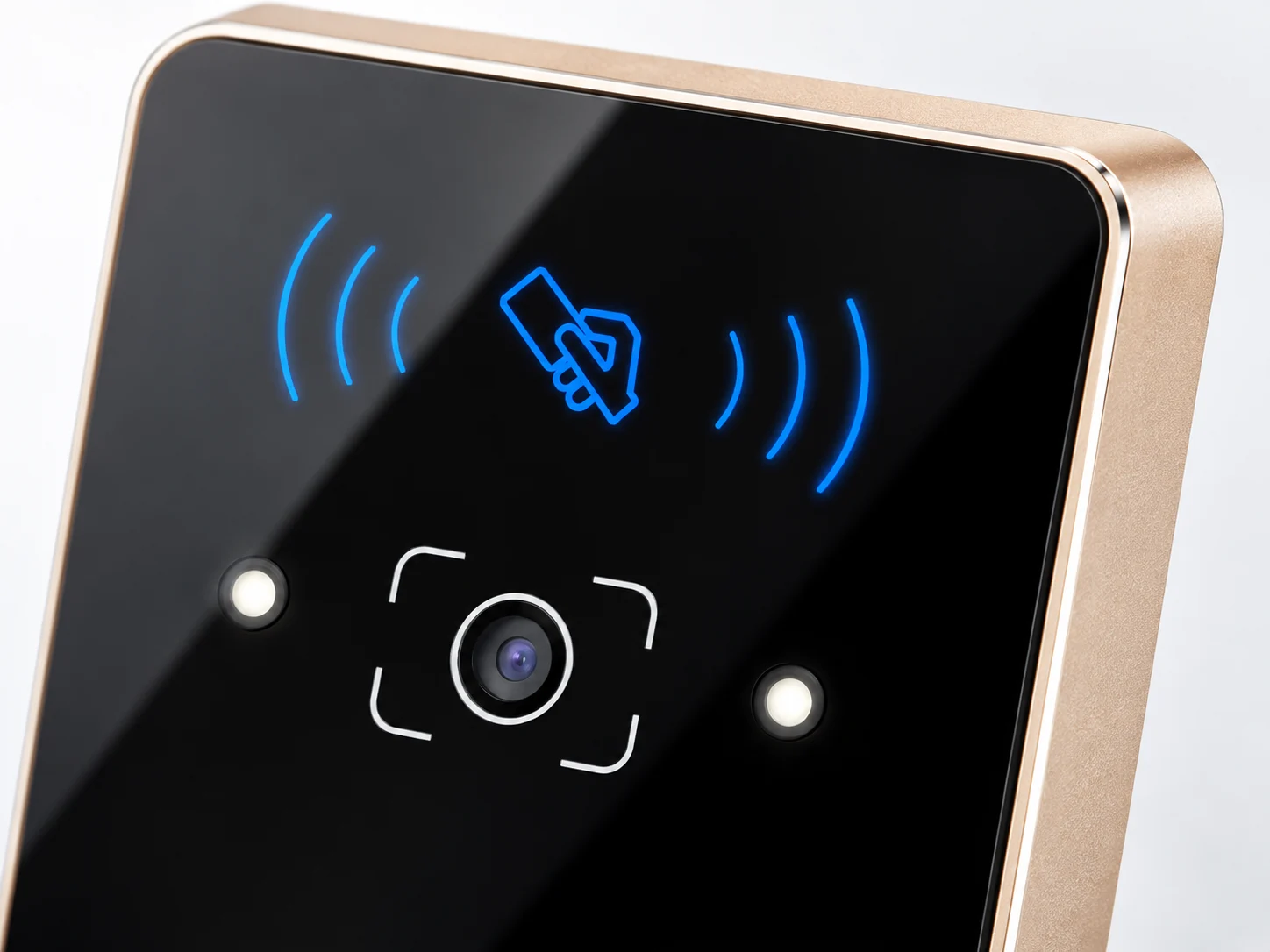
Add QR credentials to a controller-based access system without giving up card or PIN entry. The C3 combines QR and barcode scanning, 13.56 MHz RFID reading and a capacitive keypad in a slim metal housing, with Wiegand 26/34 and RS-485 output for integration planning.
A QR, Card and PIN Reader for Existing Controllers
C3 is a credential reader. It scans a code, reads a card or accepts a PIN, then outputs the configured data to an external access controller. The controller and the wider access system determine permissions and the door or gate action. This distinction matters when replacing an existing reader or adding QR entry to a current installation.
| Specification | C3 |
|---|---|
| Credential input | QR code, supported 1D/2D barcodes, 13.56 MHz RFID card, PIN |
| Controller output | Wiegand 26/34; RS-485 |
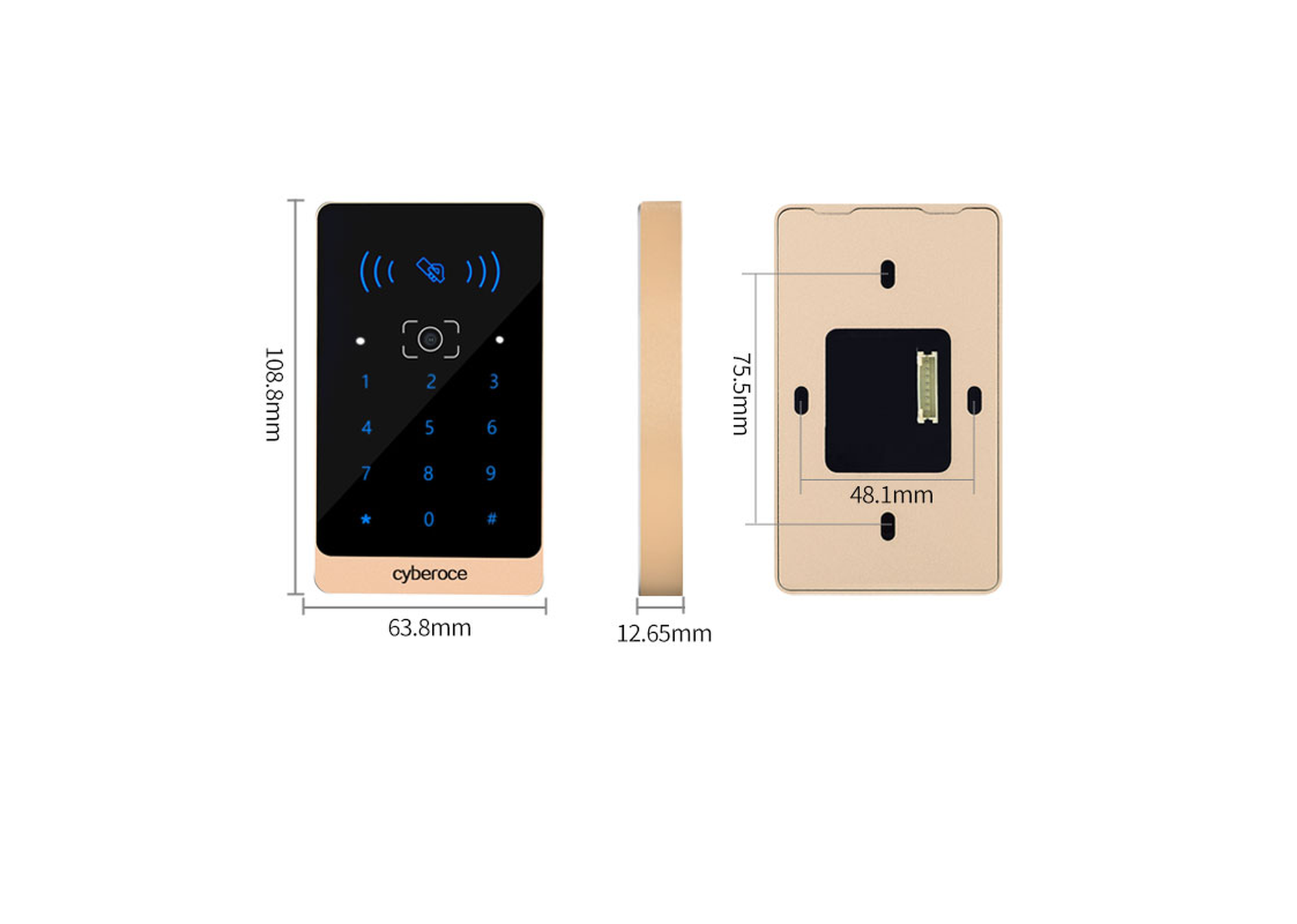
| Dimensions | 108.8 × 63.8 × 12.65 mm |
| Housing | Aluminum alloy with tempered-glass panel |
| Supply voltage | DC 9–15 V |
| Working current | 150 mA at 12 V, as listed in the V3.1 specification |
| Card reading distance | Less than 3 cm |
| QR reading distance | 5–20 cm for the payment-code example specified in the datasheet; results vary with code size and presentation |
| Recognition speed | 80 ms, as listed in the V3.1 specification; validate with the project’s actual codes and setup |
| Operating temperature | −20°C to 60°C |
| Ingress rating | IPX7 as listed in the C3 V3.1 specification; confirm the supplied hardware and installation protection for exposed locations |
Supported 2D formats listed for C3 include QR Code, PDF417, Data Matrix, MicroPDF417 and Aztec. The specification also lists common 1D formats including Code 39 and Code 128. Confirm the exact credential sample and output format during integration.
One Entry Point, Several Credential Types
Visitors arrive with a code on a phone or paper.
C3 reads supported QR and barcode formats and sends the result to the connected controller. Test the actual code size, content and display conditions before rollout.
Staff still use access cards or PINs.
The same reader provides 13.56 MHz RFID input and a capacitive keypad, so the access point can accommodate more than one credential method.
The installed controller defines the integration.
Choose Wiegand 26/34 or RS-485 according to the controller input, credential format and project configuration. A matching connector alone does not confirm full system compatibility.
Plan the Controller Connection Before Ordering
| Decision | What to verify |
|---|---|
| Wiegand 26/34 | Check the controller’s accepted bit length, facility/card-number handling and the format required for QR data. |
| RS-485 | Check the controller or host system’s protocol, data format, baud rate and bus design. RS-485 electrical support alone does not guarantee application-level compatibility. |
| Credential sample | Test representative phone codes, printed codes, RFID cards and PIN output against the intended controller logic. |
| Power and mounting | Design around the C3 specification of DC 9–15 V and the 108.8 × 63.8 × 12.65 mm enclosure. Confirm the final mounting drawing and supplied hardware before installation. |
Where C3 Fits
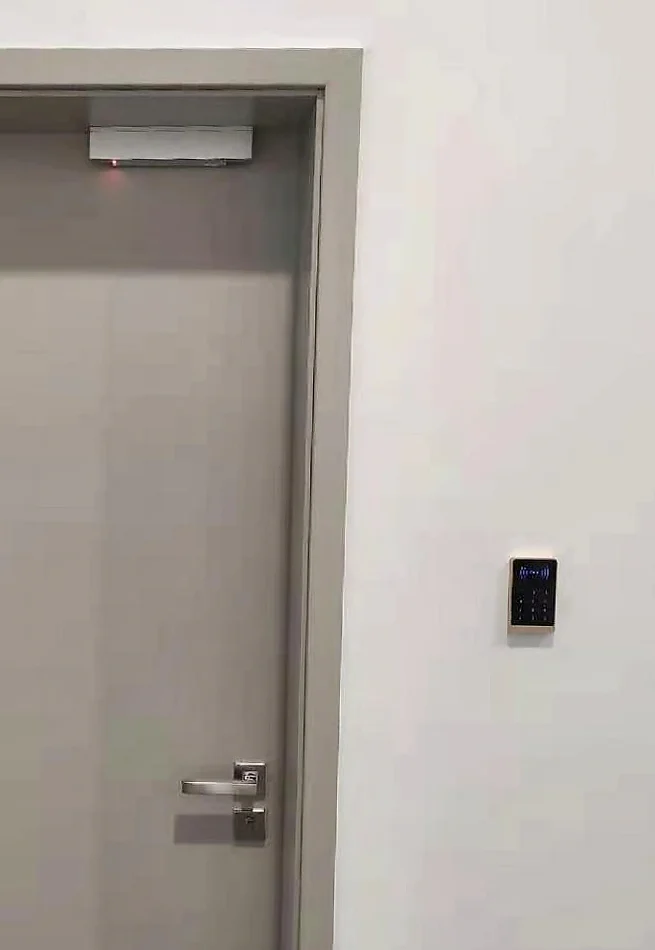
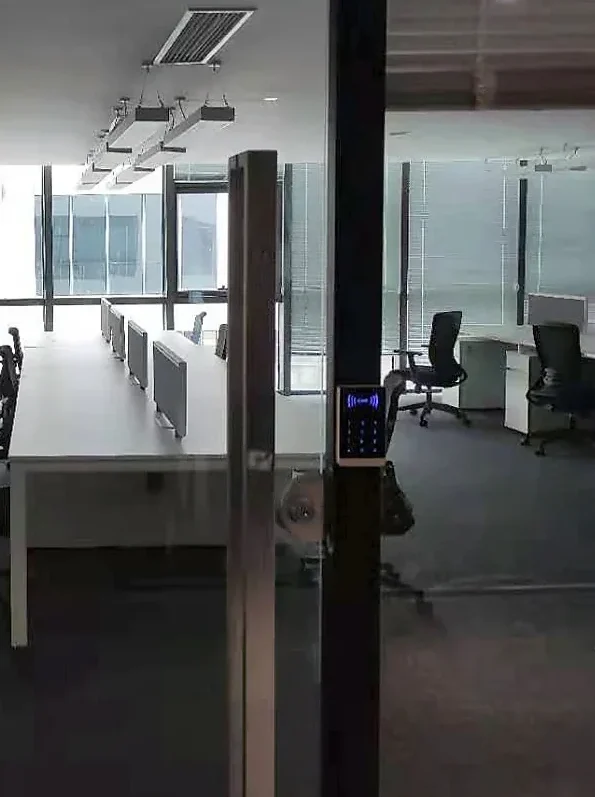
C3 is suited to door-entry projects that already have an access controller and need a wall-mounted reader for QR, card and PIN credentials. For exposed entrances, consider direct sunlight, reflections, cable protection and the finished mounting detail alongside the specified ingress rating. If the project needs the device itself to handle network communication or relay control, compare a networked access terminal instead of treating C3 as a standalone controller.
Built Around Practical Access-Point Choices
Multiple credentials at one reader
QR and barcode scanning, 13.56 MHz RFID and PIN input let the project retain different entry methods at the same access point.
Two controller-output paths
Wiegand 26/34 and RS-485 give integrators defined starting points for matching an existing controller. Output settings must still be checked against the receiving system.
Slim metal construction
The aluminum-alloy body and tempered-glass panel provide a 12.65 mm-deep reader format for projects where mounting depth and panel appearance matter.
Model-specific integration guidance
C3 documentation covers mounting, output configuration and troubleshooting. Review the current hardware and firmware with the intended controller before site deployment.
Work from a Defined Model and Integration Scope
Shenzhen Cerberus Technology Co., Ltd. focuses on QR access hardware and supports reader selection, credential-sample review and interface coordination for integration projects. For C3, start with the model specification, the intended controller input and real QR or barcode samples. These checks help establish what the reader must output before installation decisions are finalized.
Need to compare C3 with another enclosure or a networked terminal? We can review the access-point requirements and the relevant model documents together.
C3 Reader Selection Guide
Is C3 a standalone door controller?
No. C3 is a reader that outputs credential data to an external controller over its configured interface. The controller or connected access system decides whether the credential is valid and whether to release the door or gate. If the access point requires local relay control or network communication in the device, evaluate a networked terminal instead.
Will C3 work with an existing access control panel?
Start with the panel’s accepted Wiegand format or RS-485 protocol, then compare the expected credential length and number format with the C3 output configuration. Test a representative QR code and card at the controller before confirming compatibility. This also applies to third-party products whose name includes “C3”: sharing a model name does not establish compatibility.
Which credentials can the same C3 reader accept?
The C3 specification lists QR and common barcode formats, 13.56 MHz RFID cards and PIN input. A phone screen and a printed code can both be considered, but scan performance depends on the actual code size, content, display brightness and presentation. Use real project credentials in the integration test.
What should be checked before installing C3 at an entrance?
Check the available DC supply against the C3 specification of 9–15 V, confirm the mounting dimensions and cable route, and review sunlight and reflection at the scan position. The V3.1 specification lists IPX7; for an exposed installation, verify the supplied hardware version and the protection of the complete mounted assembly. Follow the confirmed model wiring documentation and disconnect power before wiring.
How should C3 be specified for a quotation?
Identify the controller or host system, preferred interface, credential types, representative QR or barcode samples, mounting location and expected quantity. Pricing and delivery depend on the agreed configuration and order conditions, so a project quotation is more useful than an unsupported average price range.
Explore Related Solutions
Discuss Your C3 Reader Integration
Share the controller model, intended output interface, credential examples and installation conditions. We can use those details to review C3 fit and prepare a configuration-specific quotation.
Phone
+86 137 2888 0920Address
Room 306, Building B11, Yintian Industrial Park, Xixiang Street, Bao'an District, Shenzhen, Guangdong Province, China