
CR20 QR Code Reader from Cerberus, a Shenzhen Access Control Manufacturer
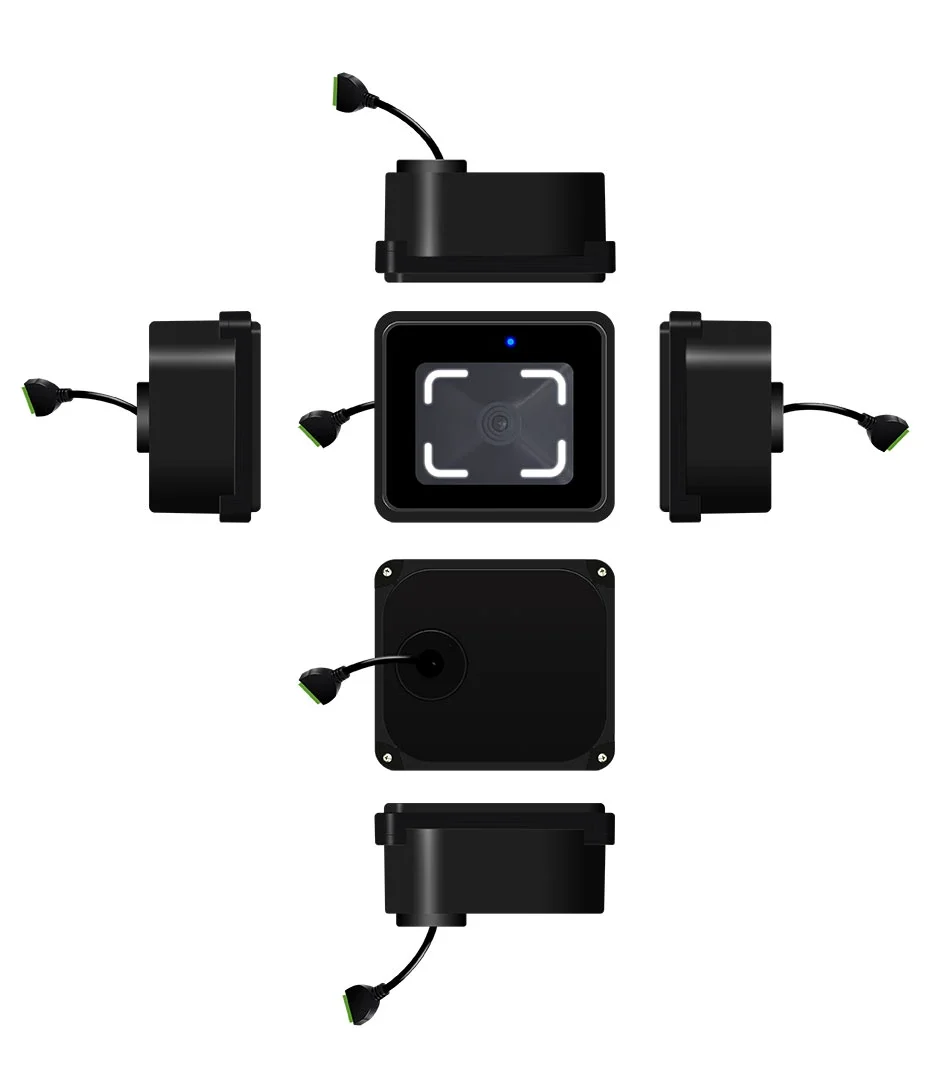
An IP66-rated access reader for QR codes, selected barcodes and 13.56 MHz MIFARE cards. CR20 sends credential data over RS-485 to your access controller or ticketing board, where the access decision is made.
Compact 76 × 66 × 35.4 mm housing · Mobile and printed QR codes · Embedded turnstile and elevator installation
Discuss CR20 IntegrationCR20 at a Glance
CR20 reads QR codes, Code 39 and Code 128 barcodes enabled by default, and 13.56 MHz MIFARE cards. Other supported symbologies depend on configuration. It outputs the read data through RS-485 for processing by the connected controller.
| Model | CR20 |
|---|---|
| Device type | QR code and card access reader |
| Communication | RS-485 |
| Credentials | QR code, barcode, 13.56 MHz MIFARE card |
| QR code reading distance | 2–20 cm |
| MIFARE card reading distance | Less than 5 cm, depending on card and installation conditions |
| Recognition time | Less than 200 ms |
| Minimum code resolution | ≥7 mil |
| QR code data capacity | Up to 1,024 characters |
| Power input | DC 6–25 V |
| Operating current | 200 mA at 12 V |
| Dimensions | 76 × 66 × 35 mm |
| Housing materials | ABS and tempered glass |
| Ingress protection rating | IP66 |
| Operating temperature | −20°C to 60°C |
One Reader, a Clear Role in Your Access System
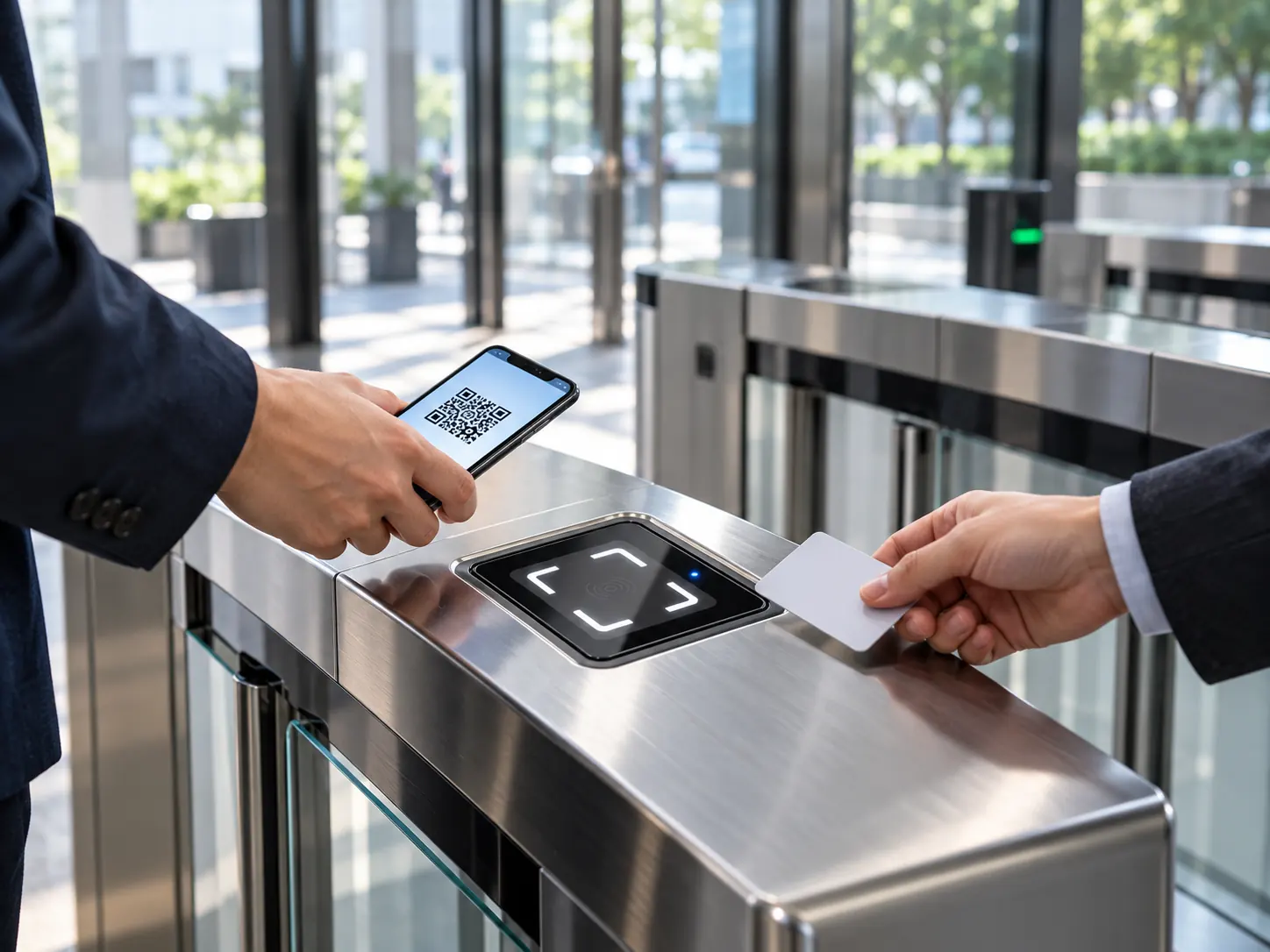
Mixed visitor and staff credentials
Visitors may present a QR code on a phone or paper, while staff continue using MIFARE cards. CR20 reads both media and sends the result to the connected controller. Credential rules and access permissions remain in the host system.
An exposed entry point
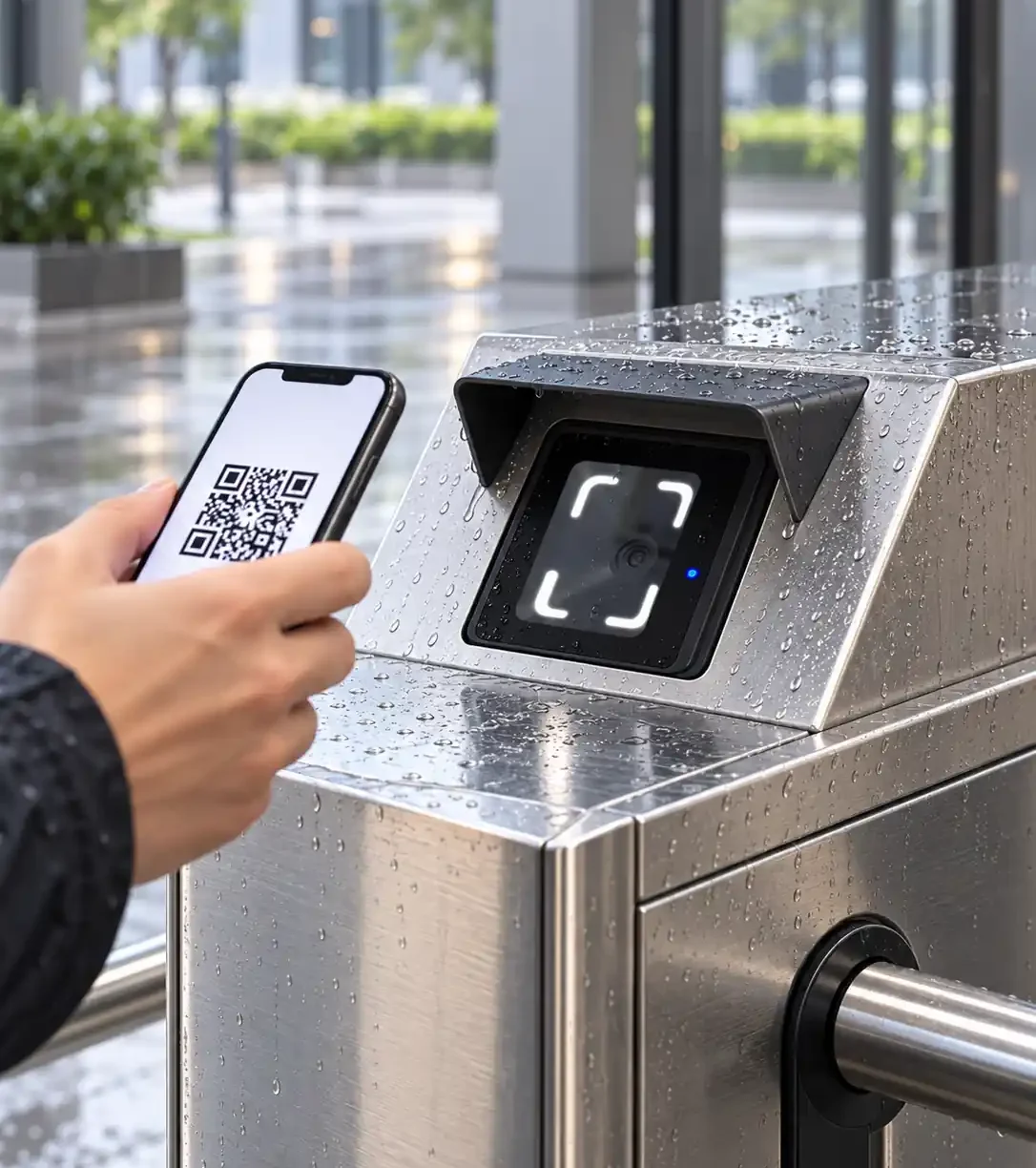
The IP66-rated housing supports projects with outdoor-facing readers. Position the scanning window away from direct glare and provide a protective cover for long-term outdoor installation.
A controller interface that must match
CR20 uses RS-485. Confirm the controller’s wiring, output mode, baud rate and data format before deployment. If your project requires Wiegand or a reader with its own network connection, select a different device architecture.
Choose the Reader or the Networked Terminal
Start with the system architecture. CR20 is suitable when a separate controller or ticketing board already manages access decisions. A networked terminal is the relevant path when the device itself must connect to a platform and provide relay control.
| Feature | CR20 QR Code Reader | CR20E Access Control Terminal |
|---|---|---|
| Primary role | Read credentials and send data to a host controller | Read credentials and perform terminal-side access control |
| Host connection | RS-485 | Wired Ethernet |
| Network communication on the device | No | Yes |
| Built-in relay output | No | Yes |
| Best starting point | An existing controller or ticketing board will decide access | The project needs a networked terminal with direct control output |
Need to keep your existing controller? Start with CR20. Need a networked device with relay output? Review CR20E.
CR20 Installation and RS-485 Connection
Mount CR20 where a user can naturally present a phone screen, printed code or card. Leave room for wiring and maintenance, and avoid direct light or strong reflection across the scanning window. For outdoor-facing positions, a cover above the reader helps reduce prolonged sun and rain exposure.
RS-485 connection
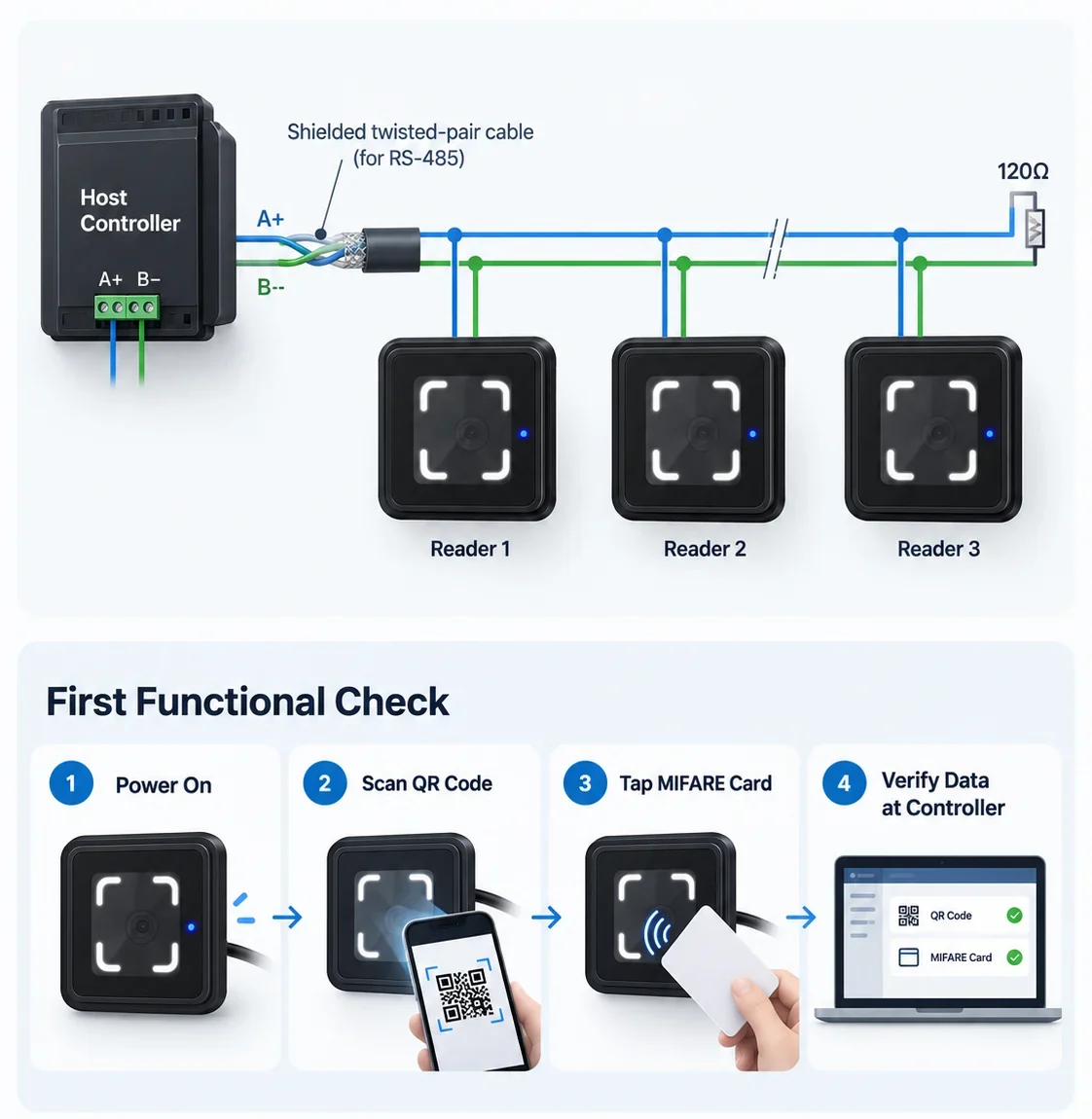
Connect A+ and B− to the matching terminals on the host controller. For multiple readers, use a daisy-chain bus and place a 120 Ω termination resistor at the final device. Use shielded twisted-pair communication cable and verify power at the reader before commissioning.
First functional check
After power-up, test a QR code and a MIFARE card, then confirm that the controller receives the expected data. Output mode, card-number format and baud rate can be adjusted with device-specific configuration QR codes supplied through technical support.
Built for Defined Access Integration
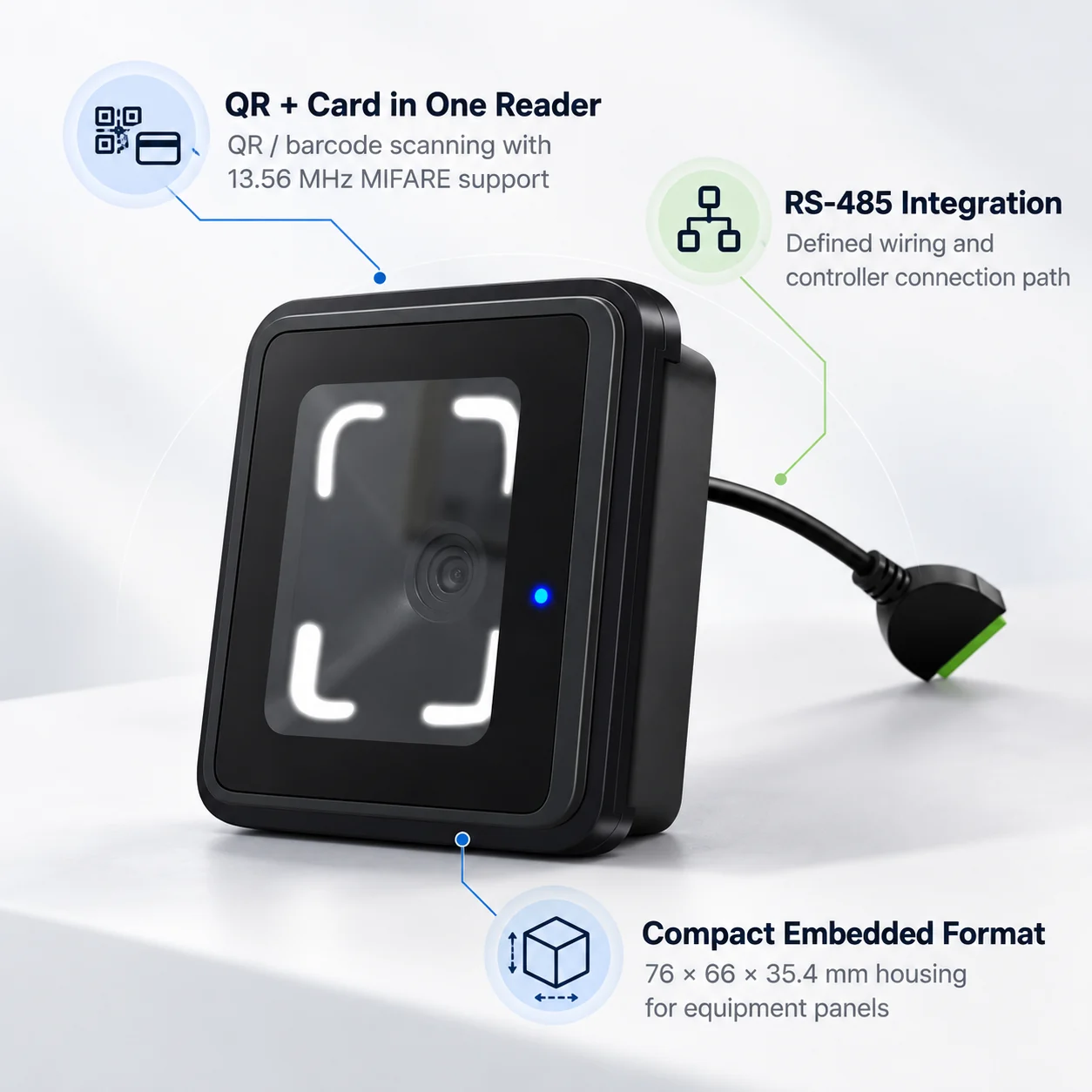
QR and card credentials in one unit
CR20 combines QR and barcode scanning with 13.56 MHz MIFARE card reading, allowing the host system to manage different credential groups through one reader position.
A documented RS-485 integration path
The electrical range, wiring method, output settings and commissioning checks are defined for controller integration, making compatibility review more specific before a site rollout.
Compact form for equipment panels
The 76 × 66 × 35.4 mm housing is designed for embedded installation in turnstiles and elevator panels where the available mounting space matters.
CR20 Selection and Integration Guide
Can CR20 connect directly to a Windows computer?
CR20 is an RS-485 access reader, not a USB desktop scanner. It sends credential data to a compatible controller or ticketing board. If your access platform runs on Windows, plan how that controller passes data to the platform; do not assume the reader itself provides a direct Windows connection.
What should be checked when comparing QR readers for access control?
Compare the host interface first, then the credential types, mounting space, operating environment and available integration documentation. For CR20, the key facts are RS-485 output, QR and selected barcode reading, 13.56 MHz MIFARE support, a 76 × 66 × 35.4 mm housing and an IP66 rating. A reader with a different interface may require changes to the controller architecture.
How should a phone QR code be presented outdoors?
Keep the code clear and complete, raise the phone’s screen brightness and reduce reflection by adjusting its angle. Present the code roughly 2–20 cm from the scanning window, then adjust for code size and site lighting. Installation position and a cover matter alongside the reader’s IP rating.
What if the reader scans but the controller receives no data?
Check the supply voltage and polarity, then confirm RS-485 A+ and B− wiring, output mode and baud rate. On a multi-device bus, check the daisy-chain layout and termination at the last device. Also distinguish a read failure from duplicate-code interval suppression or a controller-side data handling issue.
Are software updates available for CR20?
Configuration QR codes cover documented settings such as RS-485 output mode, card-number format, enabled barcode types and baud rate. Firmware availability and update procedures should be checked for the specific hardware and firmware version. CR20 has no documented network connection for remote updating.
Product Details You Can Review Before Deployment
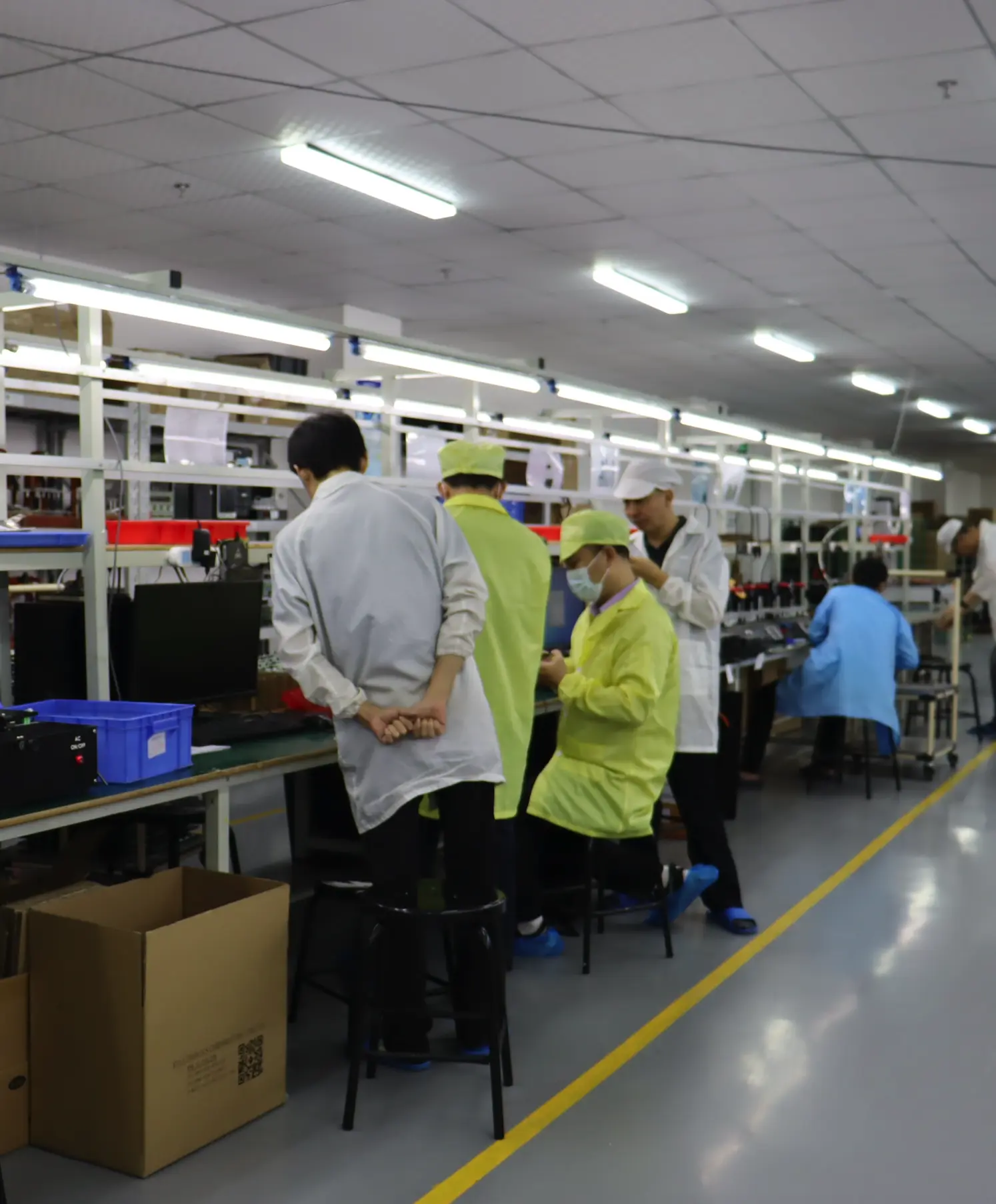
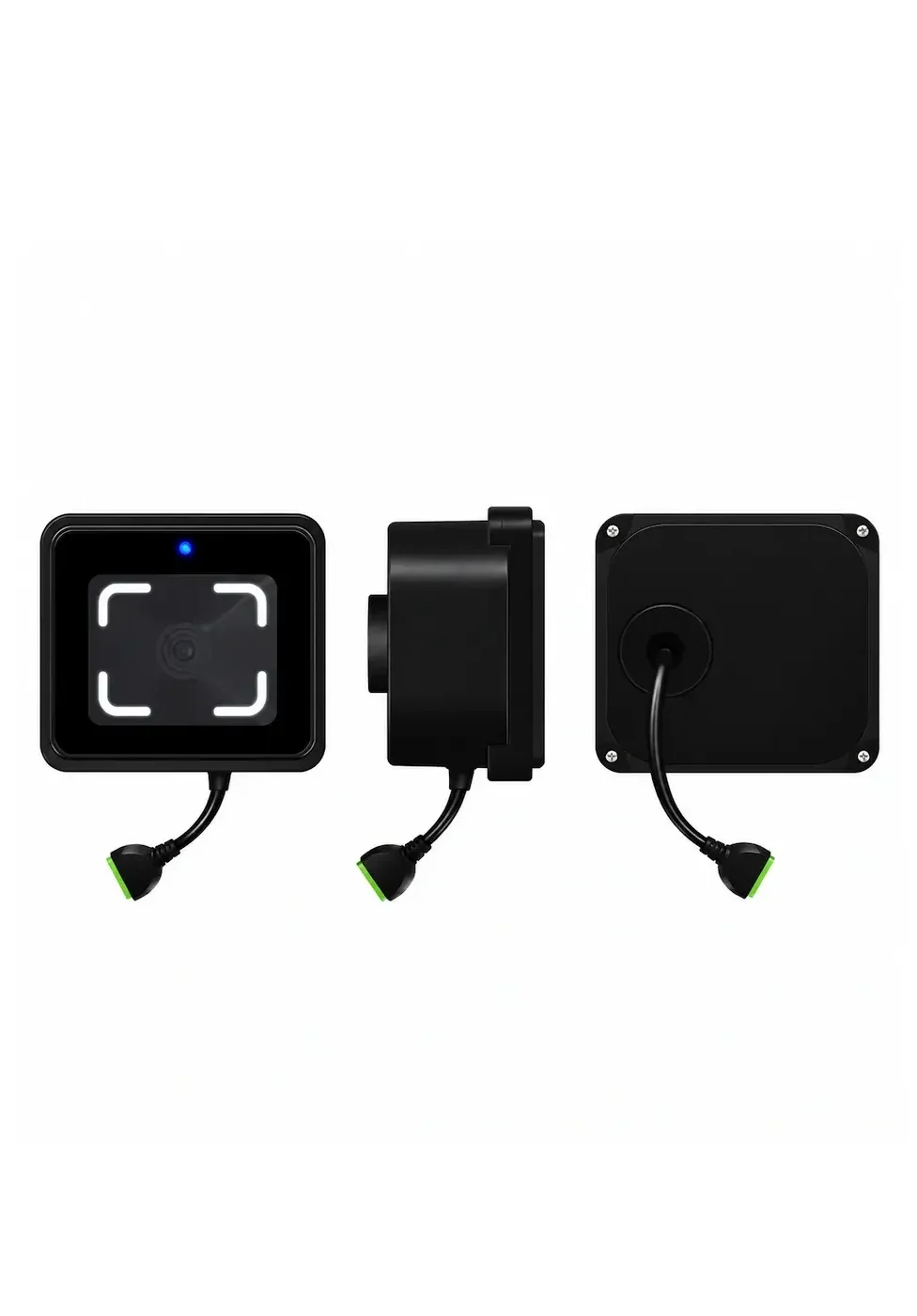
Cerberus develops QR access hardware in Shenzhen. For CR20 projects, our product specifications define the reader’s dimensions, power range, scanning parameters and operating environment. Installation guidance covers RS-485 wiring, basic configuration and commissioning checks. These details support a practical review of the reader against your controller, mounting position and credential format.
Review the device role, interface and site conditions before selecting the final access architecture.
Discuss Your CR20 Reader Project
Share your controller model, RS-485 requirements, credential type, installation environment and estimated quantity. We can use these details to discuss CR20 fit, configuration and the next product review step.
Direct Contact
Email: contact@sz-cerberus.com
Phone: +86 137 2888 0920
Address: Room 306, Building B11, Yintian Industrial Park, Xixiang Street, Bao'an District, Shenzhen, Guangdong Province, China