

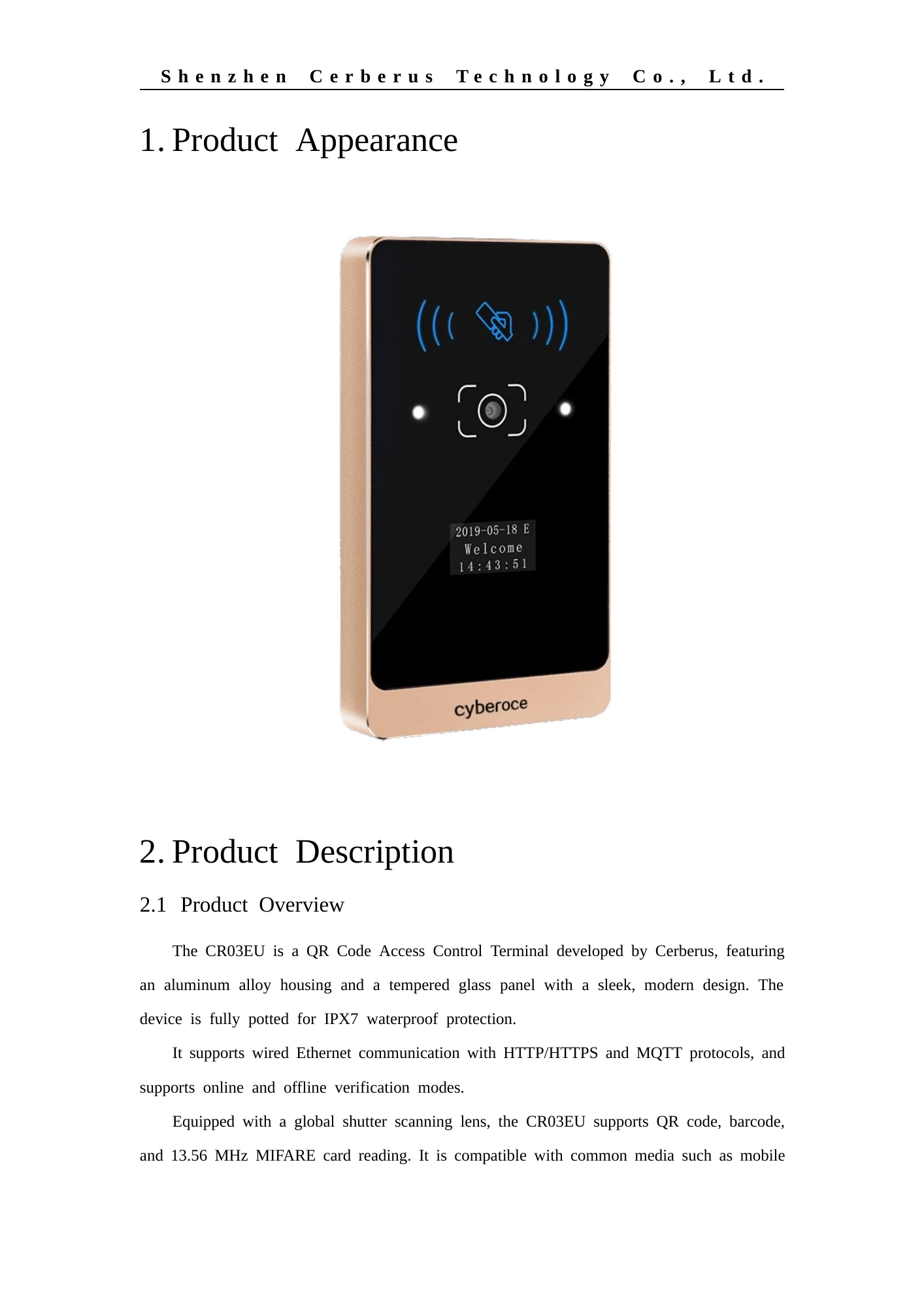

CR03EU QR Code Access Control Terminal Background

CR03EU QR Code Access Control Terminal from a Shenzhen Manufacturer

Bring QR code, barcode and MIFARE entry to a networked door or turnstile. CR03EU combines Ethernet communication, online or local verification, status feedback and access-control outputs in a slim metal terminal.

  • QR codes on phones or printed passes
  • 13.56 MHz MIFARE cards
  • Ethernet with HTTP, HTTPS or MQTT
  • IPX7-rated housing
View Specifications

CR03EU at a Glance

CR03EU is a wall-mounted networked access terminal, rather than a reader that only passes credential data to a separate controller. It reads supported codes and cards, follows the configured online or offline access rules, and operates compatible entrance equipment through its selected output.

Item CR03EU specification
Credentials QR code, supported 1D barcodes and 13.56 MHz MIFARE cards
Network and protocols Wired Ethernet; HTTP, HTTPS and MQTT
Verification Online verification, offline verification and local record caching
Local capacity 100,000 offline users and 100,000 offline records
Display 0.96-inch OLED
Control outputs 1 A NO/COM dry-contact relay; 3 A NC MOS active output
Extension output Wiegand or RS-485, mutually exclusive; Wiegand is the default configuration
Inputs Two inputs for functions such as exit button and door sensor
QR reading distance 5–20 cm
MIFARE reading distance Less than 3 cm, depending on card and installation
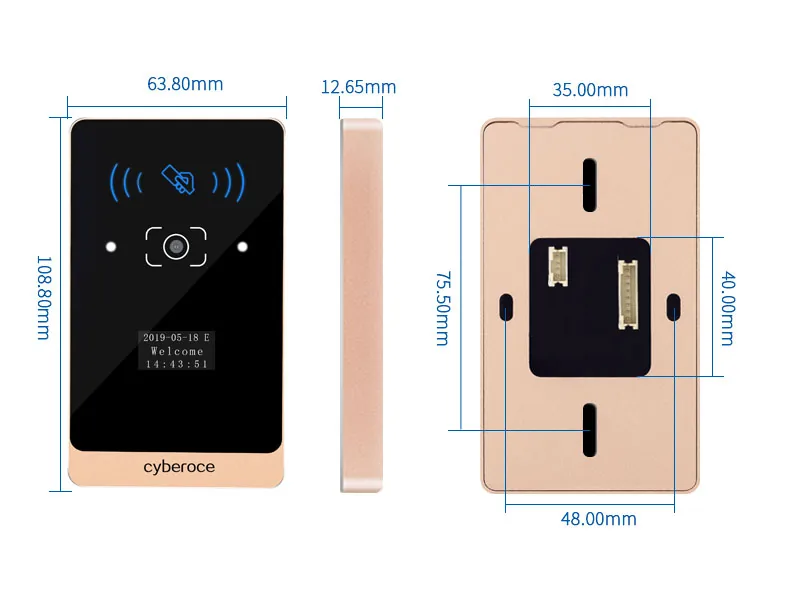
Dimensions 108.8 × 63.8 × 12.65 mm
Housing Aluminum alloy and tempered glass
Supply and environment DC 6–25 V; −20°C to 60°C; IPX7

QR Code and Code 39/Code 128 are enabled by default. Other listed code types require configuration. Check the actual credential format and firmware configuration with sample codes before deployment.

How CR03EU Controls an Entrance

A visitor presents a QR code on a phone or printed pass, or an authorised user presents a MIFARE card. CR03EU reads the credential and applies the configured verification path. With online verification, the connected platform returns the access decision. With offline verification, the terminal uses locally provisioned rules. An approved result then operates the selected lock, door or turnstile control output, while access records are stored locally according to the configuration.

QR Code / 1D Barcode / MIFARE Card Phone, printed pass or 13.56 MHz card CR03EU Access Terminal Reads credential & checks configured path Online Verification Ethernet: HTTP / HTTPS / MQTT Connected platform decision Offline Verification Locally provisioned rules 100k users / 100k records Selected Terminal Output NO/COM Relay, NC MOS, or Wiegand / RS-485 Compatible Lock, Door or Turnstile

Mixed credentials at one entrance

Use QR or barcode passes for visitor and ticket workflows while retaining MIFARE cards for recurring users. The connected system still defines who receives a credential and when it is valid.

A defined offline path

Local user and record capacity supports configured offline verification when the platform connection is unavailable. Permissions must already be present on the device, and recovery and record synchronisation should be tested with the host system.

Control matched to the equipment

The dry-contact relay, active MOS output and optional extension interface serve different wiring purposes. Select the output from the actual lock or gate input, rather than assuming that all terminals connect in the same way.

Choose the Output Before Finalising the Door Hardware

Connection Documented role Selection point
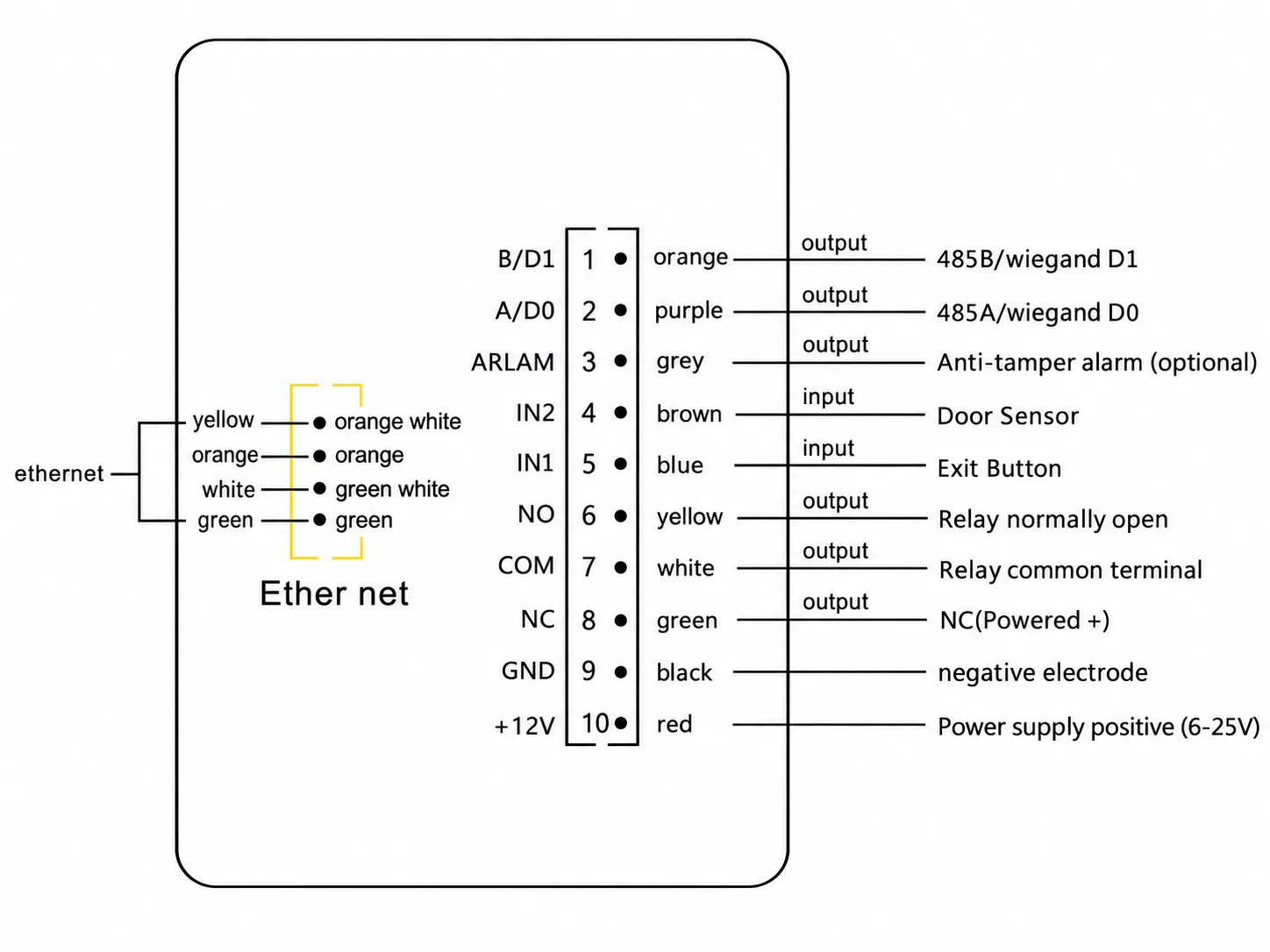
NO/COM relay 1 A dry-contact signal For a compatible turnstile, automatic door or access-control power supply control input
NC MOS 3 A active positive output For a compatible fail-safe lock whose voltage, current and wiring match the CR03EU instructions
Wiegand or RS-485 Extension communication output Select the version required by the connected system; these outputs are mutually exclusive
IN1 / IN2 Configurable entrance inputs Common project uses include an exit button and door sensor

The NC MOS terminal is an active output, not a normally closed dry contact. A lock with a higher load or a different control method should be handled through an appropriate access-control power supply or control interface. Final wiring must follow the delivered unit, equipment manuals and project drawings.

CR03EU parts and wiring interface indicator diagram

Plan the Mounting Position Around Real Scanning Conditions

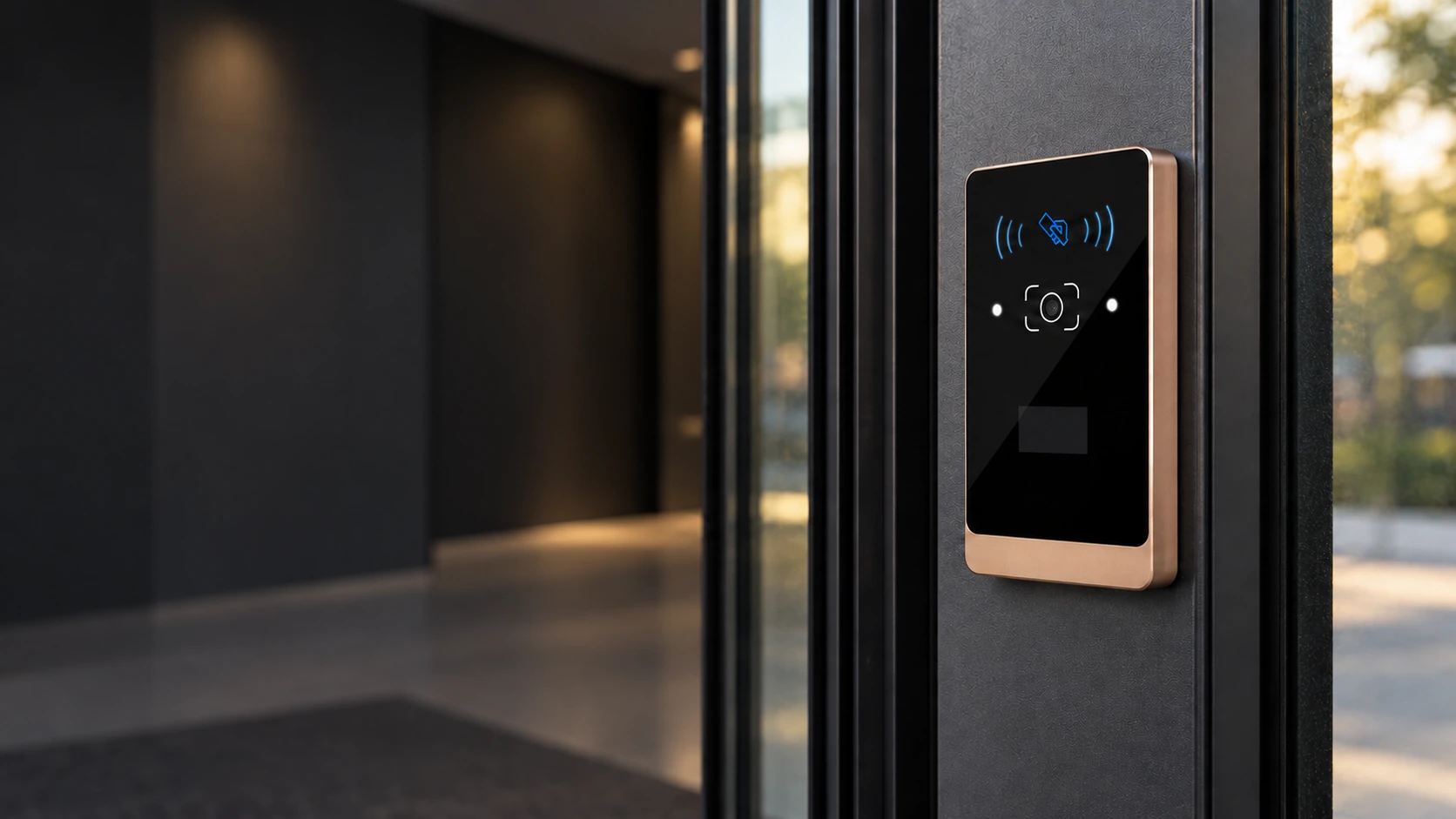
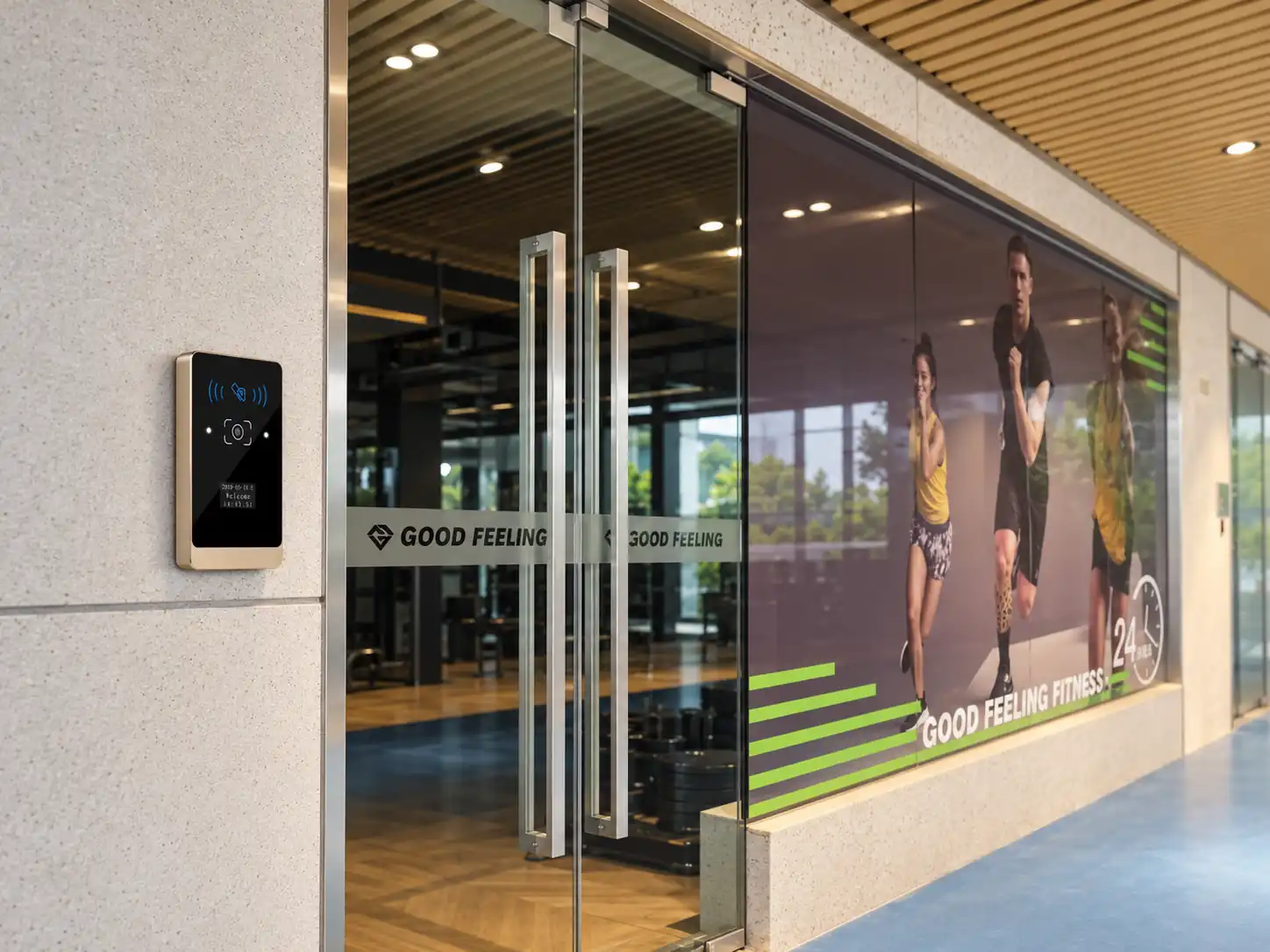
The slim 108.8 × 63.8 mm face suits a wall-side access point where users can present a phone, printed pass or card naturally. Allow space for the cable route and maintenance, place the scanner away from strong direct light and reflections, and check the 5–20 cm QR presentation distance at the final mounting position.

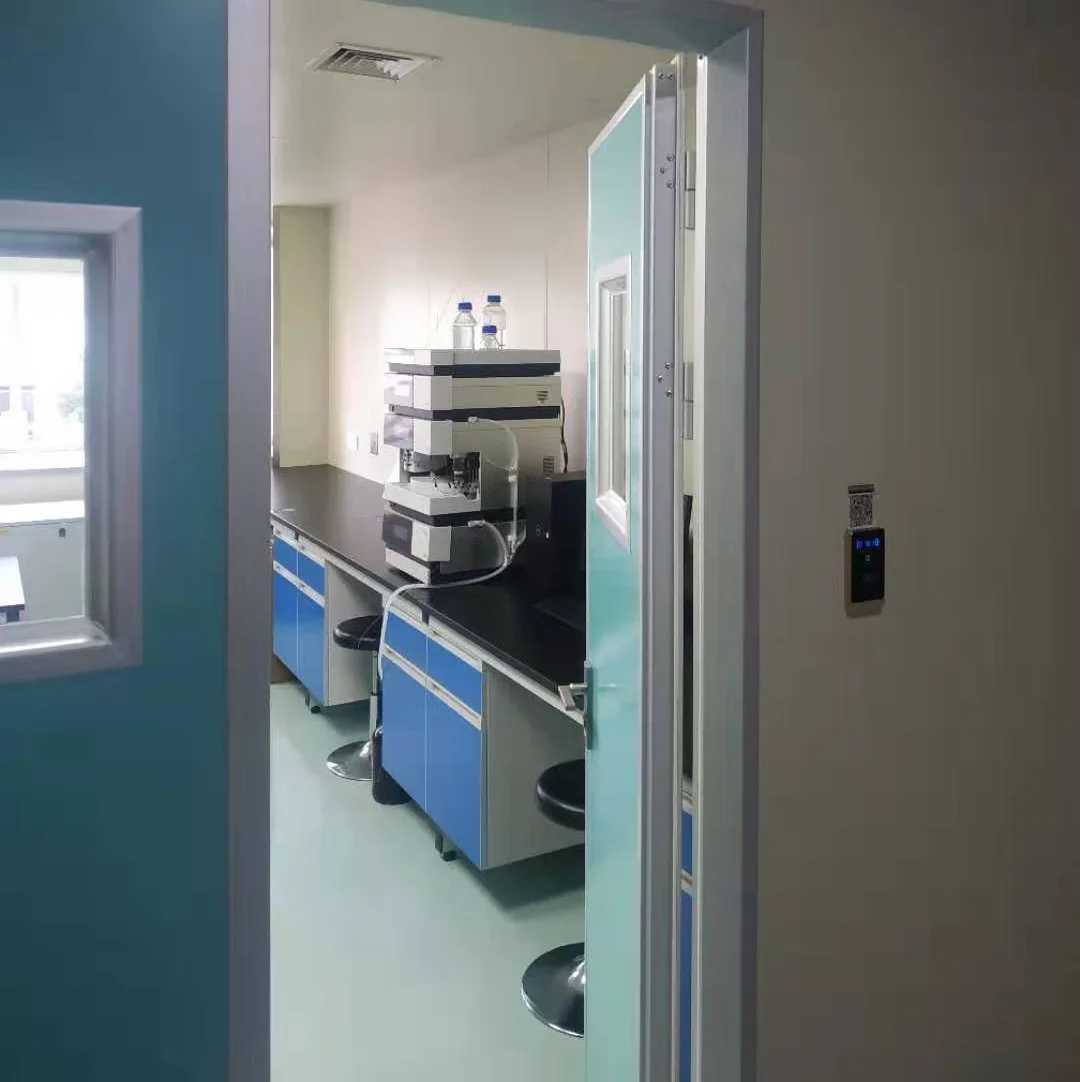
Office and shared-building doors

Office and shared-building doors

Combine visitor QR passes with MIFARE card entry where the existing platform defines access rules. Confirm Ethernet availability, door power supply, exit button, door sensor and lock-control method before installation.

Office and shared-building doors
Equipment access and permission-controlled use

Equipment access and permission-controlled use

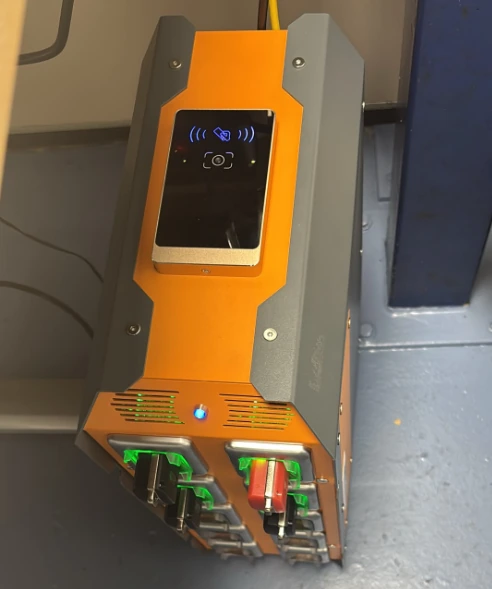
In this customer installation, CR03EU is mounted on an equipment enclosure as part of a permission-controlled workflow. Confirm credential rules, power, cable routing and the connection to the equipment controller for the specific project.

Equipment access and permission-controlled use
Apartment and community entrances

Apartment and community entrances

Use the terminal where a compact status display and local verification path are useful. Plan resident and visitor credentials, offline permissions, network recovery and the exact entrance hardware as one workflow.

Apartment and community entrances
Turnstiles and semi-outdoor access points

Turnstiles and semi-outdoor access points

Use the relay to signal a compatible gate controller. CR03EU carries an IPX7 water-ingress rating, but cable entries, mounting and site weather protection still need their own review; IPX7 is not a dust-protection claim.

Turnstiles and semi-outdoor access points

For wall installation, the CR03EU manual recommends a 35 × 40 mm cable opening. Confirm the bracket, cable outlet and fixing dimensions against the supplied drawing and the actual installation surface.

A Compact Terminal with Defined Integration Choices

One device for code and card entry
The specified QR, barcode and MIFARE functions let a project evaluate visitor passes and recurring card access on the same entrance device.
Network and local verification options
Ethernet communication and configurable online or offline operation give integration teams two documented verification paths to test against their access rules.
A housing designed for exposed entry positions
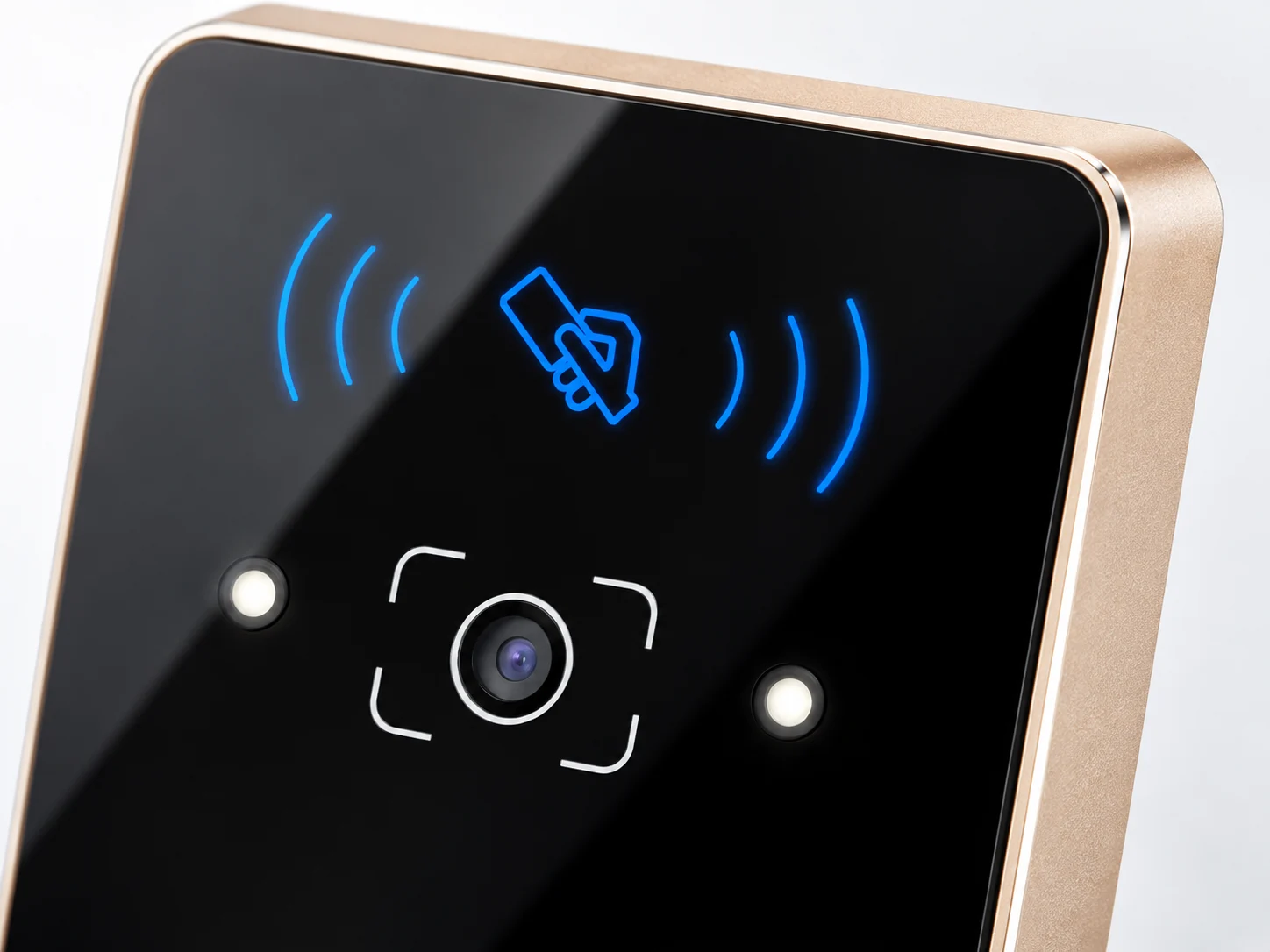
The aluminum-alloy body, tempered-glass panel and stated IPX7 water-ingress rating provide a concrete starting point for evaluating a semi-outdoor installation.
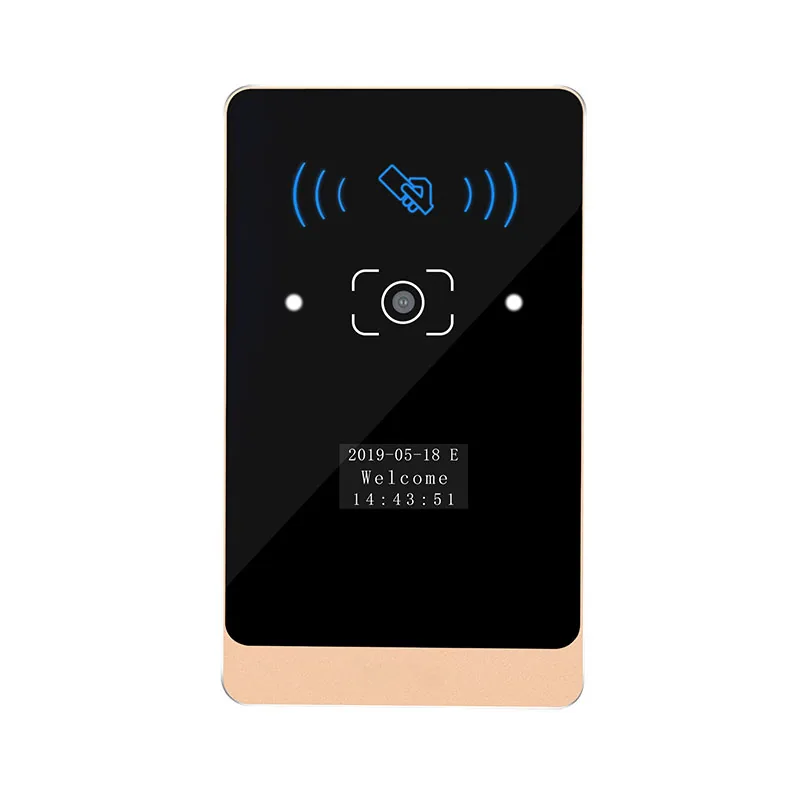
Angled view of the CR03EU aluminum alloy and tempered glass housing

Product Documentation and Integration Support

Cyberoce develops and manufactures QR access hardware in Shenzhen. For CR03EU projects, the model datasheet and user manual define the product parameters, mounting, power, network connection and output methods. Our team can review sample QR or barcode formats and the proposed device-to-platform workflow before a configuration is fixed.

OEM branding and other project-specific changes can be reviewed against the selected hardware and order requirements.

CR03EU QR Code Access Control Terminal Datasheet V2.0 preview
CR03EU QR Code Access Control Terminal User Manual V2.0 preview

CR03EU Selection Guide

What is the difference between a QR reader and CR03EU?

A QR reader primarily captures credential data and passes it to another controller for the access decision. CR03EU is a networked terminal with local user and record storage plus an output that can operate compatible entrance equipment. Choose it when the entry point needs device-side verification and control as part of the system design.

How does entry work when the network connection is lost?

CR03EU can follow configured offline rules using permissions already stored on the device. Its stated capacity is 100,000 offline users and 100,000 offline records. Offline access is only as current as the permissions delivered before the interruption, so test rule updates, record upload and recovery with the connected platform.

Can CR03EU connect to an existing visitor or access platform?

The terminal has wired Ethernet and lists HTTP, HTTPS and MQTT communication. Integration still requires agreement on credential format, request and response logic, permission handling and relay behaviour. Remote administration depends on the connected platform and project configuration; the terminal specification alone does not establish a complete cloud-management service.

QR / Barcode or MIFARE Card CR03EU Ethernet Terminal Online Platform or Local Rules Selected Output Door / Gate

What should an office installation check first?

Start with the entrance equipment and cable route: DC 6–25 V supply, Ethernet connection, chosen lock or gate control input, exit button and door contact if used. Position the scanner for natural phone presentation at the stated 5–20 cm QR reading distance and avoid strong glare. Complete authentication and door-operation tests before handing over the entrance.

Which output should control a door lock or turnstile?

A turnstile or automatic door usually takes a dry-contact opening signal, making the CR03EU NO/COM relay the relevant starting point. The 3 A NC MOS output is an active positive output for compatible fail-safe locks; it must not be wired as a dry contact. Check the controlled equipment’s input definition, current and polarity against the CR03EU manual and project drawing.

Connection Documented role Selection point
NO/COM relay 1 A dry-contact signal For a compatible turnstile, automatic door or access-control power supply control input
NC MOS 3 A active positive output For a compatible fail-safe lock whose voltage, current and wiring match the CR03EU instructions
Wiegand or RS-485 Extension communication output Select the version required by the connected system; these outputs are mutually exclusive
IN1 / IN2 Configurable entrance inputs Common project uses include an exit button and door sensor

Is CR03EU suitable for a small office or apartment entrance?

It is a candidate where the project needs Ethernet, QR or barcode passes, MIFARE cards, a compact status display and a documented local verification path. Compare the mounting position, power and network availability, credential policy, lock type and site exposure before deciding. A screen-free embedded terminal or a larger-display model may fit better when the enclosure or user-feedback requirement changes.

Discuss a CR03EU Configuration

Share the entrance type, QR or barcode sample, MIFARE requirement, connected platform, network conditions and lock or turnstile interface. We can use these details to review the CR03EU configuration, relevant documents and the next technical evaluation step.

Supported formats: PDF, JPG, PNG, STEP, IGES, STL, DWG (Max 20MB)