
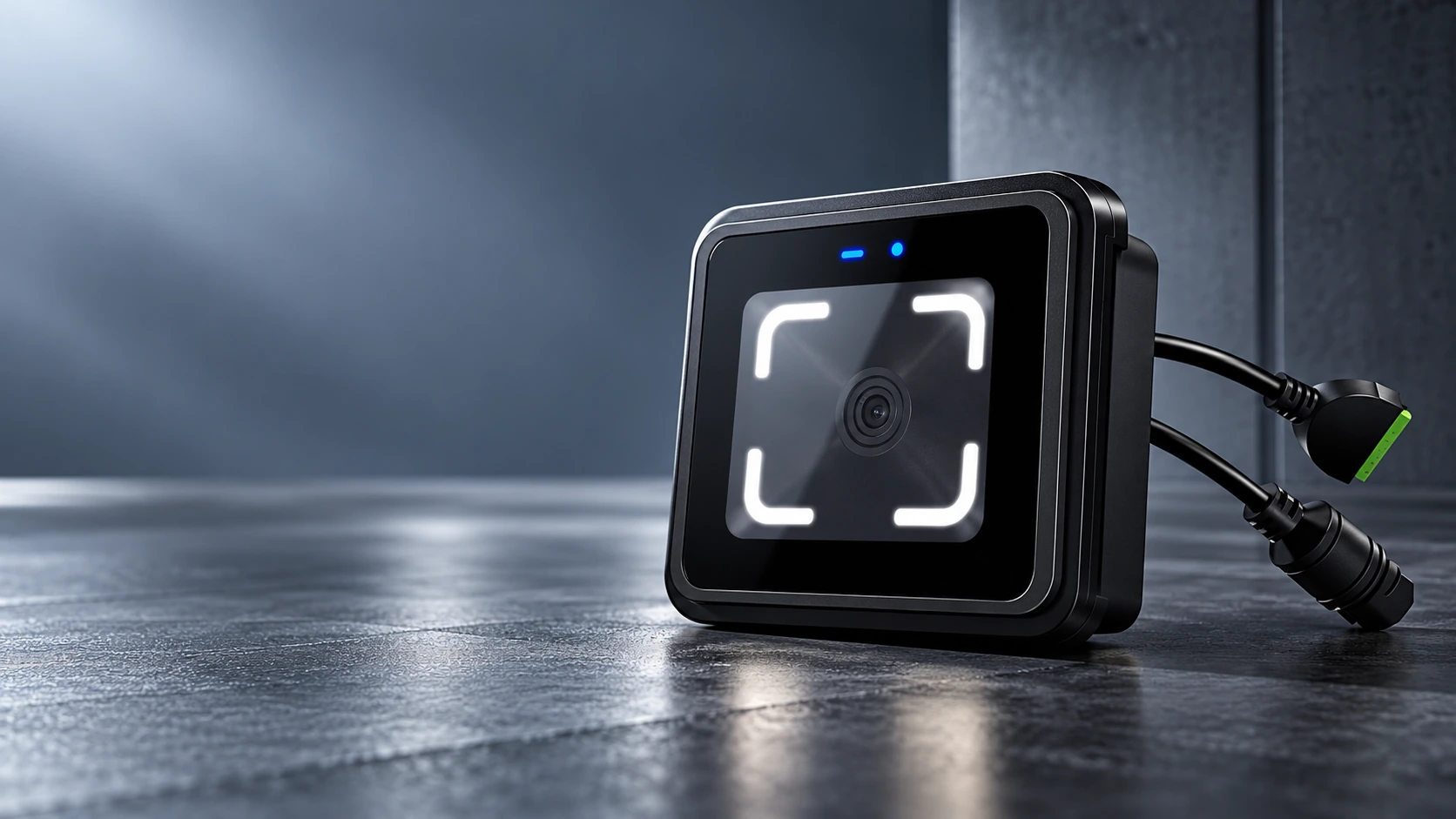
CR20E QR Code Access Control Terminal Manufacturer for Embedded Entrances
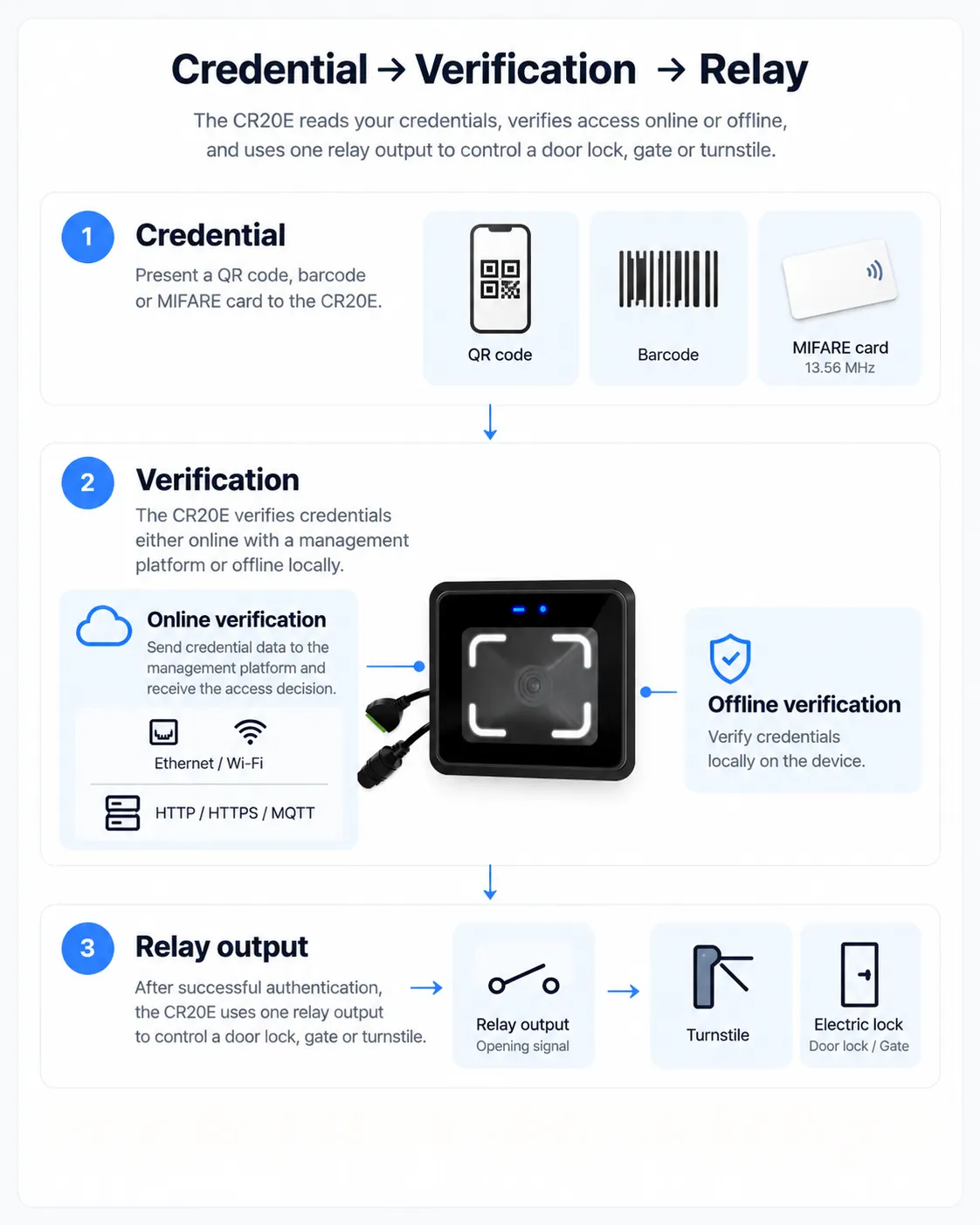
Bring QR code, barcode and MIFARE card access into a compact gate or door panel. CR20E combines wired network communication, local credential verification and a relay output in one terminal, with interfaces for integration into an existing access platform.
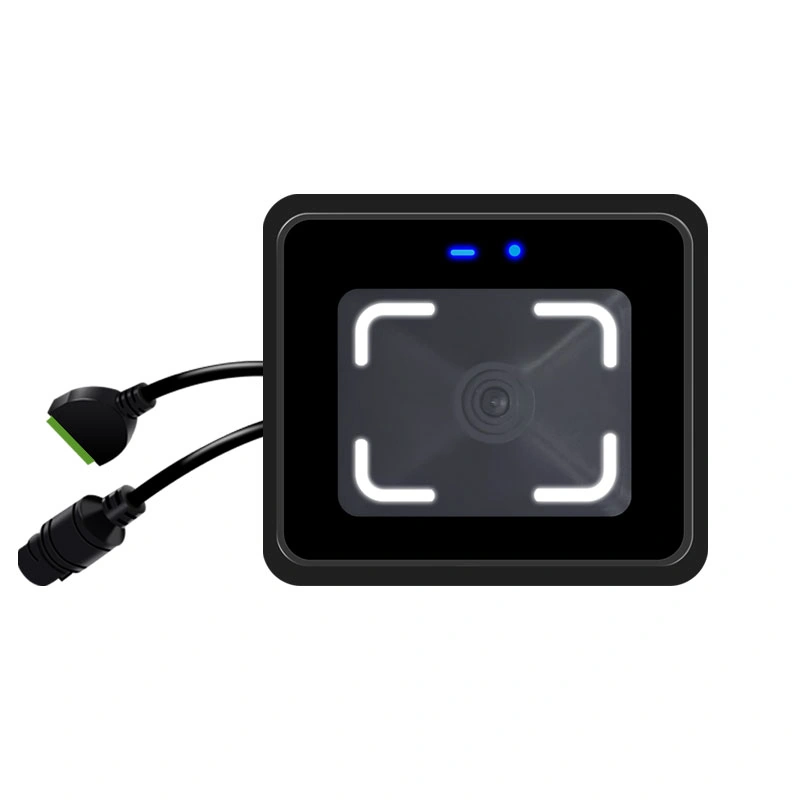
One Compact Terminal, Two Network Configurations
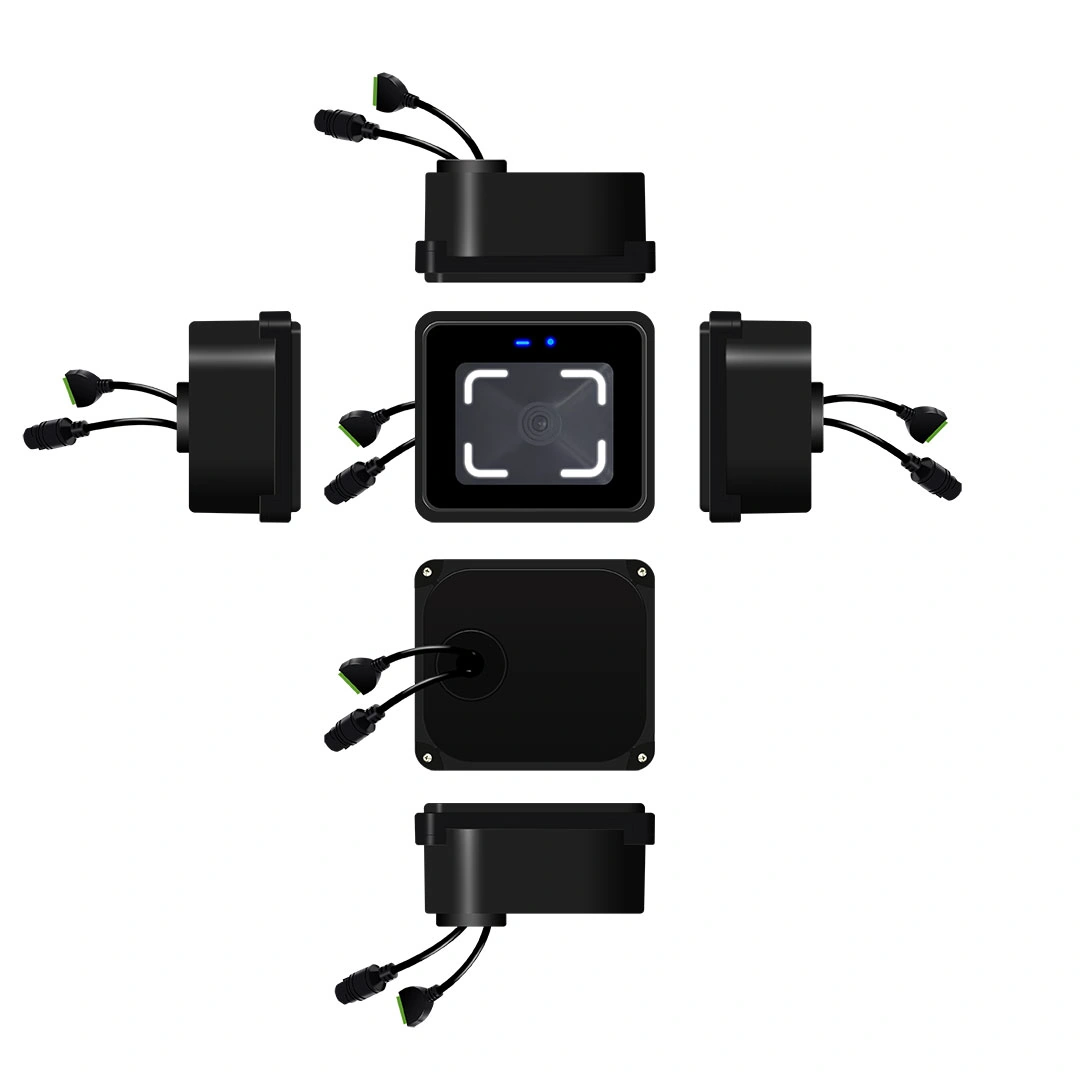
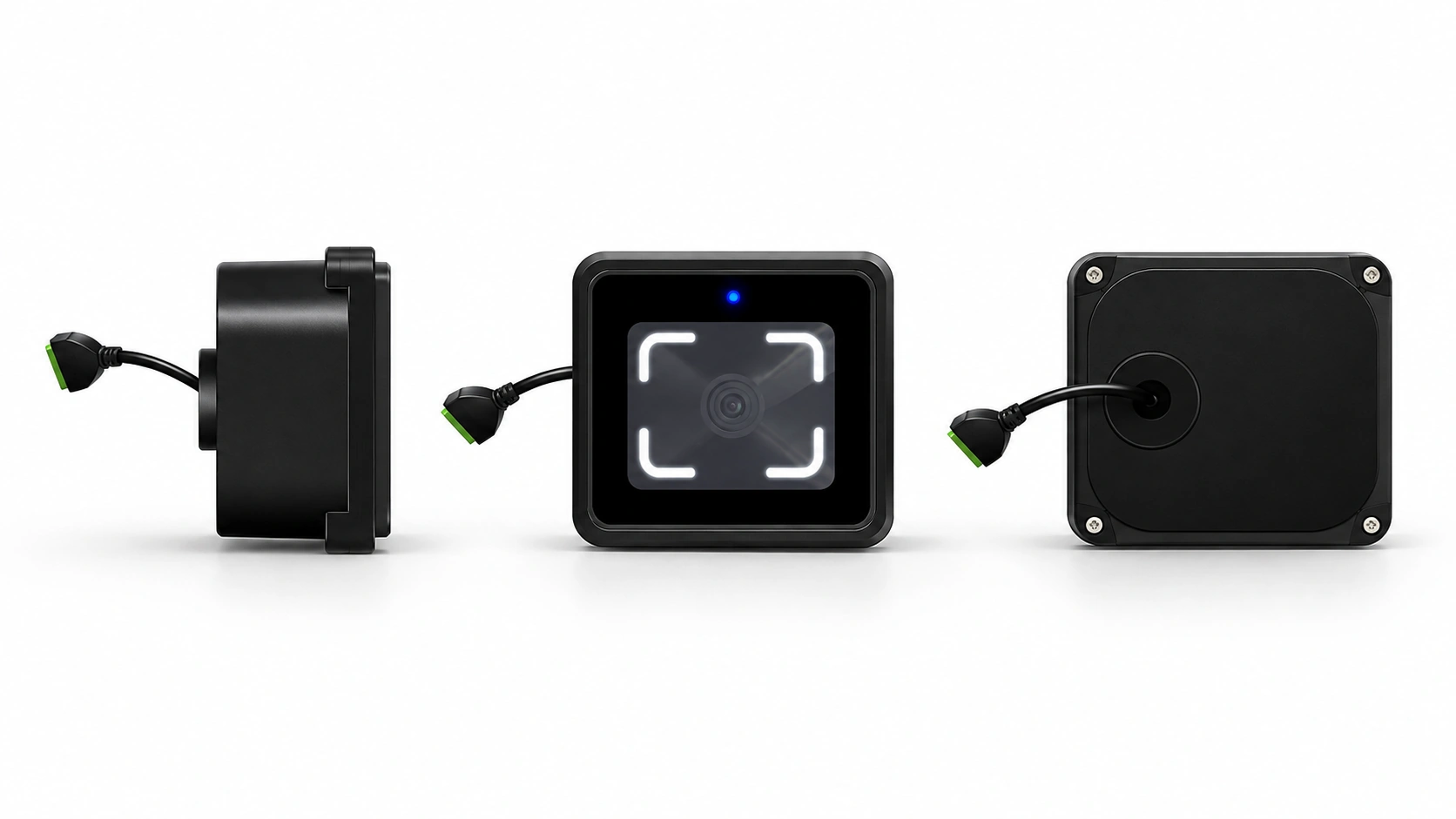
CR20E is a screenless embedded access control terminal. It reads a presented code or card, checks access according to the configured online or offline mode, and sends an opening signal through its built-in relay. Its 76 × 66 mm front format suits projects where the scanning point must fit into an existing gate, door or equipment panel.
| Configuration | Network connection | Selection cue |
|---|---|---|
| CR20E | Wired Ethernet | Choose when a network cable is available at the entrance. |
| CR20EW | Wired Ethernet and 2.4 GHz Wi-Fi | Review when the project requires the Wi-Fi-equipped model and the local wireless environment can be validated. |
QR code or MIFARE card → CR20E → local or platform verification → relay signal → compatible door or gate control
Both configurations require the credential rules, network settings, relay wiring and receiving platform to be checked against the delivered hardware and project design.
CR20E Specifications
| Product type | Embedded QR code access control terminal |
|---|---|
| Dimensions | 76 × 66 × 35.4 mm |
| Housing | ABS and glass |
| Credentials | QR codes, supported barcodes and 13.56 MHz MIFARE cards |
| Listed barcode formats | Code 39 and Code 128; other formats require configuration review |
| Network | Wired Ethernet through RJ45 |
| Platform protocols | HTTP, HTTPS and MQTT |
| Extended interface | Wiegand output or RS-485; mutually exclusive, with Wiegand output listed as the default |
| Inputs | Exit button and door sensor |
| Output | One normally open/common dry-contact relay, rated 1 A |
| Power input | DC 6–25 V |
| Offline records | 200,000 |
| Operating temperature | −20°C to 60°C |
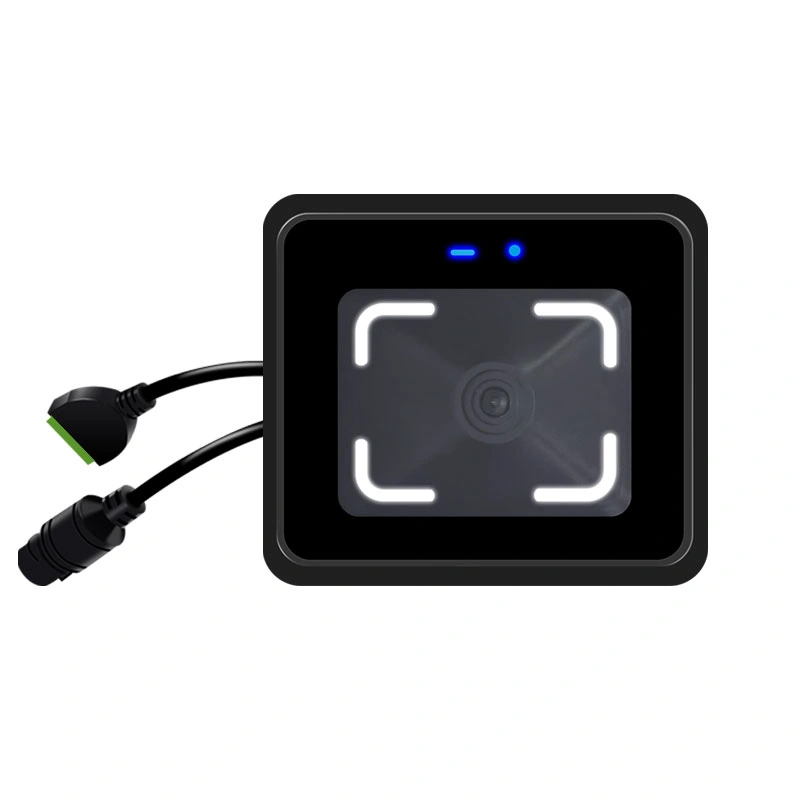
| Display | No screen; status is shown by indicator lights |
Credential compatibility, offline permission rules and output format should be checked with real project codes, cards and platform settings before deployment.
Choose the Terminal When Access Decisions Belong at the Entrance
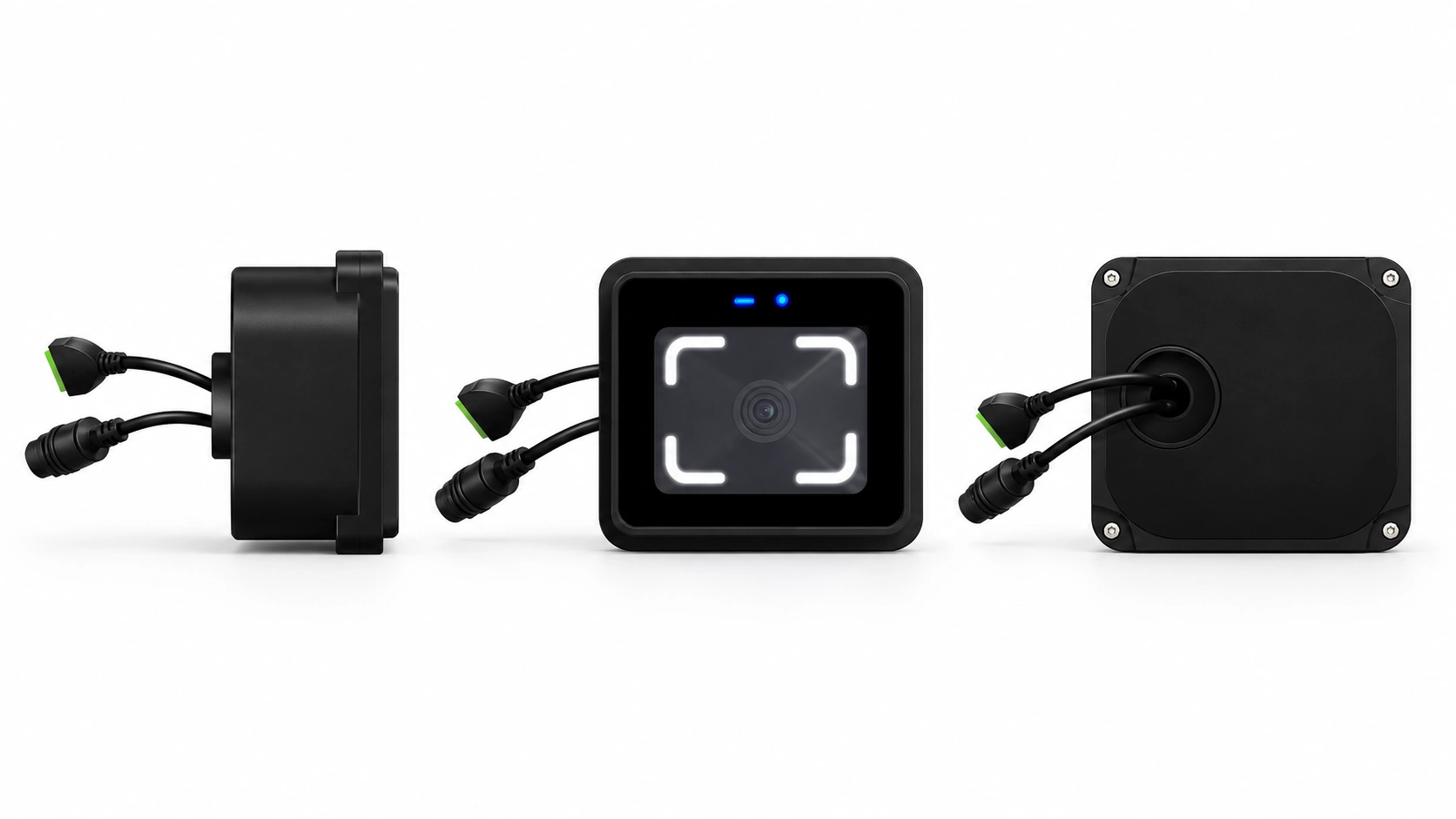
CR20E terminal
What it does: Reads credentials, communicates with a platform, supports configured local verification and provides a relay opening signal.
What the project still needs: A compatible lock or gate circuit, power supply, network and access rules.
CR20 reader
What it does: Reads credentials and sends data over RS-485 to a separate controller or ticketing board.
What the project still needs: An external system to verify the credential and control access.
If the existing controller already makes every access decision, a reader may be the simpler fit. If the entrance needs a networked terminal with local verification and a relay signal, evaluate CR20E and its integration requirements.
Plan the Credential, Network and Opening Signal Together
A successful scan is only one step in an access event. The credential rule, platform response or local permission, and the equipment receiving the relay signal must work as one design.
| Connection | Project consideration |
|---|---|
| Ethernet | Connect the RJ45 port to the intended network and confirm that the device can reach the management platform. |
| HTTP, HTTPS or MQTT | Match the device’s server settings and message handling to the platform’s integration method. |
| Wiegand or RS-485 | Select one extended output mode for the receiving system; the two functions share the interface and are not simultaneous. |
| NO/COM relay | Use the dry contact as an opening signal for a compatible gate or control circuit. Check the load and lock wiring before installation. |
| IN1 and IN2 | Use the inputs for an exit button and door sensor when the project design requires them. |
For a higher-power electric lock, use an appropriate access control power supply or intermediate relay instead of driving the lock directly from the terminal’s 1 A relay.
Review My Integration RequirementsResolve the Details That Affect Everyday Entry
Codes scan, but access is not granted
Recognition does not by itself confirm permission. Check the selected online or offline mode, credential rule, platform connection and relay circuit to find where the access decision stopped.
A site uses both visitor codes and staff cards
CR20E accepts QR codes and supported barcodes alongside 13.56 MHz MIFARE cards. Test the actual code formats and card population, then set the access policy for each credential type in the connected system.
The entrance is exposed to sun, rain or reflections
Position the scanning window where people can naturally present a phone or card. Reduce direct glare, leave room for wiring and maintenance, and add a suitable cover for long-term outdoor installation. Validate the final mounting position with representative credentials.
Where CR20E Fits
| Entrance | Why consider CR20E | Validate on site |
|---|---|---|
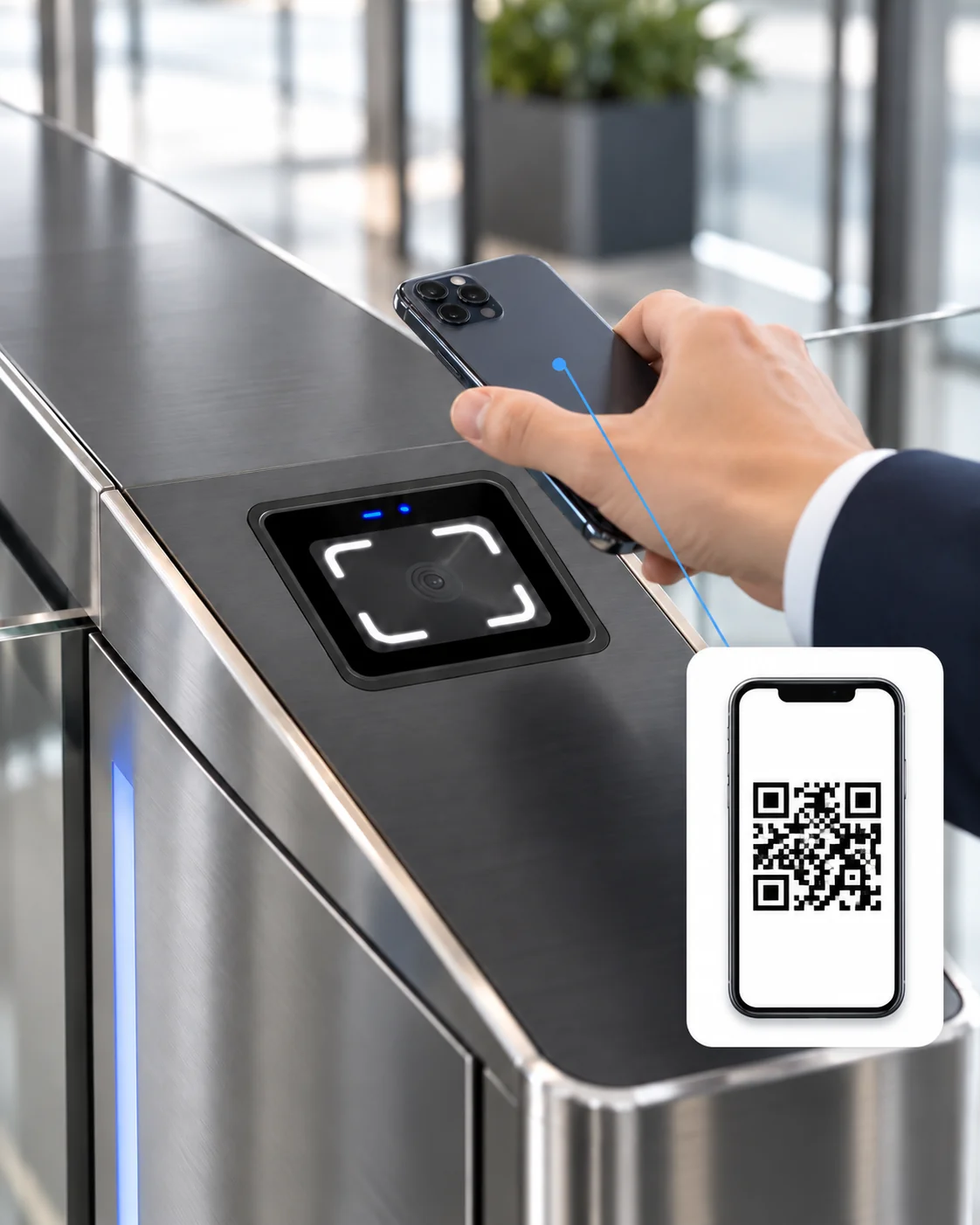
| Turnstile or gate panel | Embedded code and card verification with a relay opening signal | Panel opening, scan position, gate input and cable route |
| Office entrance | Code and card access connected to an existing management platform | Network reachability, access rules, lock power and exit button |
| Shared fitness or self-service space | A compact entrance point for issued credentials | Credential lifecycle, offline policy and record synchronization |
| Apartment or campus entrance | One device for mobile or printed codes and MIFARE cards | User flow, mounting environment and card compatibility |
The terminal is hardware within a larger access design. Confirm credential issuance, permission management and the controlled equipment before selecting the installation method.
CR20E Installation and Selection Guide
How is CR20E installed at an office entrance?
What happens when the network is unavailable?
How does QR access compare with a card-only entrance?
What should be checked before choosing CR20E or CR20EW?
Why might a valid scan fail to open the gate?
What should a supplier quotation cover?
Why Consider CR20E for an Embedded Entrance
Product and Integration Advantages
Code and card access in one panel
CR20E reads QR codes, supported barcodes and 13.56 MHz MIFARE cards, allowing the entrance design to accommodate more than one credential workflow.
Online and local verification options
Configure how the terminal checks permissions through the connected platform and how locally stored permissions are used when the network is unavailable. The intended behavior should be tested with the project’s access rules.
Compact embedded format
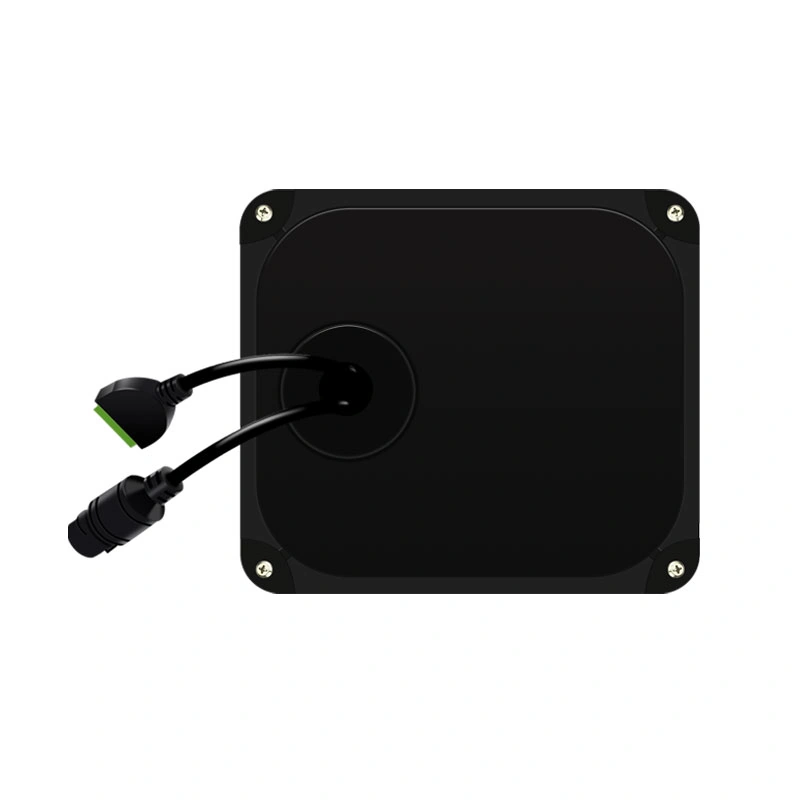
At 76 × 66 × 35.4 mm, CR20E can be checked against the available space, panel opening and cable route before a gate or door installation is finalized.
Defined control connections
A 1 A dry-contact relay, an exit-button input and a door-sensor input give the integration team clear connection points to assess against the site wiring plan.
Product Documents for a Clearer Evaluation
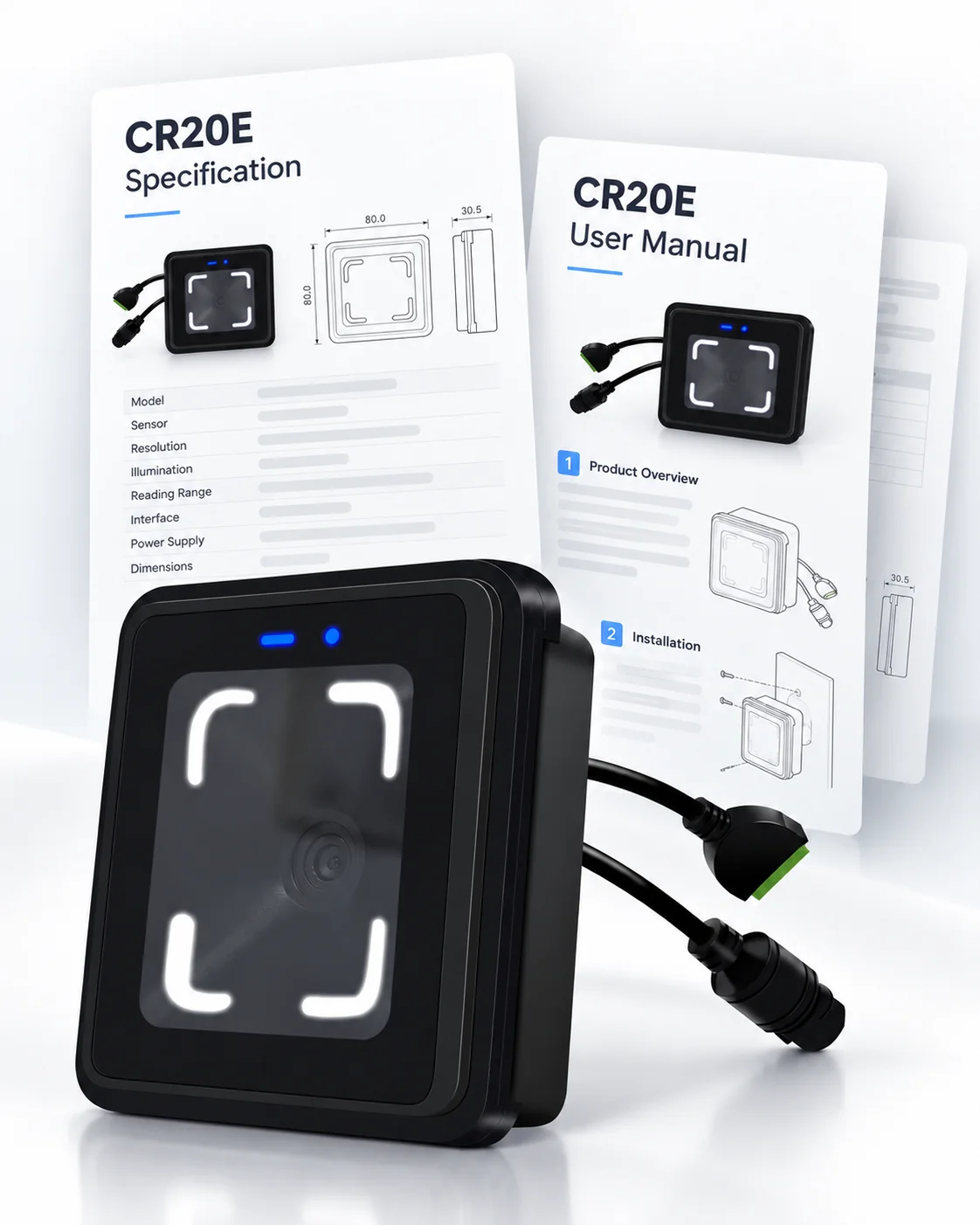
Cyberoce develops and manufactures QR code access devices in Shenzhen. The CR20E specification and user manual provide a starting point for reviewing credentials, network communication, mounting, wiring and basic configuration. Our team can use those model-specific details alongside your actual codes, cards and platform requirements to review the intended setup before wider deployment.
Discuss Your CR20E Integration
Share the entrance type, credential samples, network plan and equipment to be controlled. We can review the CR20E configuration and the interface points that matter for your project.
contact@sz-cerberus.com
Phone
+86 137 2888 0920
Address
Room 306, Building B11, Yintian Industrial Park, Xixiang Street, Bao'an District, Shenzhen, Guangdong Province, China