
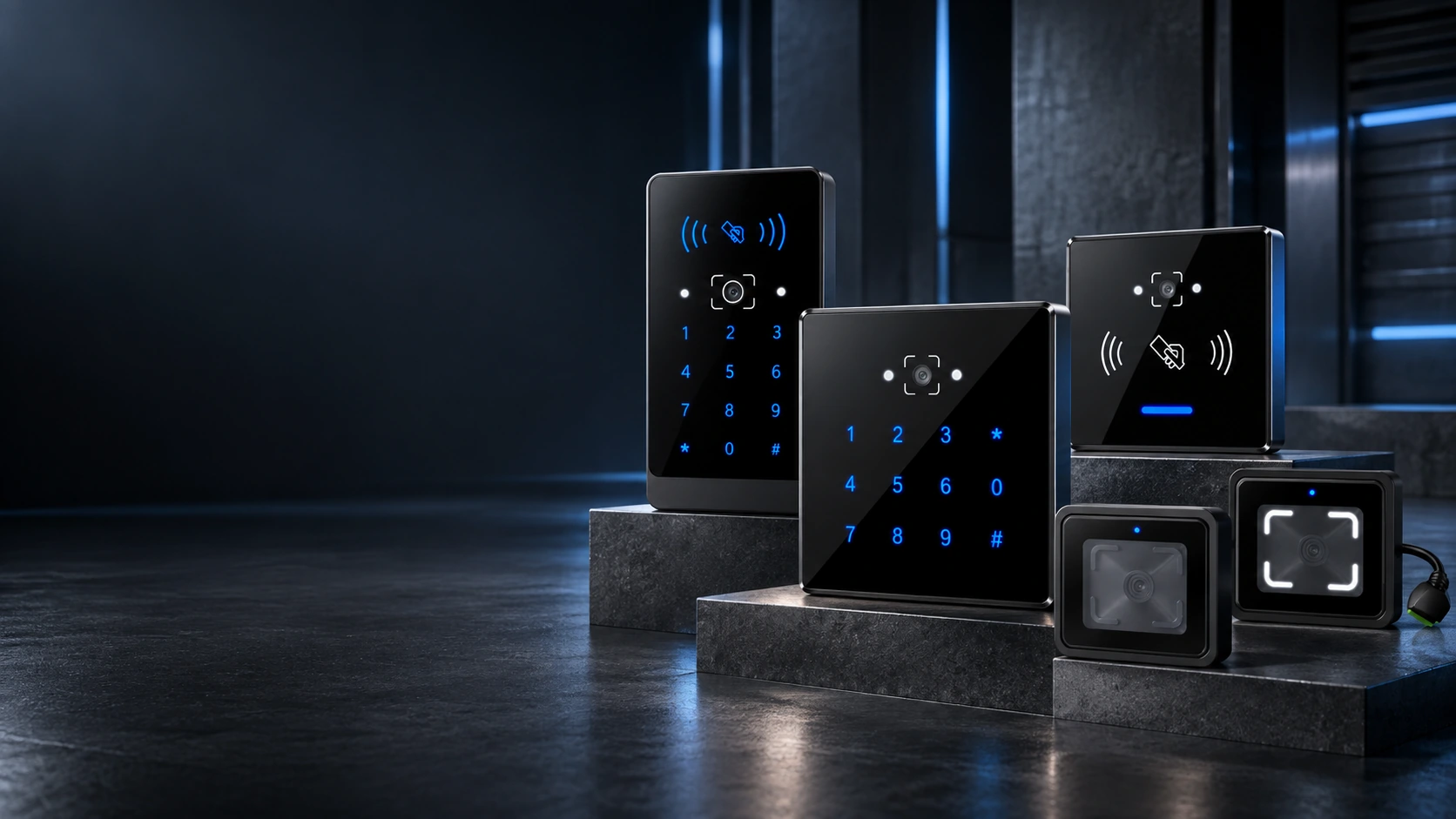
QR Code Access Control Reader Manufacturer for System Integration
Choose embedded, 86 × 86 mm or wall-mounted readers for QR codes, barcodes and RFID cards, with PIN entry available on selected models. Connect the reader to a third-party access controller through Wiegand, RS-485 or RS-232, depending on the model.
- 6 reader models for different mounting and interface requirements
- IP66 and IPX7 options for projects requiring ingress protection
- Phone-screen, printed-code and RFID credential support
- Firmware configuration and OEM/ODM support available by project
How a QR Code Access Control Reader Fits into Your System
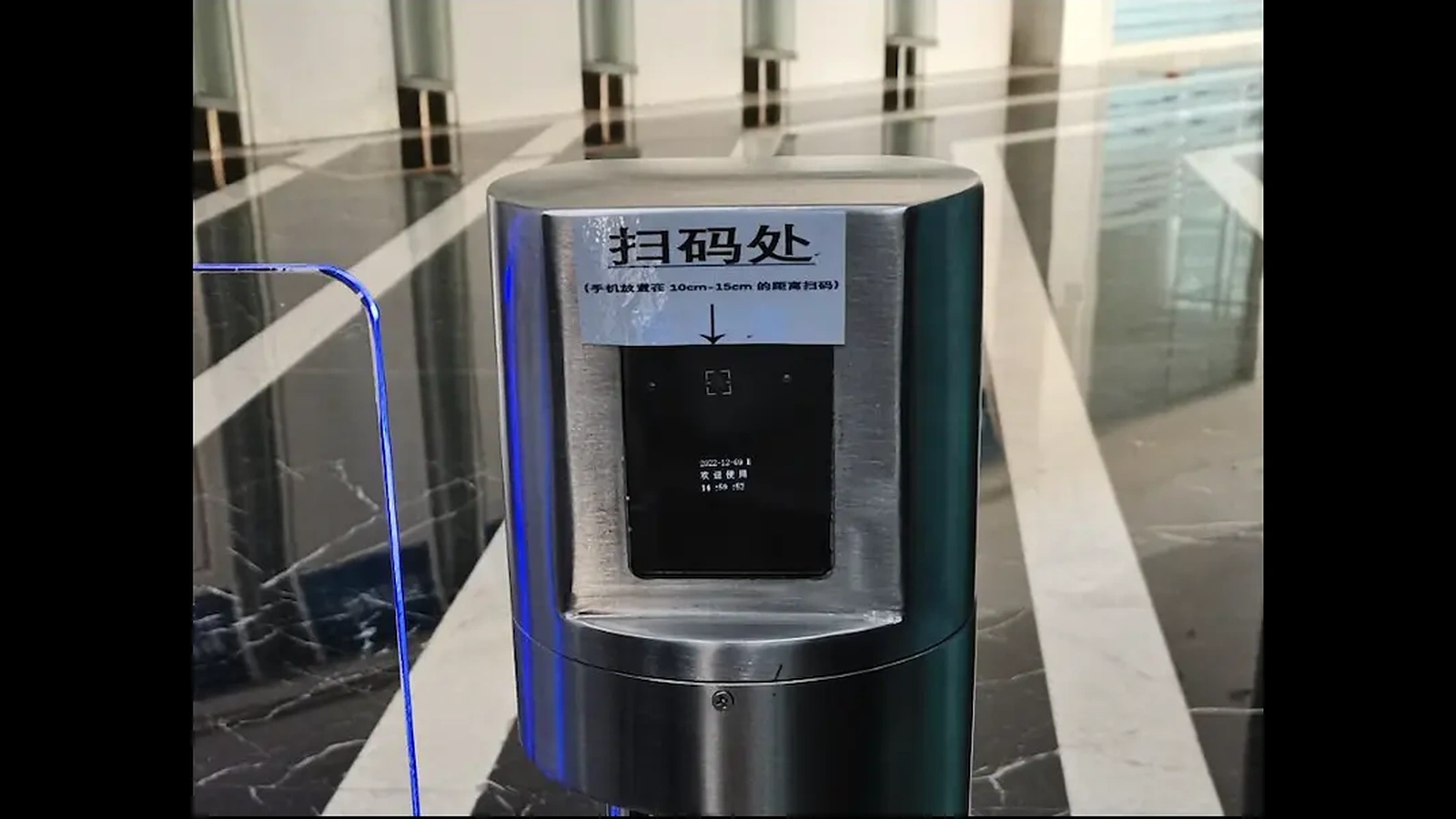
A QR code access control reader captures credential data and sends it to an external controller. The controller checks the credential against the configured access rules and then controls the lock, turnstile or other entrance equipment.
This architecture lets system integrators add mobile or printed QR credentials to an existing access control platform without replacing the complete controller and lock system. The reader model, output format, power supply and controller input must still be matched before installation.
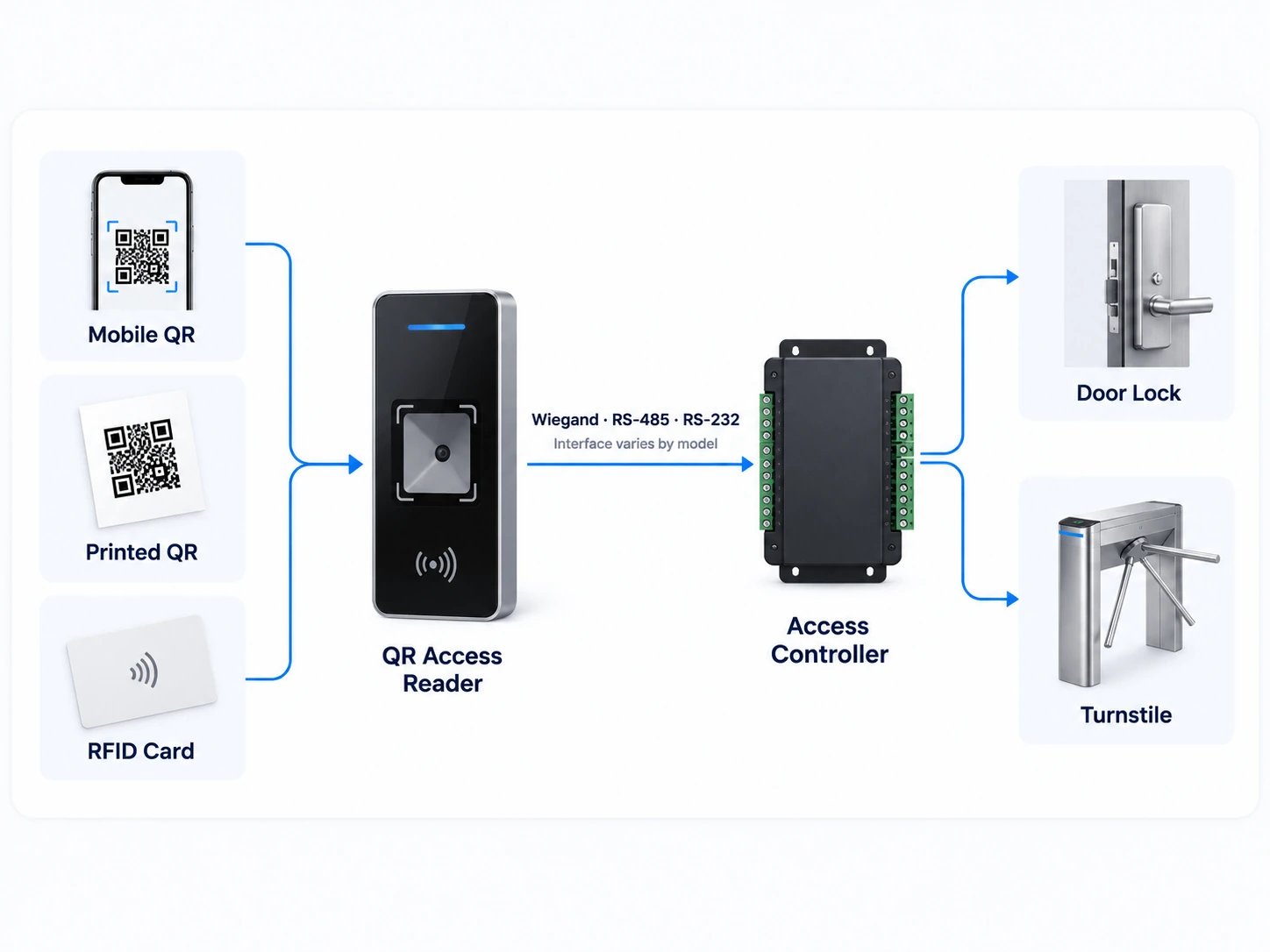
Mobile or printed QR code / barcode / RFID card → Reader → Wiegand, RS-485 or RS-232 → Access controller → Lock or turnstile
Compare Six QR Code Access Control Reader Models
Start with the installation format, then compare credential types, communication interfaces, ingress protection and power requirements. Model-level options should be confirmed against the controller and the credentials used in the project.
Embedded Readers for Turnstiles and Equipment
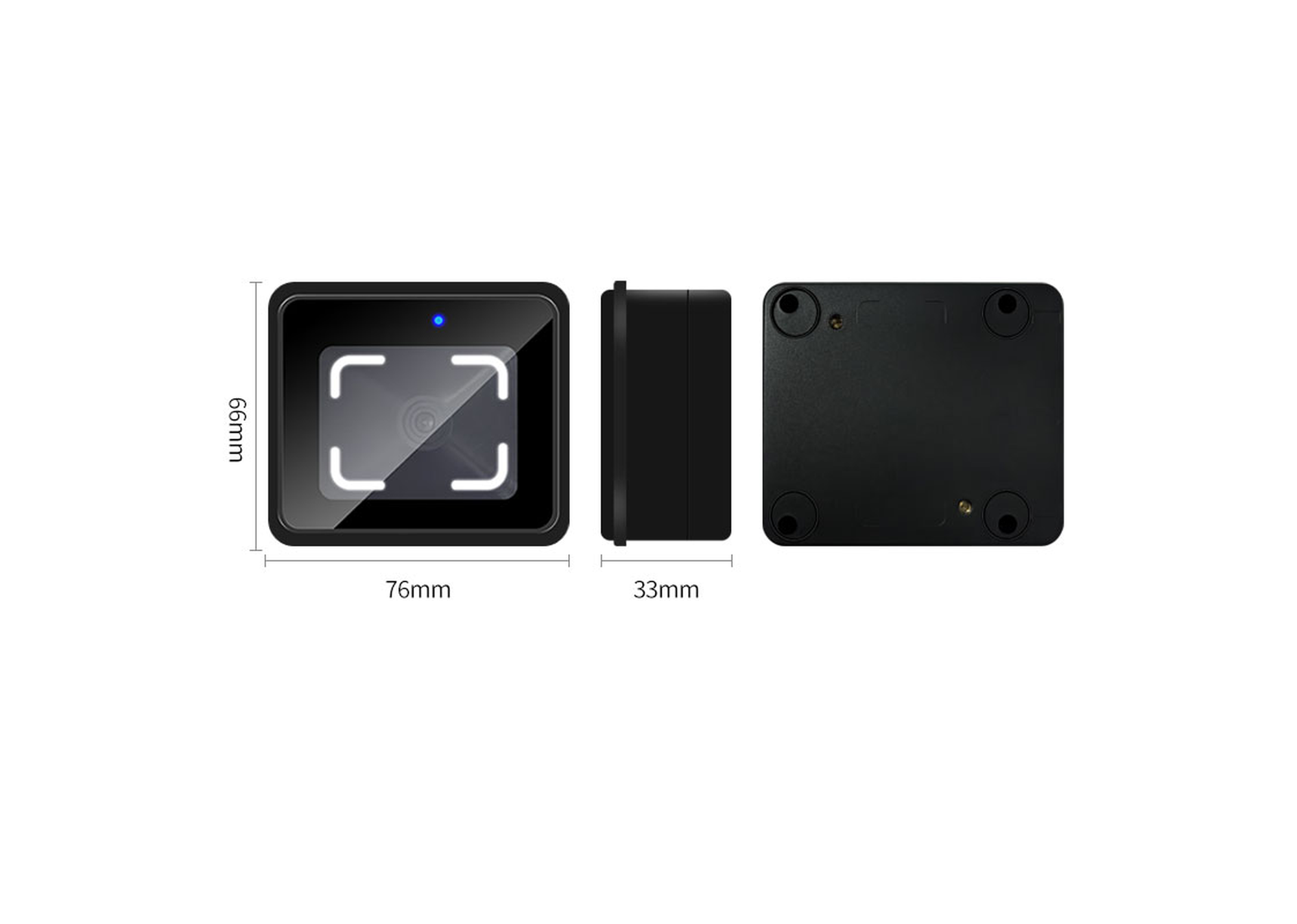
Multi-Interface Embedded QR Reader
An embedded reader for turnstiles, elevator equipment and device integration. It reads QR codes, configured barcode formats and 13.56 MHz MIFARE cards, with 125 kHz EM card support available by configuration.
- Wiegand, RS-232 and RS-485
- 76 × 66 × 33 mm
- QR code / barcode / MIFARE
- Fastest specified recognition time: 10 ms
- DC 5–30 V
- No ingress-protection rating specified
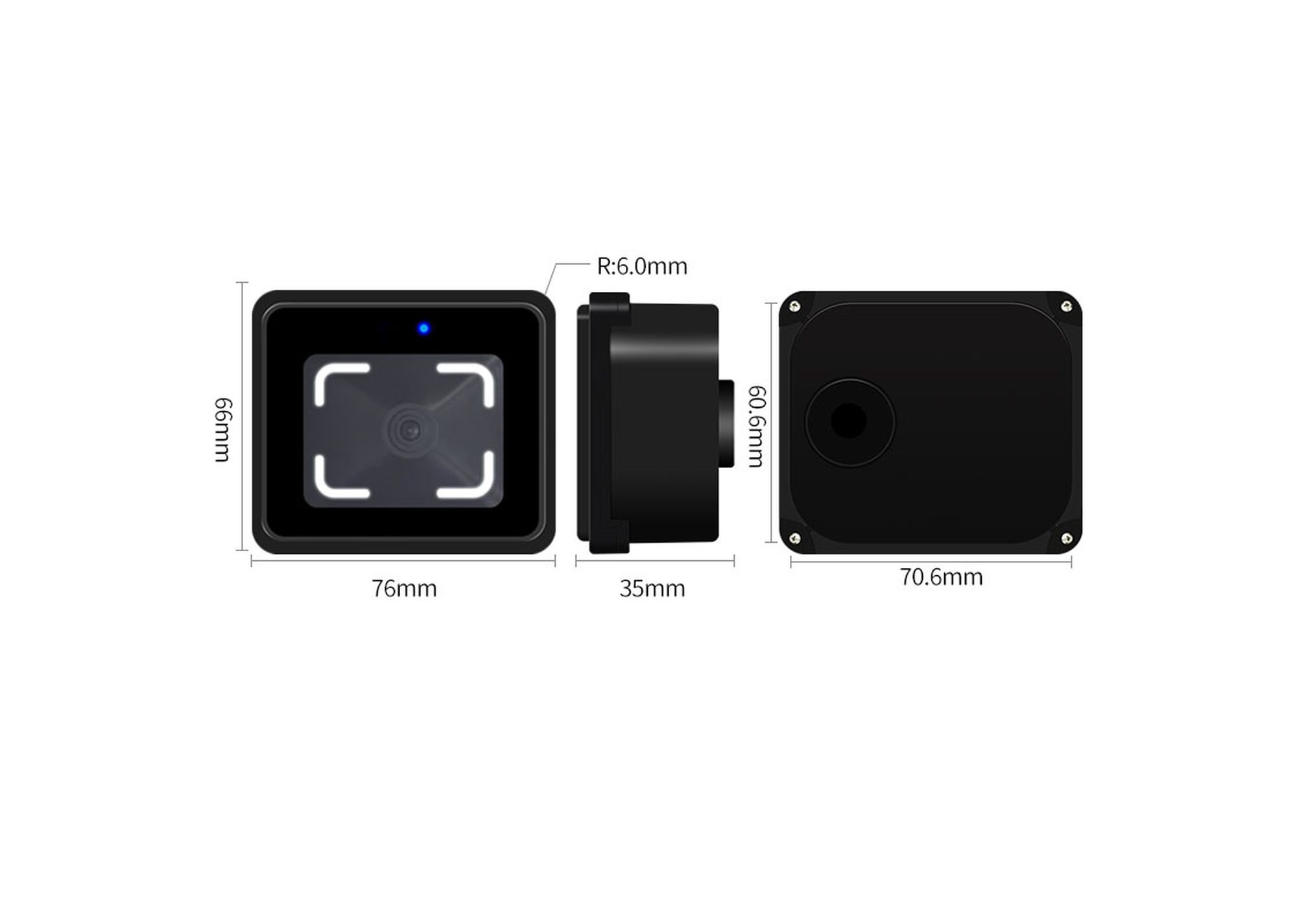
IP66 Embedded RS-485 QR Reader
A compact reader for turnstiles, elevators and installations where a higher ingress-protection rating is required. It reads QR codes, configured barcode formats and 13.56 MHz MIFARE cards.
- RS-485
- IP66
- 76 × 66 × 35.4 mm
- Specified recognition time: under 200 ms
- DC 6–25 V
- QR code / barcode / MIFARE
86 × 86 mm Readers
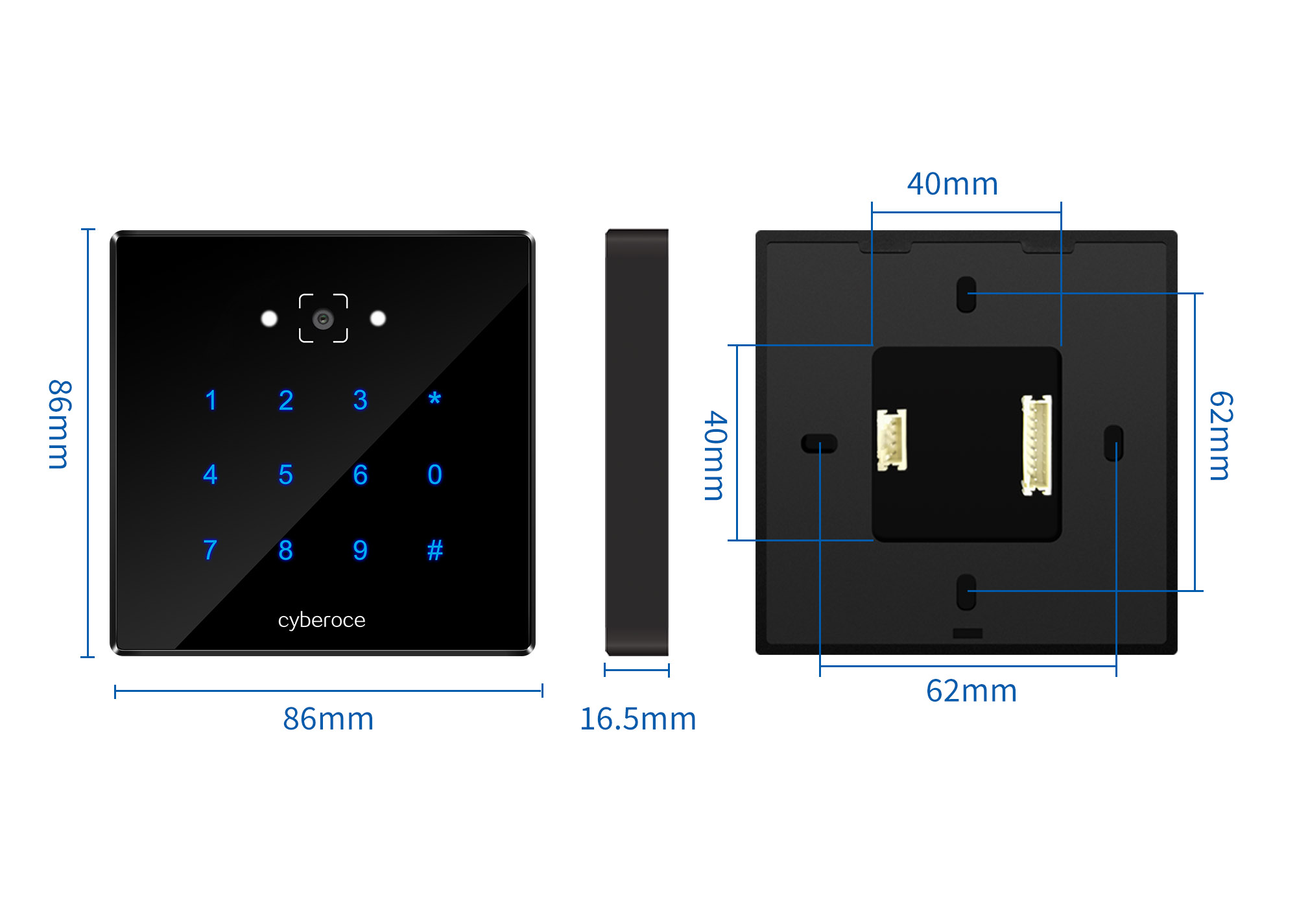
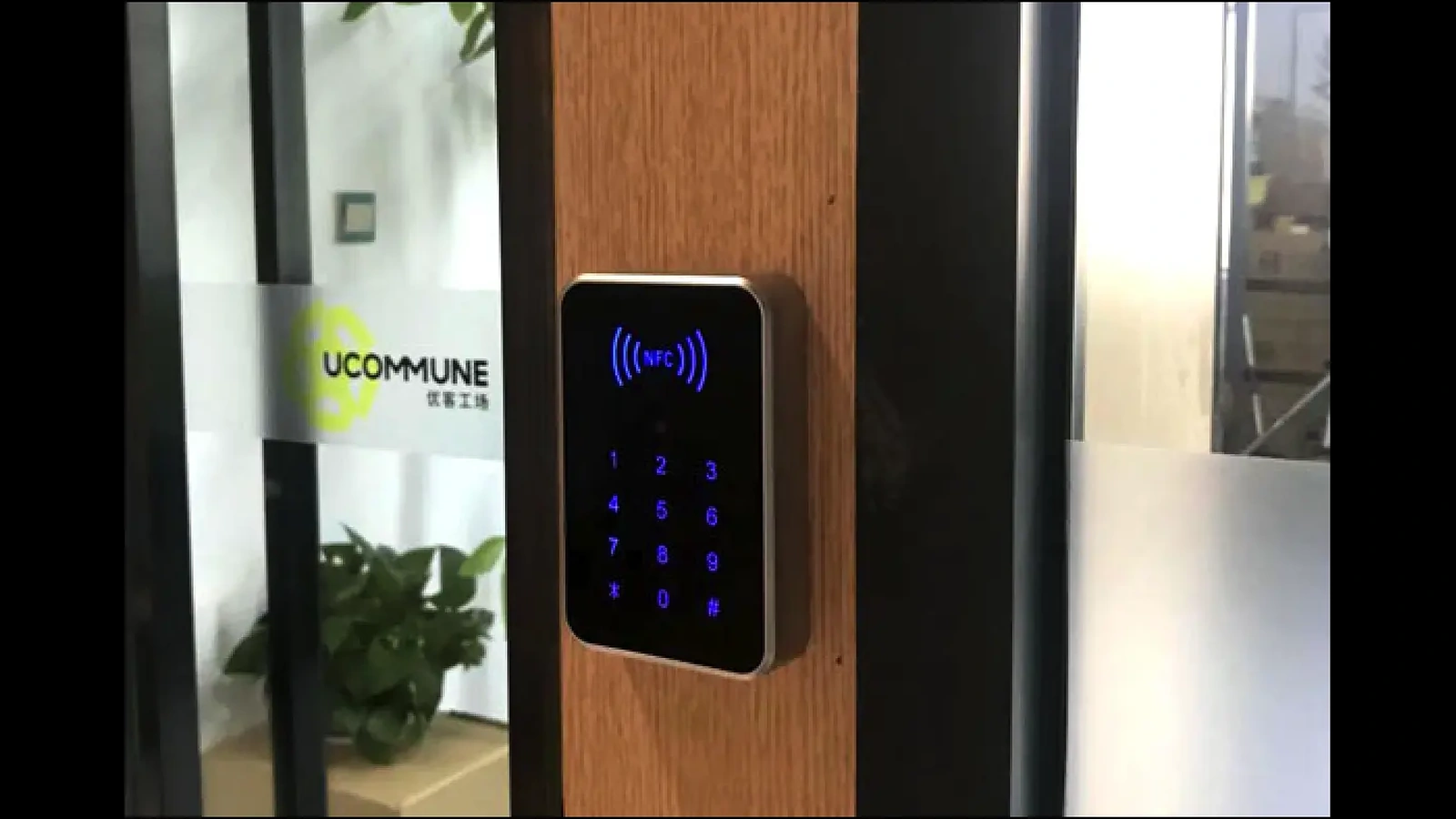
86 × 86 mm QR, RFID and PIN Reader
A keypad reader for projects that need QR or barcode credentials, 13.56 MHz RFID cards and PIN entry in a standard 86 × 86 mm format.
- • Wiegand and RS-485
- • 86 × 86 × 16.5 mm
- • IPX7
- • QR code / barcode / RFID / PIN
- • Fastest specified recognition time: 10 ms
- • DC 5–30 V
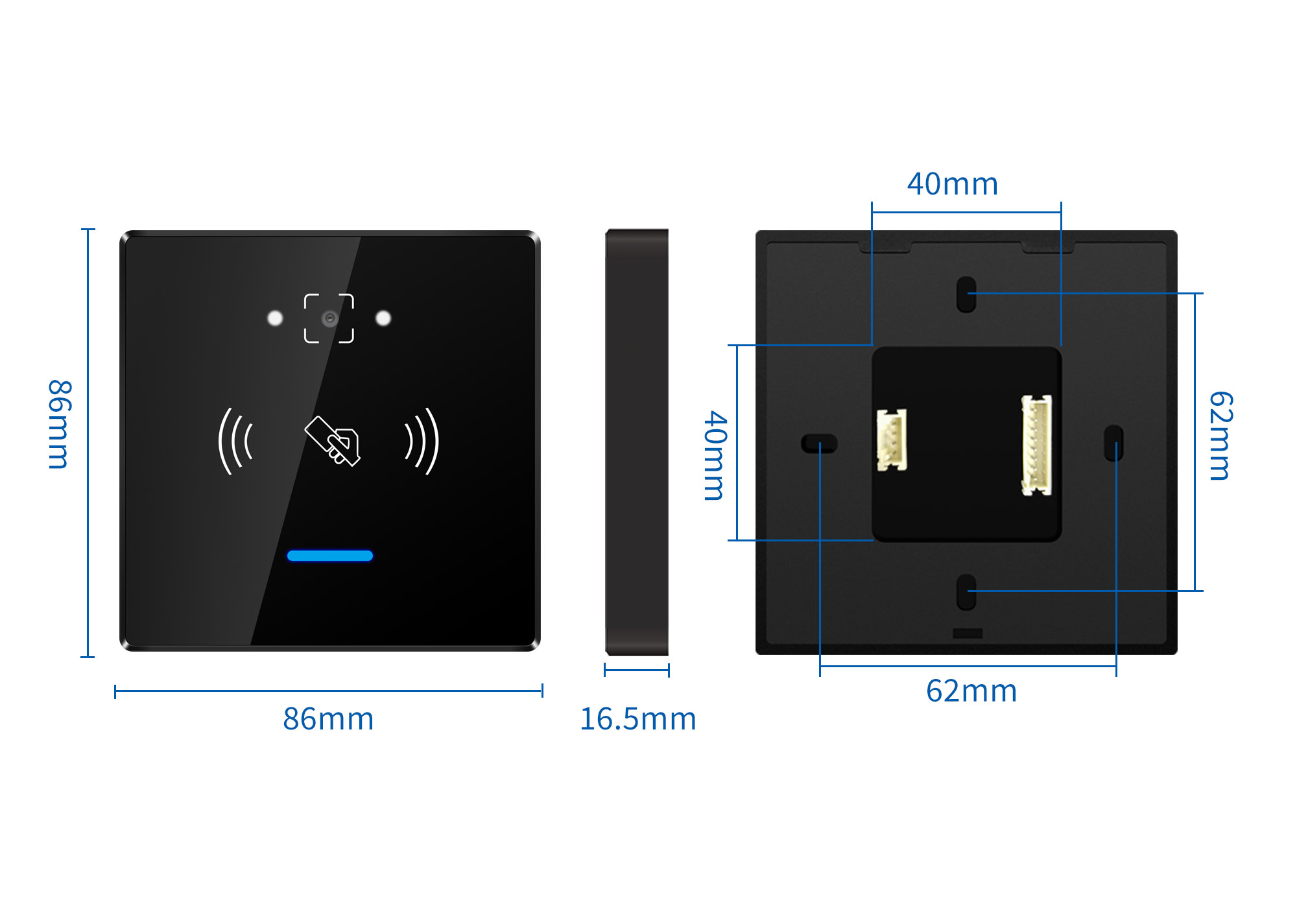
86 × 86 mm QR and RFID Reader
A keypad-free version for projects that need QR, barcode and RFID credentials in the same 86 × 86 mm installation format.
- • Wiegand and RS-485
- • 86 × 86 × 16.5 mm
- • IPX7
- • QR code / barcode / RFID
- • Fastest specified recognition time: 10 ms
- • DC 5–30 V
Wall-Mounted Multi-Credential Readers
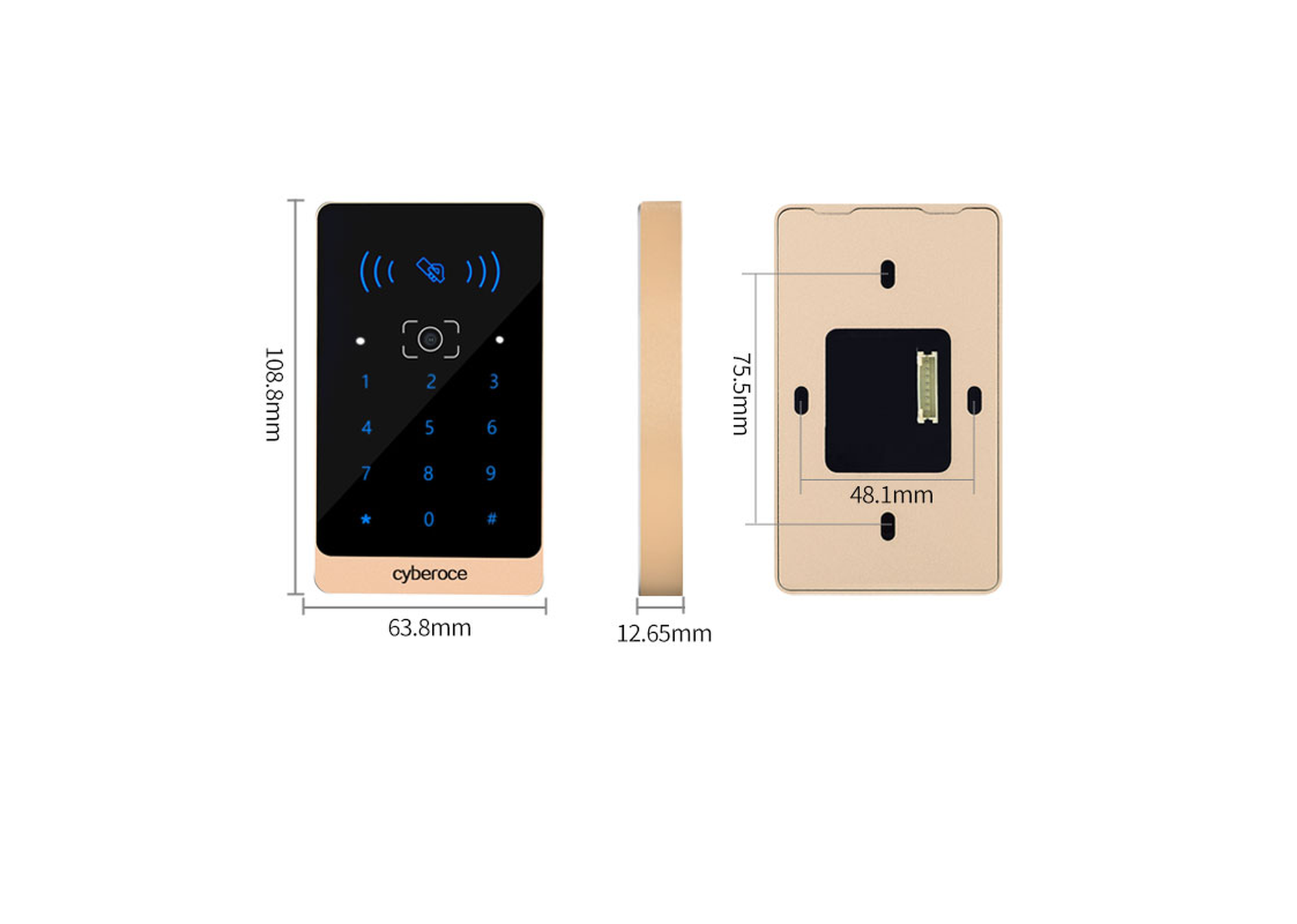
Metal QR, RFID and PIN Reader
A slim wall-mounted reader with an aluminum-alloy body and tempered-glass panel for QR codes, supported barcodes, RFID cards and PIN credentials.
- • Wiegand 26/34 and RS-485
- • 108.8 × 63.8 × 12.65 mm
- • IPX7
- • Aluminum alloy and tempered glass
- • Specified recognition time: 80 ms
- • DC 9–15 V
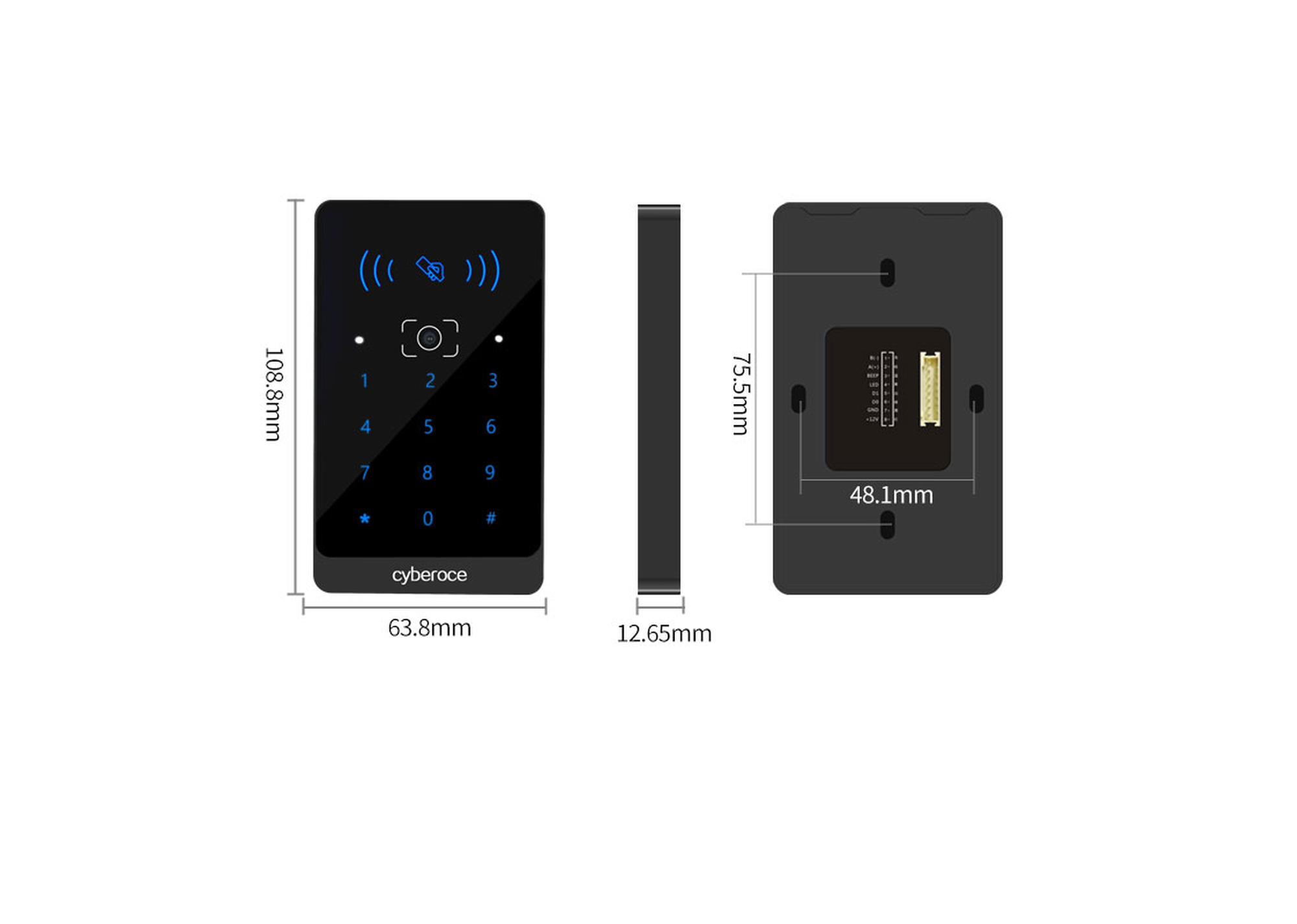
ABS QR, RFID and PIN Reader
A wall-mounted ABS reader for protected installations that need QR codes, supported barcodes, RFID cards and PIN entry.
- • Wiegand 26/34 and RS-485
- • 108.8 × 63.8 × 15.2 mm
- • No ingress-protection rating specified
- • ABS and tempered glass
- • Specified recognition time: 80 ms
- • DC 9–15 V
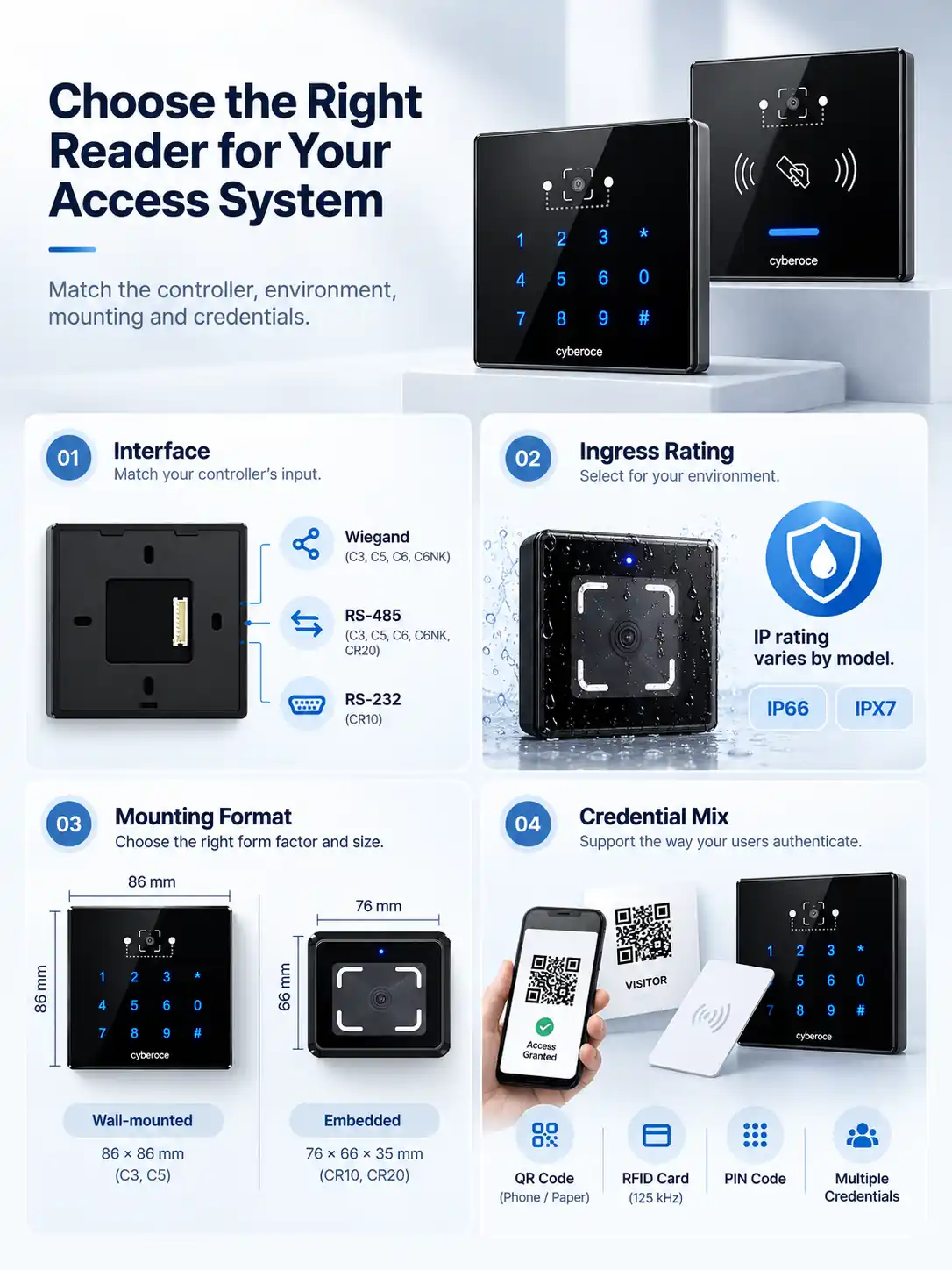
Selection checks
Match the Reader to the Controller, Mounting and Environment
Interface mismatch
A reader can scan the credential correctly and still fail at the system level if its output does not match the controller. C3, C5, C6 and C6NK provide Wiegand and RS-485 options. CR10 adds RS-232, while CR20 is specified with RS-485. Confirm the controller input and data format before selecting the model.
Incorrect ingress-protection assumptions
Protection ratings are model-specific. CR20 is specified as IP66. C3, C6 and C6NK are specified as IPX7. C5 and CR10 do not have an ingress-protection rating in their current specifications. Do not apply one model’s rating to the complete range.
The wrong installation format
CR10 and CR20 suit embedded equipment and turnstile integration. C6 and C6NK use an 86 × 86 mm format. C3 and C5 provide a slim wall-mounted form. Confirm the available mounting depth, opening size and cable route before ordering.
Mixed credential populations
Visitors may present QR codes on phones or paper, while staff continue to use RFID cards. Selected models add PIN entry or optional 125 kHz EM card support, allowing the reader choice to follow the credential mix instead of forcing every user into one method.
QR Reader Specification Comparison
| Model | Recommended starting point | Credentials | Interfaces | Size | Material | Protection | Recognition time | Power |
|---|---|---|---|---|---|---|---|---|
| CR10 | Turnstiles and embedded equipment | QR, barcode, 13.56 MHz MIFARE; 125 kHz EM optional | Wiegand, RS-232, RS-485 | 76 × 66 × 33 mm | ABS + tempered glass | Not specified | Fastest 10 ms | DC 5–30 V |
| CR20 | Embedded installations requiring IP66 | QR, barcode, 13.56 MHz MIFARE | RS-485 | 76 × 66 × 35.4 mm | ABS + tempered glass | IP66 | <200 ms | DC 6–25 V |
| C6 | 86 × 86 mm projects requiring PIN | QR, barcode, RFID, PIN | Wiegand, RS-485 | 86 × 86 × 16.5 mm | ABS + tempered glass | IPX7 | Fastest 10 ms | DC 5–30 V |
| C6NK | 86 × 86 mm projects without a keypad | QR, barcode, RFID | Wiegand, RS-485 | 86 × 86 × 16.5 mm | ABS + tempered glass | IPX7 | Fastest 10 ms | DC 5–30 V |
| C3 | Slim metal reader with PIN | QR, barcode, RFID, PIN | Wiegand 26/34, RS-485 | 108.8 × 63.8 × 12.65 mm | Aluminum alloy + tempered glass | IPX7 | 80 ms | DC 9–15 V |
| C5 | Protected indoor installation with PIN | QR, barcode, RFID, PIN | Wiegand 26/34, RS-485 | 108.8 × 63.8 × 15.2 mm | ABS + tempered glass | Not specified | 80 ms | DC 9–15 V |
Recognition-time figures come from individual model specifications and are not a normalized cross-model performance test. Validate the reader with the actual code type, code size, display or print medium, distance, lighting, controller and firmware configuration used in the project.
Plan the Integration Before Installation
A successful installation depends on more than the scan window. Match the reader to the controller, power supply, output format, mounting space and real credentials before the batch order.
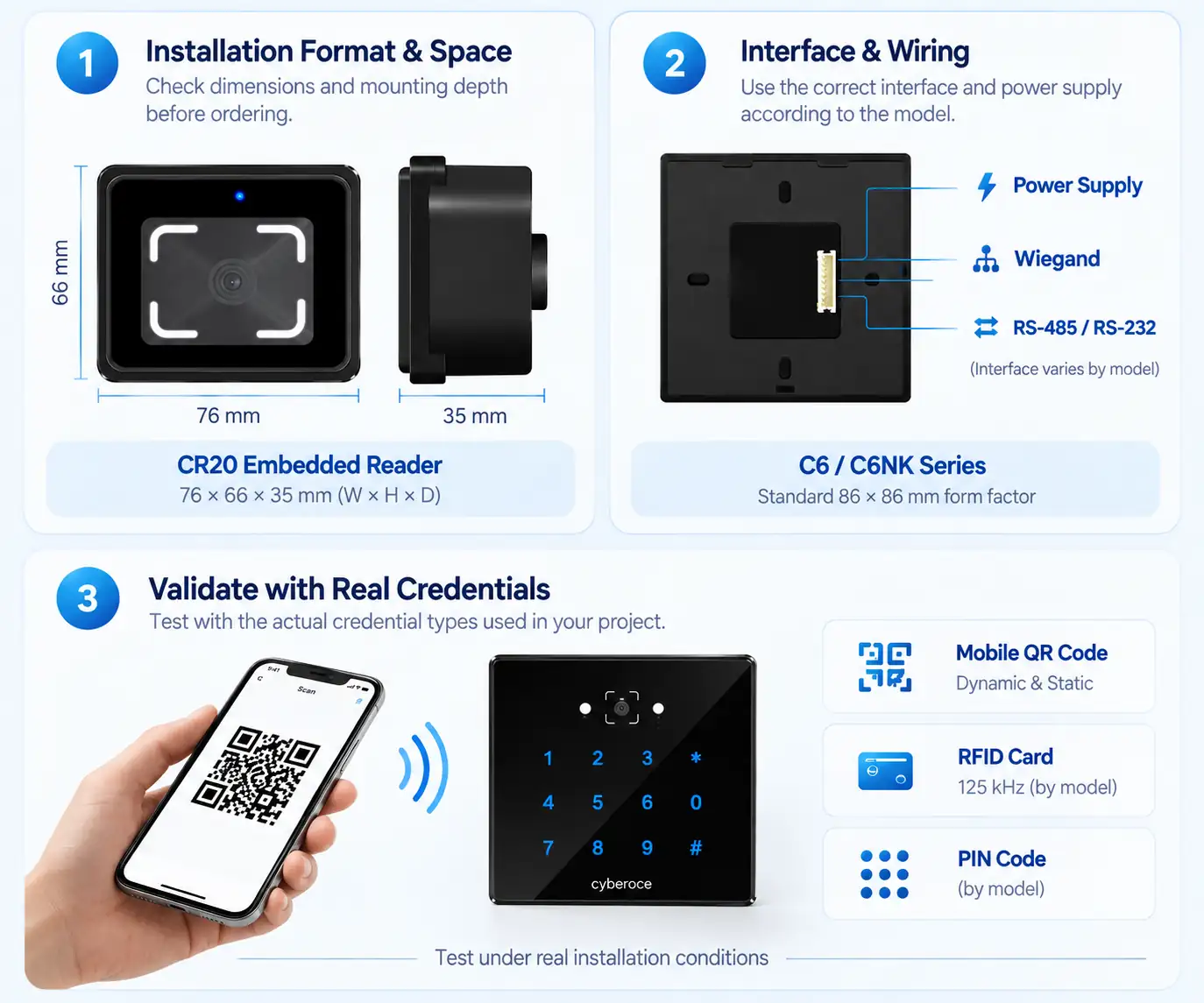
Choose the installation format
Use CR10 or CR20 for embedded equipment, C6 or C6NK for an 86 × 86 mm position, and C3 or C5 for a slim wall-mounted reader.
Match the communication interface
Use a controller input that matches the selected model. Wiegand is commonly used for card-number-style credential output. RS-485 supports serial communication, while CR10 also provides RS-232. UART interface customization is available for supported integration projects and should be confirmed before sample development.
Check power and wiring
Follow the model-specific voltage range and wiring diagram. Do not assume that readers with a similar appearance use the same connector or power input.
Configure the credential output
Confirm the required Wiegand bit length, RS-485 parameters, barcode symbologies and output rules. Available configuration depends on the model and firmware.
Validate with real credentials
Test the actual phone-screen QR code, printed ticket, barcode length and RFID card used by the project, then verify the controller response under the expected lighting and mounting conditions.
Need Ethernet, HTTP, MQTT or direct relay control? A QR code access control terminal may be a better starting point than a reader.
Explore Access Control Terminals →Reader Options Built Around Real Integration Choices
QR, barcode and RFID in one reader range
Use mobile-screen or printed QR credentials while retaining RFID cards for recurring users. Supported barcode formats and credential combinations vary by model and configuration.
Interfaces for existing controller architectures
Choose Wiegand or RS-485 across several standard models, with RS-232 available on CR10. For projects requiring a different serial connection, UART interface customization can also be evaluated based on the selected reader, controller and integration requirements.
Three practical installation formats
The range covers compact embedded readers, 86 × 86 mm readers and slim wall-mounted models, helping the hardware fit the entrance equipment instead of forcing one enclosure into every project.
Model-specific environmental choices
Select CR20 when the project requires an IP66 model, or compare the IPX7-rated C3, C6 and C6NK for installations where water protection is part of the selection.
Configuration, Protocol and Integration Support
Project support can include credential-sample validation, barcode configuration, output-format confirmation, controller integration, UART interface customization, firmware-parameter adjustment and project-specific dynamic QR code encryption protocol integration.
OEM and ODM scope
Available project work may include panel branding, labels, interface or firmware configuration and other approved modifications. Structural changes or new functions require a separate technical and commercial review.
Select a Reader by Installation Scenario
| Application | Suggested starting model | Why it fits | Confirm before ordering |
|---|---|---|---|
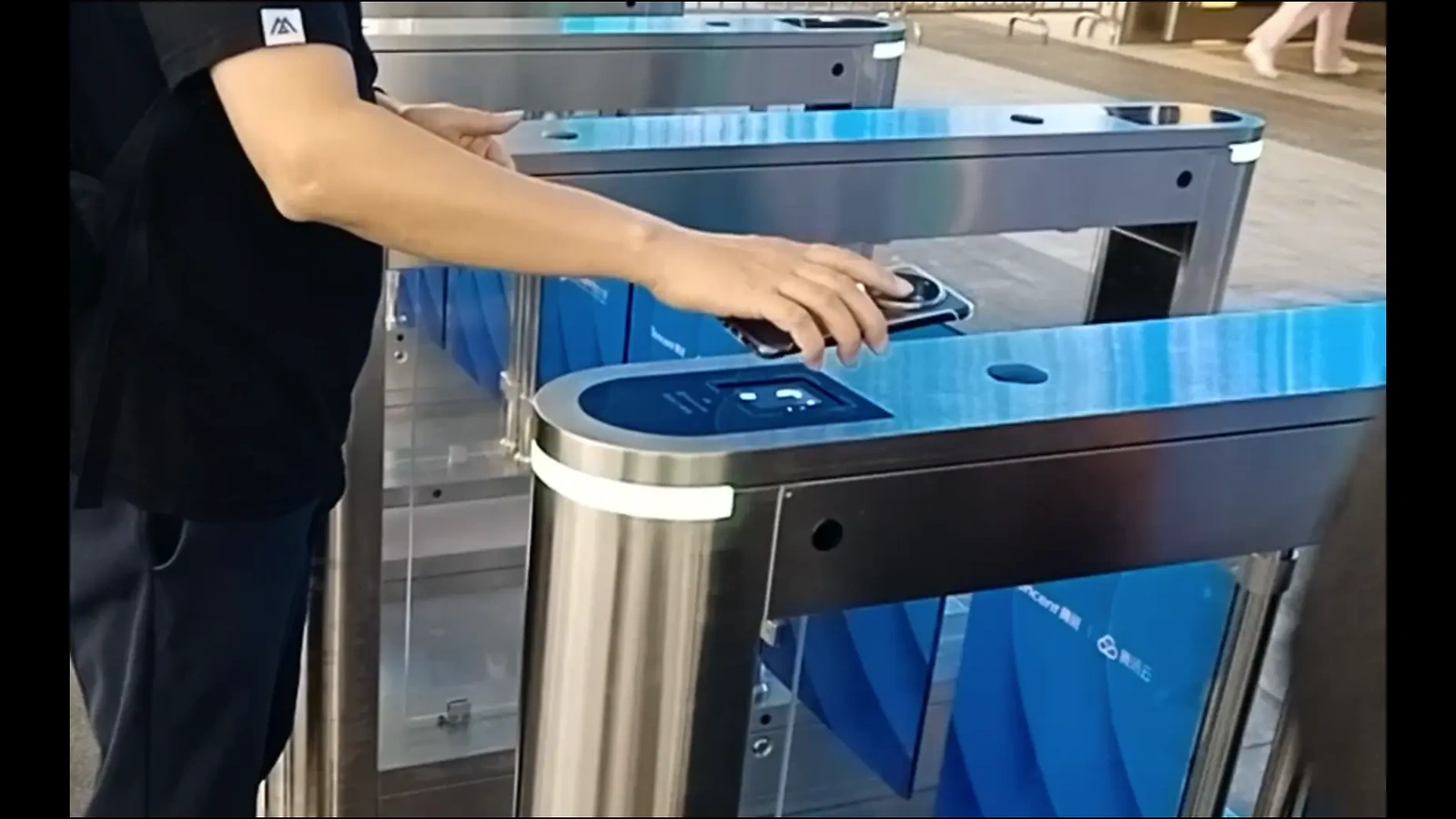
| Turnstile or ticket equipment | CR10 | Compact embedded format and three communication-interface options | Controller interface, barcode format and mounting opening |
| Exposed turnstile or entrance equipment | CR20 | Compact embedded format with IP66 rating | RS-485 compatibility, sealing method and cable routing |
| Standard 86 × 86 mm access point | C6 or C6NK | Matching panel format with Wiegand and RS-485 | Keypad requirement, credential mix and installation depth |
| Office or commercial entrance with PIN | C3 | Metal body, QR/RFID/PIN and IPX7 rating | Controller format, power supply and mounting position |
| Protected indoor entrance with PIN | C5 | ABS wall-mounted format with QR/RFID/PIN | Indoor protection, controller input and wiring |
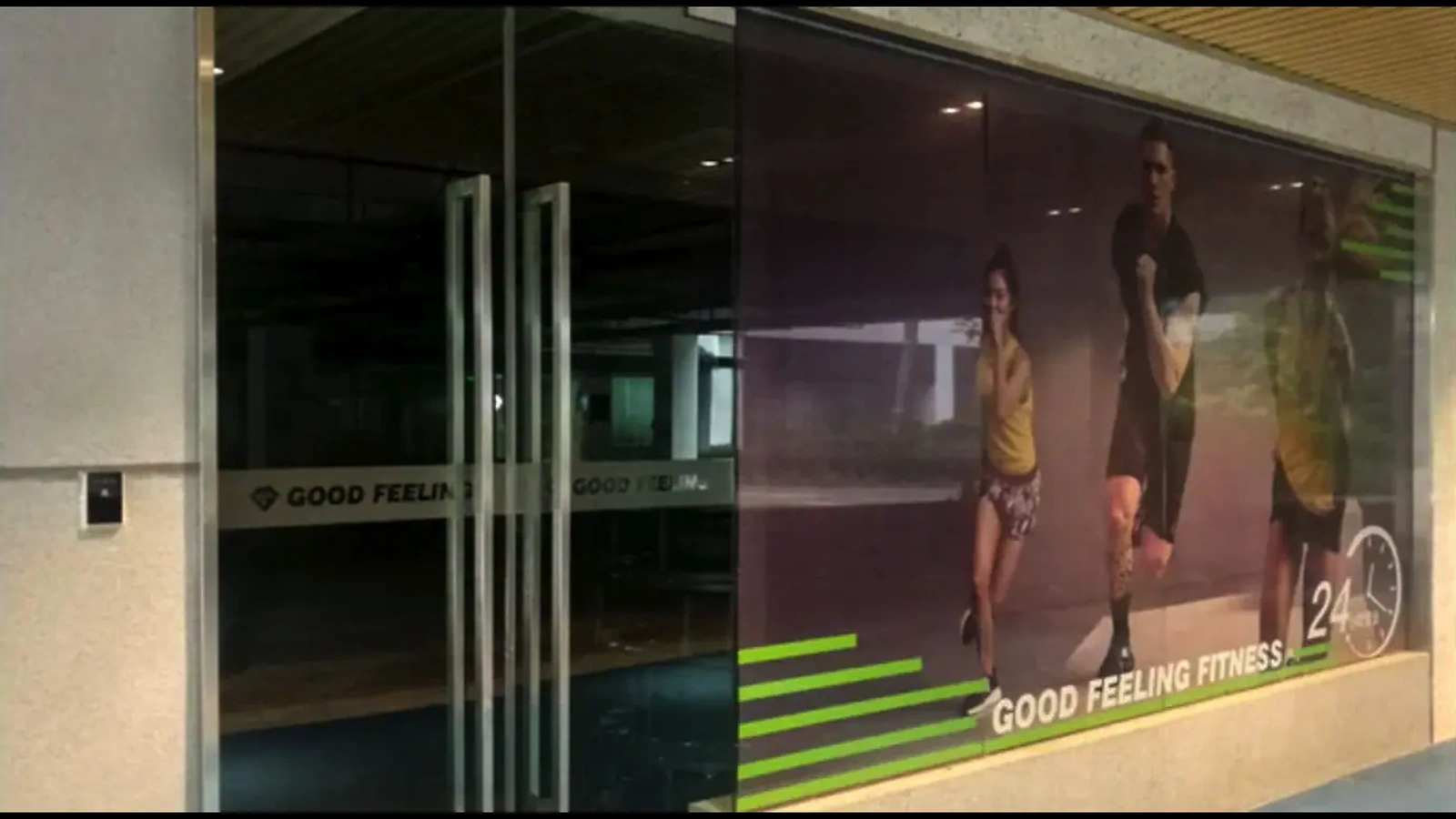
| Visitor or temporary QR access | Model selected by installation | Readers can scan mobile-screen or printed credentials | QR generation, expiry rules and validation logic in the wider system |
The reader captures and transmits credential data. Visitor approval, time limits, access permissions, event records and revocation are handled by the connected controller or management platform unless a model-specific firmware function has been confirmed.
From Reader Selection to Project Validation
Begin with a standard reader model, then validate the credentials, interface and controller behavior before finalizing the production configuration.
Model shortlist
Compare the mounting format, credential types, interface, power range and protection rating.
Credential sample test
Evaluate the project’s phone-screen QR codes, printed codes, barcode formats and RFID cards.
Controller integration
Confirm Wiegand, RS-485 or RS-232 communication, data output and system response.
Configuration & Protocol Review
Finalize supported code formats, output rules, UART or other approved interface customization, dynamic QR code encryption protocol requirements, labels, panel branding and firmware settings.
Batch configuration
Proceed with the confirmed model and configuration after the sample and integration review.
Light configuration changes and deeper structural customization have different development requirements. Scope, cost, minimum quantity and delivery schedule are confirmed for each project rather than applied as one standard promise.
Product Documentation and Quality-System Coverage
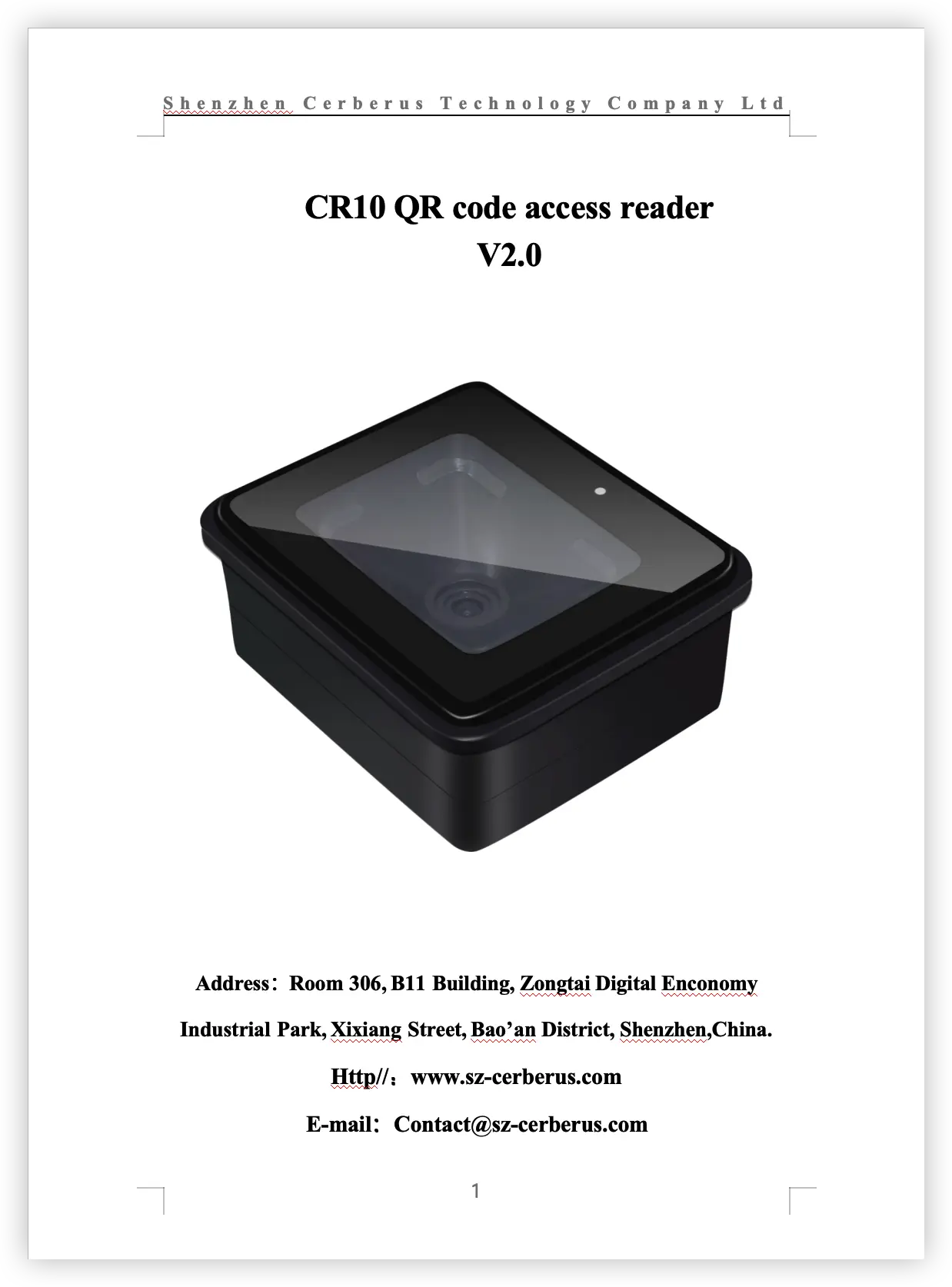
Model-specific specifications document the reader dimensions, credential types, interfaces, voltage ranges, scanning parameters and environmental conditions. These documents support model selection and sample verification before a batch configuration is confirmed.
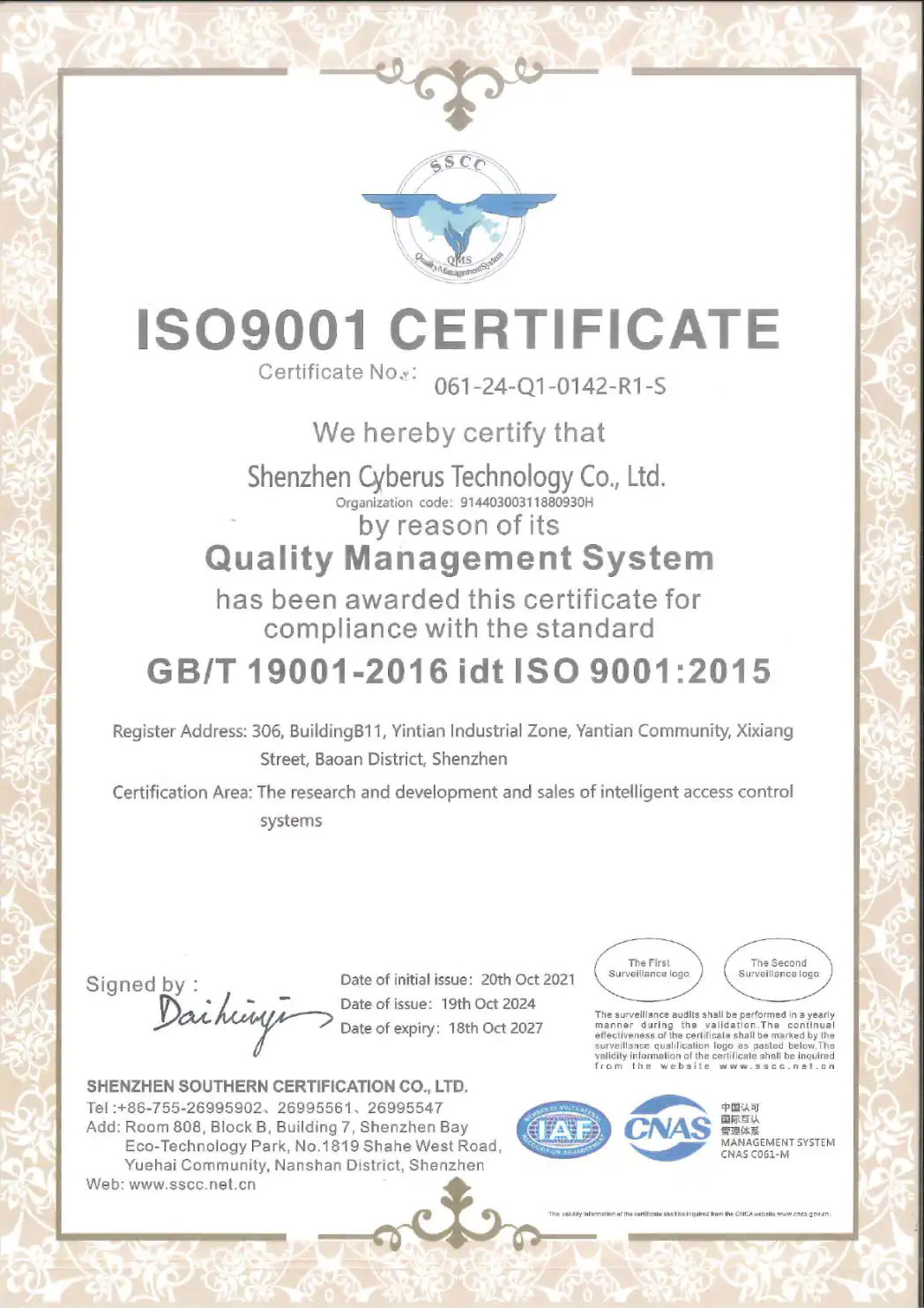
The company holds an ISO 9001:2015 quality management system certificate covering the research, development and sales of intelligent access control systems. The certificate is valid through October 18, 2027, subject to the certification body’s required surveillance. It is a management-system certificate and should not be presented as a product certification for every reader model.
- Model-specific reader datasheets
- Dimension and product-view images
- Credential and controller integration review
- ISO 9001:2015 quality management system
QR Code Access Control Reader Buyer Guide
How does a QR code access control reader work?+
Which QR code reader is the best fit for a project?+
Can these readers scan QR codes from a mobile phone?+
How does QR code access compare with RFID?+
The security level does not come from the printed pattern alone. It depends on how credentials are generated, validated, limited, expired and revoked by the wider access control system.
How is a QR reader installed for door entry?+
What features should be checked before buying?+
What affects the cost of a QR code entry system?+
What should be verified when choosing a supplier?+
Continue with the Right Access Control Product
QR Code Access Control Terminals
For Ethernet, Wi-Fi options, HTTP/MQTT integration or direct relay control.
Turnstile and Ticket Validation Hardware
For QR and barcode validation at gates and venue entrances.
Wiegand and RS-485 Integration Guide
For controller compatibility, data output and project wiring decisions.
OEM/ODM Access Control Development
For approved panel, label, firmware and configuration requirements.
Discuss Your QR Reader Project
Share the entrance equipment, controller interface, credential types, installation environment and expected quantity. We can use this information to compare suitable reader models and define the configuration that should be validated.
Helpful details include:
- • Turnstile, door, elevator or embedded equipment
- • Wiegand, RS-485 or RS-232 or custom UART interface requirement
- • Mobile QR, printed QR, barcode, MIFARE or PIN credentials
- • Standard QR workflow or dynamic QR encryption protocol integration
- • Indoor, protected or exposed installation
- • Required model, quantity and customization scope