
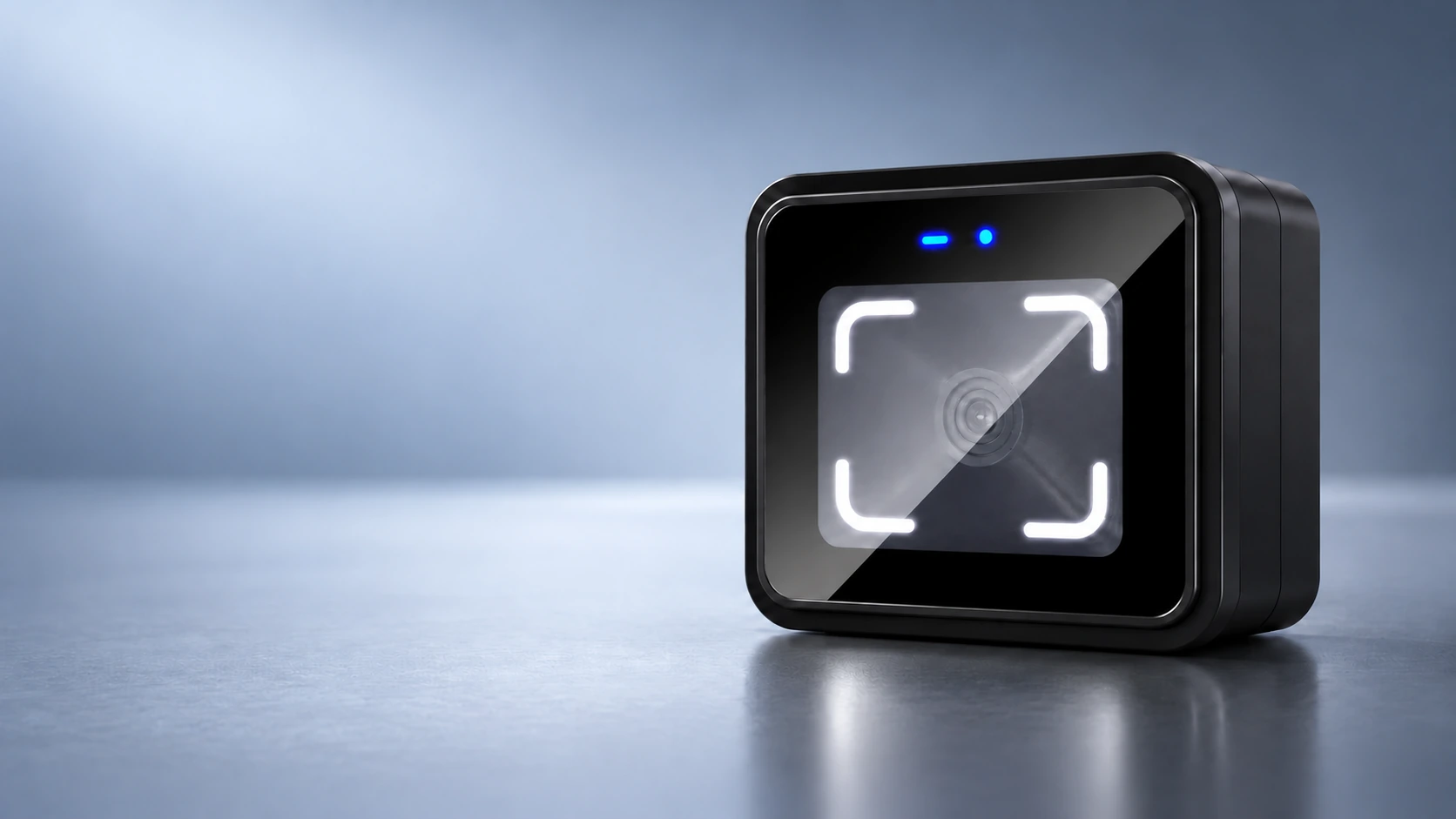
CR10 QR Code Access Reader Supplier for Gate and Door Integration
Add QR code, barcode and card reading to an existing access system with the compact CR10. It sends credential data to a controller or ticketing board through configurable RS-485, RS-232 or Wiegand outputs.
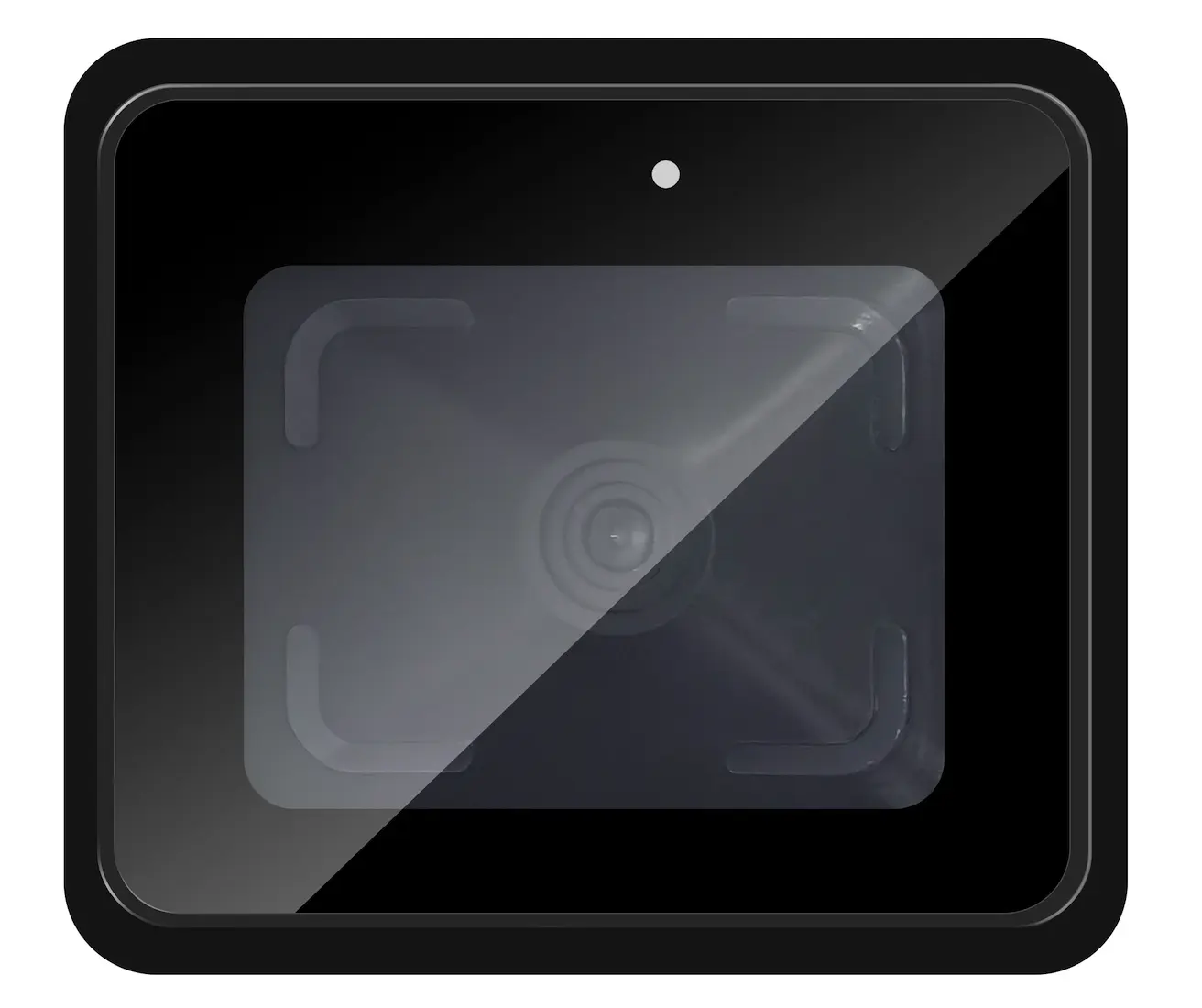
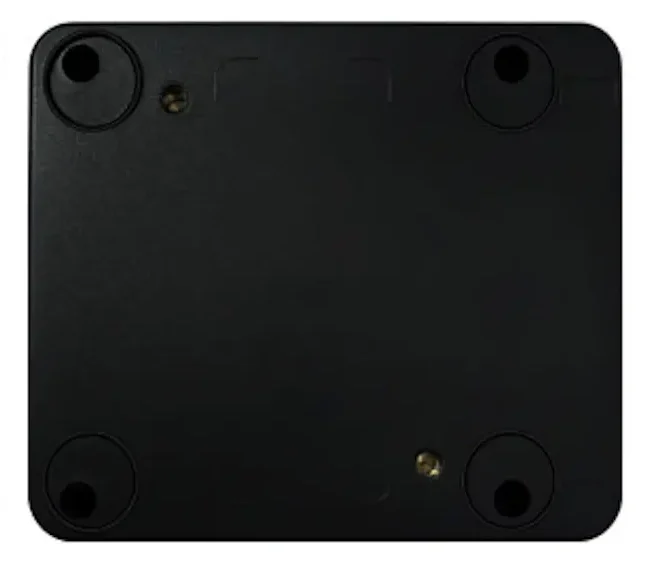
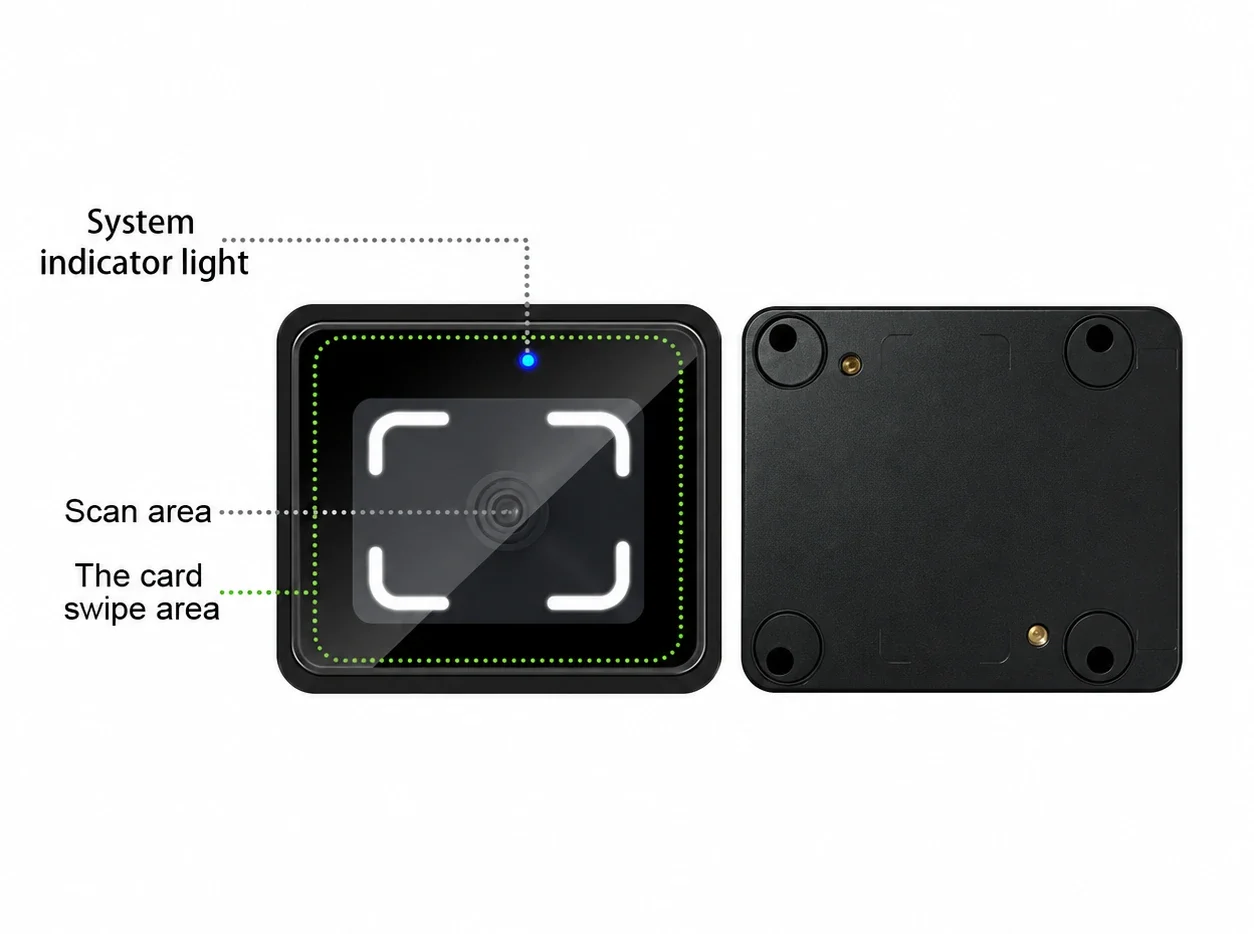
CR10 front and rear views
A Compact Reader for an Existing Access System
CR10 reads the presented code or card and passes the credential data to the connected system. The access controller or ticketing board evaluates that data and makes the access decision. This makes CR10 a practical scanning point for gates, doors, elevator panels and desktop check-in stations that already have control logic.
CR10 Specifications
| Specification | CR10 |
|---|---|
| Product type | QR code access reader |
| Dimensions | 76 × 66 × 33 mm |
| Housing | ABS and tempered glass |
| Standard credentials | QR codes, supported barcodes and 13.56 MHz MIFARE cards |
| Optional credential | 125 kHz EM card, subject to configuration |
| Default enabled code formats | QR Code, Code 39 and Code 128 |
| Additional configurable code formats | Data Matrix, PDF417, Micro QR Code and selected 1D formats |
| Communication outputs | RS-485, RS-232 and Wiegand; output behavior is configurable |
| QR scanning reference distance | 2–20 cm for the reference code stated in the specification |
| Card reading distance | Less than 5 cm |
| Operating temperature | −20°C to 60°C |
| Water protection | Not waterproof |
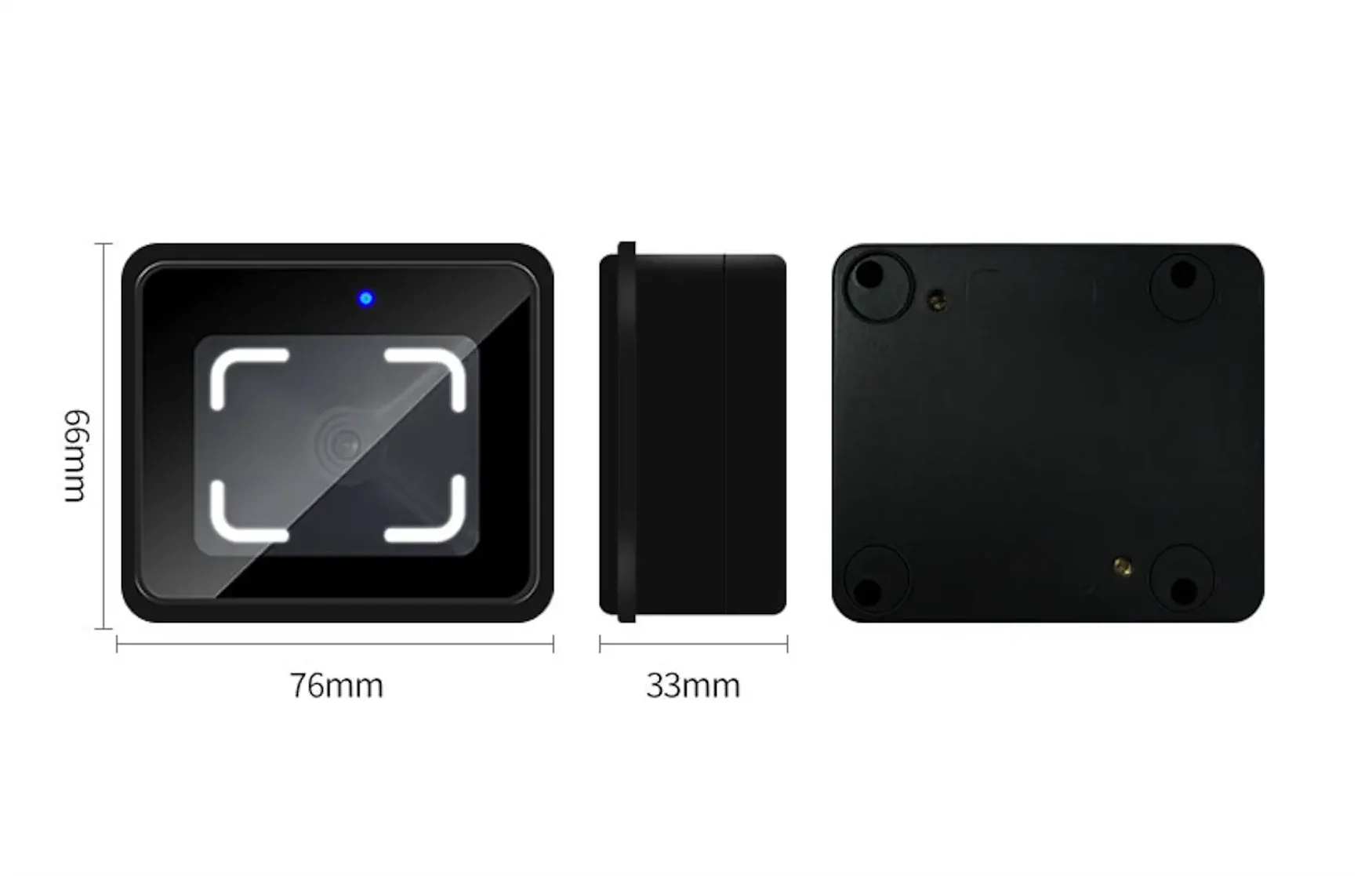
Scanning distance depends on code size, presentation and site conditions. Confirm the credential format, receiving interface and mounting environment during evaluation.
Match the Output to the Receiving System
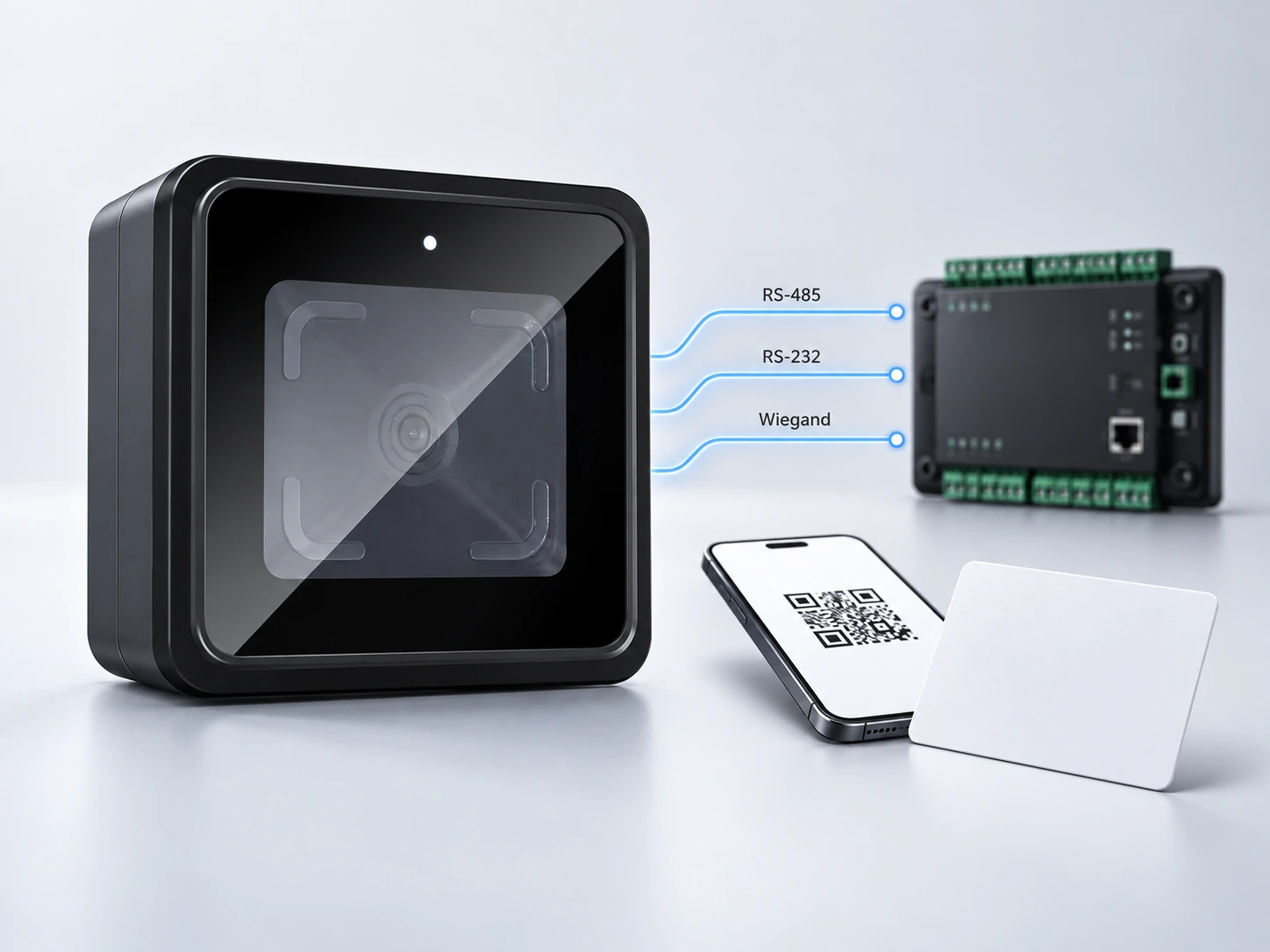
CR10 offers three physical output paths. The right choice depends on how the receiving controller expects credential data, not only on whether its connector has a matching name.
| Output path | Integration consideration |
|---|---|
| RS-485 | Check the controller’s serial settings, data format and whether the project uses the reader’s protocol or unframed output. |
| RS-232 | Confirm the receiving port and output format. In the CR10 configuration, baud-rate changes affect RS-232 and RS-485 together. |
| Wiegand | Confirm whether the receiving controller expects 26-bit or 34-bit data and how QR data and card data should be mapped. |
The CR10 instructions also describe settings for card-number order and format, barcode enablement, line endings, repeat-code interval and output routing. Apply model-specific configuration QR codes with technical guidance, then verify the exact data received by the controller.
Send My Interface Details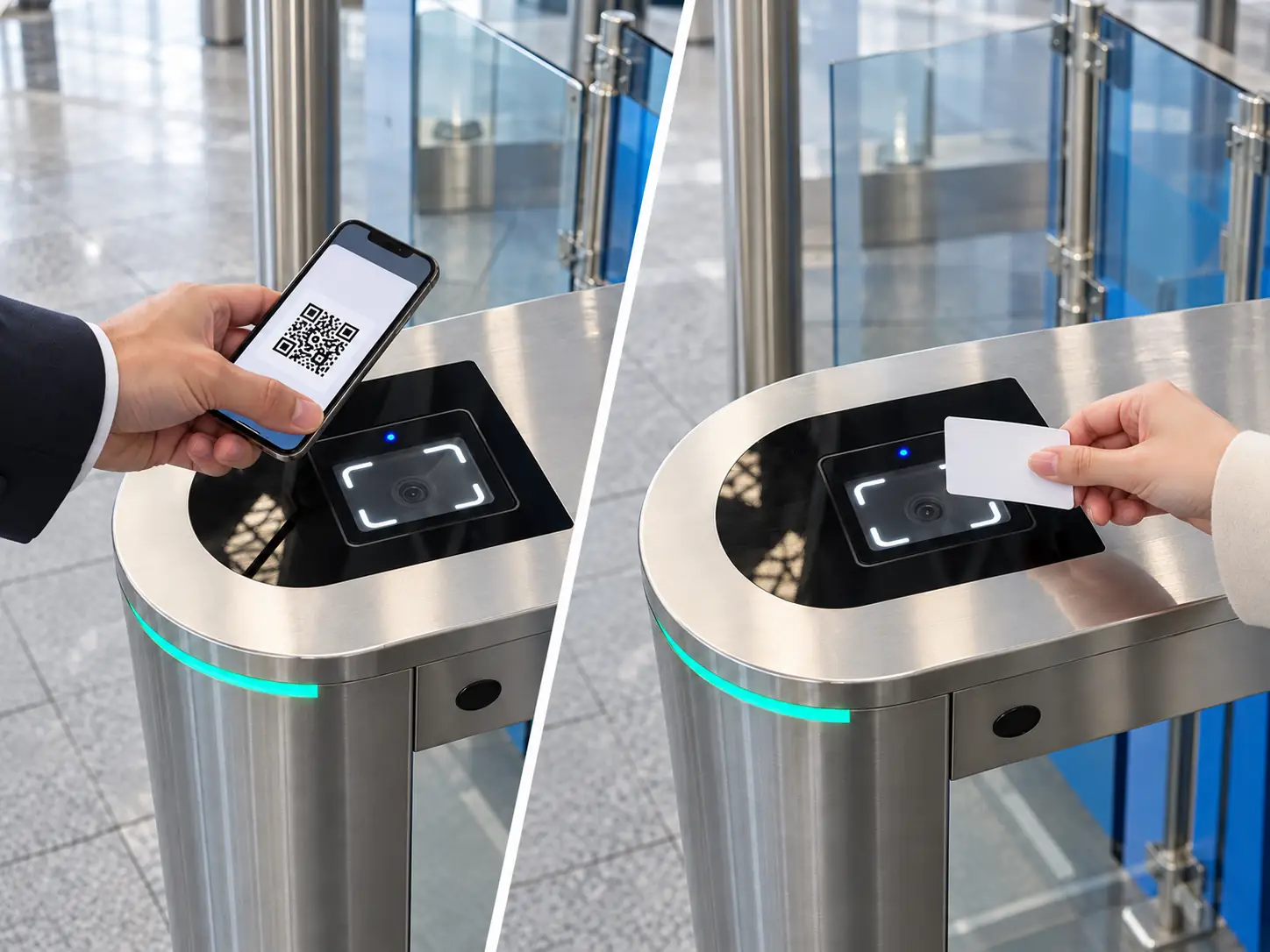
One Reader for Codes and Cards
A site may issue QR codes to visitors while employees continue using cards. CR10 reads QR codes and supported barcodes alongside 13.56 MHz MIFARE cards, allowing both credential types to be presented at the same scanning point. A 125 kHz EM card option can be reviewed when an existing card population requires it.
Reader
Controller
The connected controller or ticketing board still determines access rights. Confirm how it receives and distinguishes each credential type during integration testing.
Where CR10 Fits
| Position | Best reason to consider it | Check before selection |
|---|---|---|
| Turnstile or gate panel | Compact embedded scanning point | Panel space, scan angle, controller input and cable route |
| Door access point | Add codes and cards to an existing controller | Interface, mounting height and weather protection |
| Elevator panel | Embed a credential reader into a limited area | Panel fit and the elevator controller’s authorization logic |
| Desktop check-in station | Present printed or phone-based codes at a counter | Reader position and connection to the receiving system |

CR10 is not waterproof. For any location exposed to rain or water, plan appropriate enclosure protection or select a reader specified for that environment.
CR10 Setup and Troubleshooting Guide
How do I set up CR10 with a controller?
Disconnect power before wiring. Identify the controller input, connect the matching CR10 output, then set the output mode and data format required by that system. For RS-485 or RS-232, check the serial settings on both sides. Scan real project credentials and verify the data received before connecting the access action.
What does the status light mean?
The system light is red in standby. A successful code scan or card read turns it green and produces a short buzzer response. A failed configuration scan is indicated by a red light and a distinct buzzer sequence. These signals help separate reader recognition from a downstream controller issue.
Why does a repeated scan produce no new output?
CR10 can suppress repeated output of the same code or card for a configured interval. If the first scan works and the immediate second scan appears silent, check this setting before treating the behavior as a connection fault.
Why does the reader scan but the controller receive unexpected data?
Compare the selected output path, protocol mode, card-number order, decimal or hexadecimal format, line ending and Wiegand bit length with the controller configuration. The correct physical connection alone does not guarantee that both systems interpret the credential in the same way.
How should QR codes be presented?
Present the code toward the scan window and test distance against the actual code size. The CR10 instructions recommend starting with a QR image no larger than about 3 × 3 cm for the window. For a phone outdoors, increase screen brightness, reduce reflections and angle the screen away from direct sunlight when necessary.
What should be checked at the installation site?
Keep the scan window clean and remove any protective film. The CR10 instructions recommend separation from nearby metal surfaces and other proximity-card devices to reduce card-reading interference. Protect the non-waterproof reader from water exposure and verify the final mounting position with actual credentials.
Where can the team obtain configuration and wiring details?
Use the CR10 model-specific specification and user instructions for the project hardware version. Configuration QR codes and detailed interface guidance should come from technical support so the selected output matches the receiving equipment.
Built for Reader-Level Integration
Three output paths
RS-485, RS-232 and Wiegand allow the project team to choose an output path that fits the receiving system, then configure and test the data format.
Code and card recognition
QR codes and supported barcodes can be used alongside 13.56 MHz MIFARE cards. The optional 125 kHz EM card configuration can be reviewed for mixed-credential projects.
Compact product format
At 76 × 66 × 33 mm, CR10 can be evaluated for embedded panels and desktop positions where space is limited.
Configuration and OEM discussions
Cerberus can review credential samples, output behavior and project-specific OEM or ODM requirements against the receiving system and intended installation.
Documentation for a More Precise Evaluation
Cerberus develops and manufactures QR code access devices in Shenzhen. The CR10 specification covers credentials, interfaces, dimensions and operating conditions. Its model-specific instructions address connection, configuration and basic diagnostics. Together, these give an integration team a clearer basis for matching the reader to its controller and installation plan.
Review the product documents, confirm the receiving interface and test representative codes and cards before wider deployment.
Request CR10 Documentation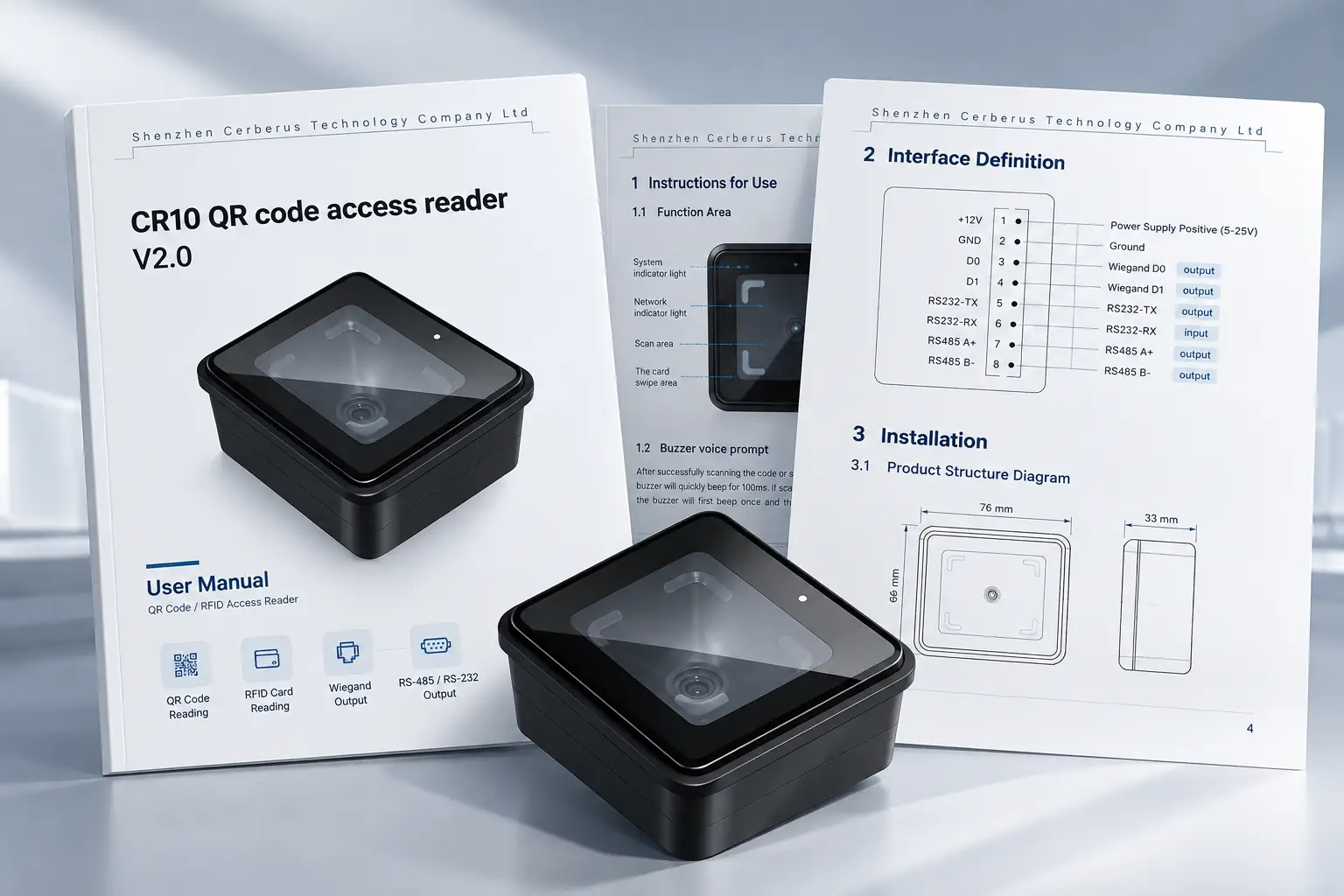
Discuss Your CR10 Integration
Share the receiving controller, credential formats, mounting position and operating environment. These details help us review the appropriate CR10 output configuration and plan a useful sample test.
Direct Contact
contact@sz-cerberus.com
+86 137 2888 0920
Room 306, Building B11, Yintian Industrial Park, Xixiang Street, Bao'an District, Shenzhen, Guangdong Province, China