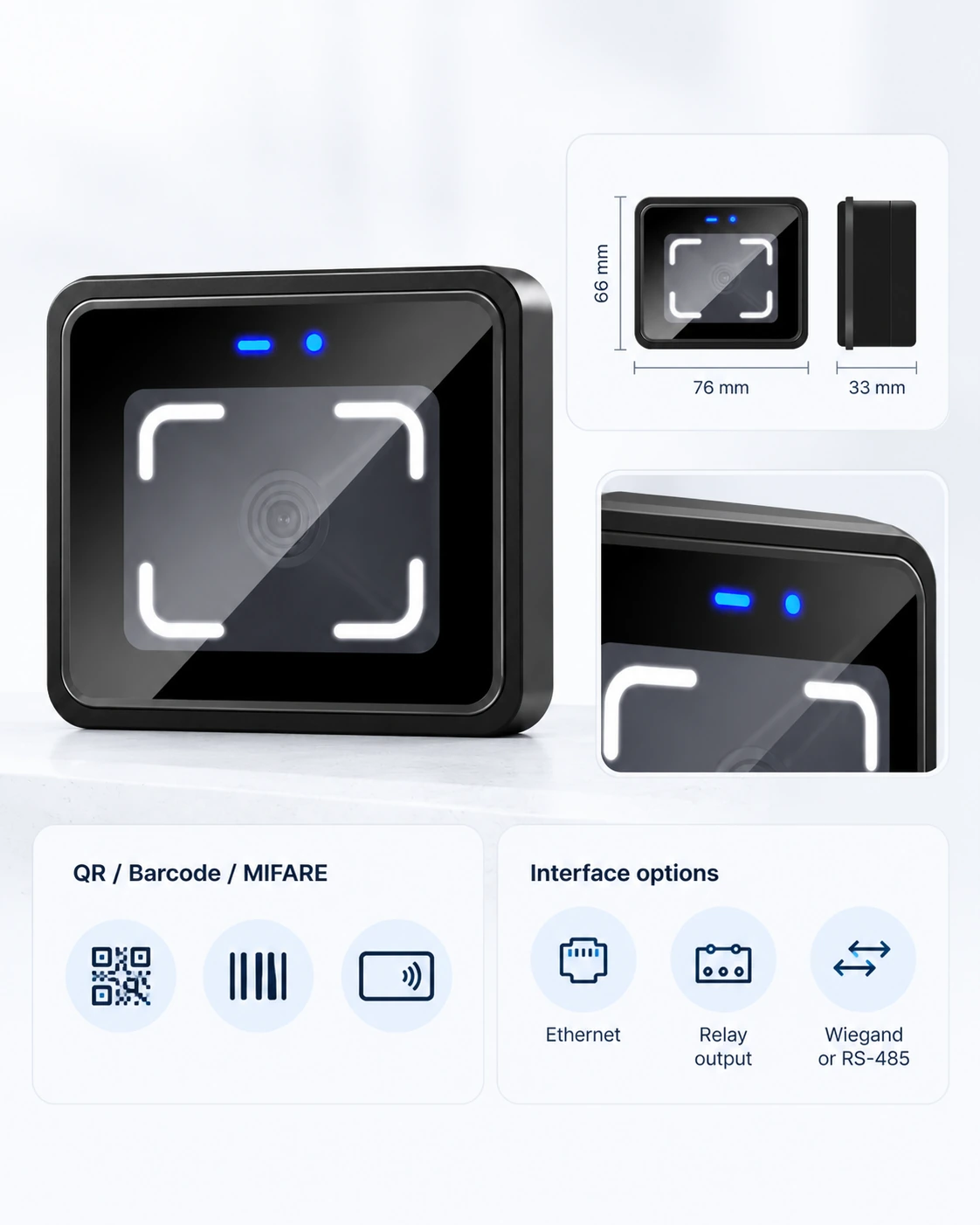
76 × 66 × 33 mm · Online or locally configured verification · HTTP, HTTPS and MQTT

CR10E QR Code Access Control Terminal from a Shenzhen Manufacturer

A compact, screenless terminal for access-controlled doors and turnstiles. CR10E reads QR codes, selected barcodes and 13.56 MHz cards, connects to your platform over Ethernet, and can operate a compatible lock or gate through its built-in relay.

CR10E  Specifications

CR10E combines credential reading, network communication and relay control in a small enclosure. It suits projects where the entry point needs to communicate with an existing platform and make a configured access decision at the device.

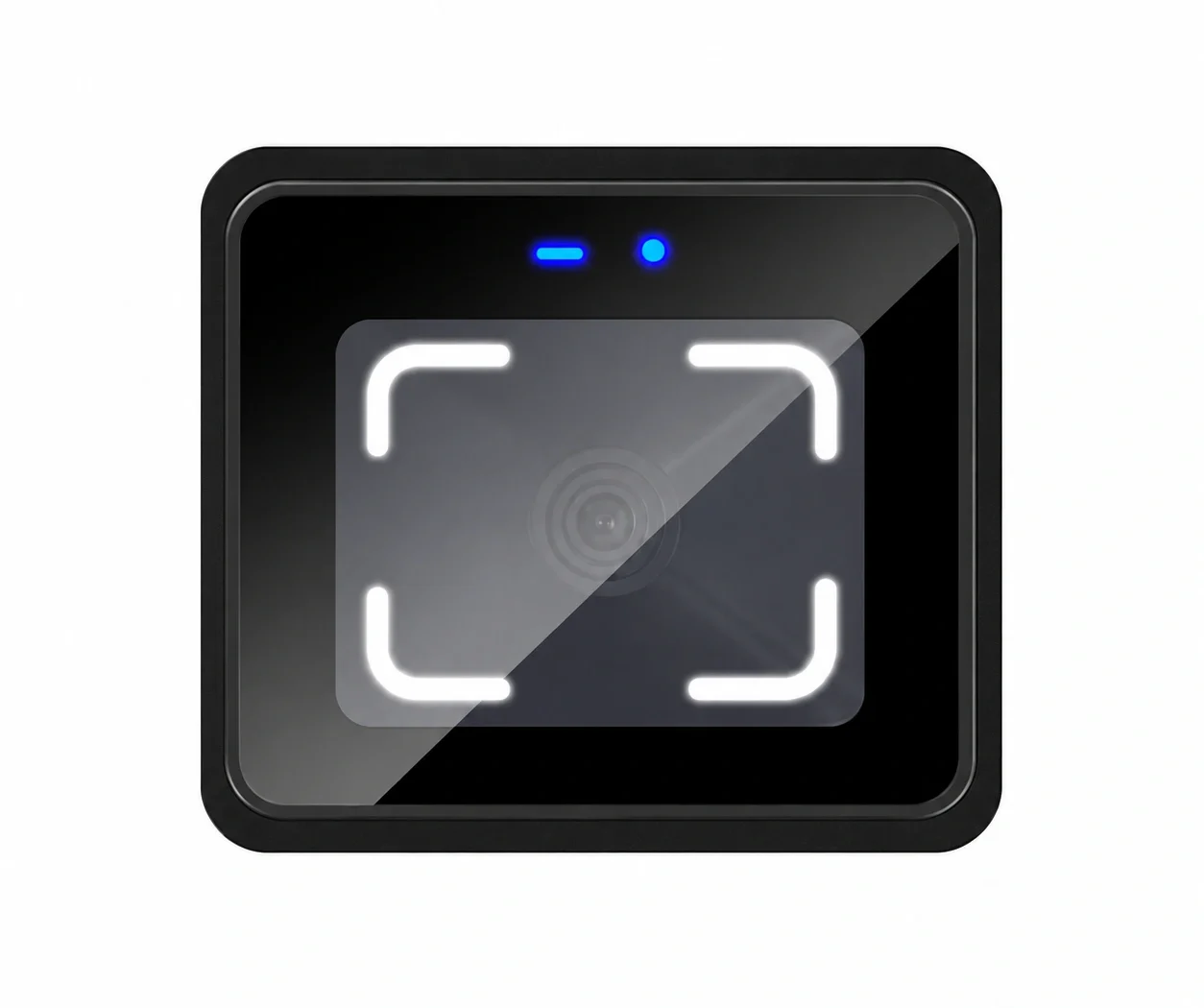
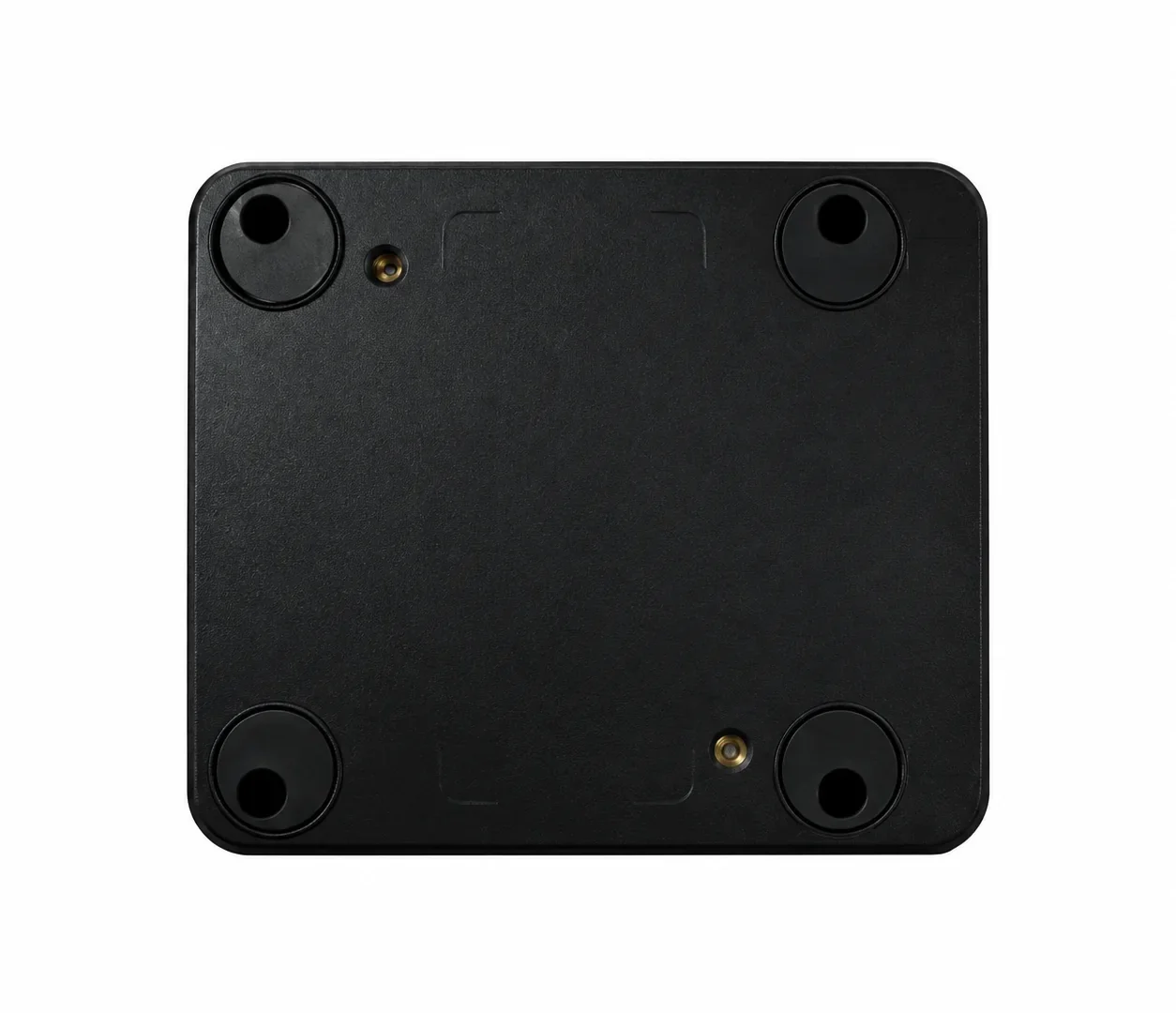
CR10E terminal front and rear view
CR10E terminal front, side and rear dimensions
Swipe horizontally to view full table →
Specification CR10E
Form Screenless access control terminal
Dimensions 76 × 66 × 33 mm
Housing ABS and tempered glass
Network Ethernet
Credentials QR code; Code 39 and Code 128 barcodes; 13.56 MHz MIFARE card
QR scanning distance 5–20 cm
Maximum QR data length 1,024 characters
Platform protocols HTTP, HTTPS, MQTT
Local output One relay; maximum relay load 1 A
Extended output Wiegand by default, or RS-485 as an optional alternative; select one for the ordered configuration
Power DC 6–25 V
Operating temperature −20°C to 60°C
Waterproof rating None

Confirm the ordered interface configuration, lock load and installation environment before deployment. A powered lock or strike may require its own access-control power supply.

How CR10E Controls an Entry Point

Online verification

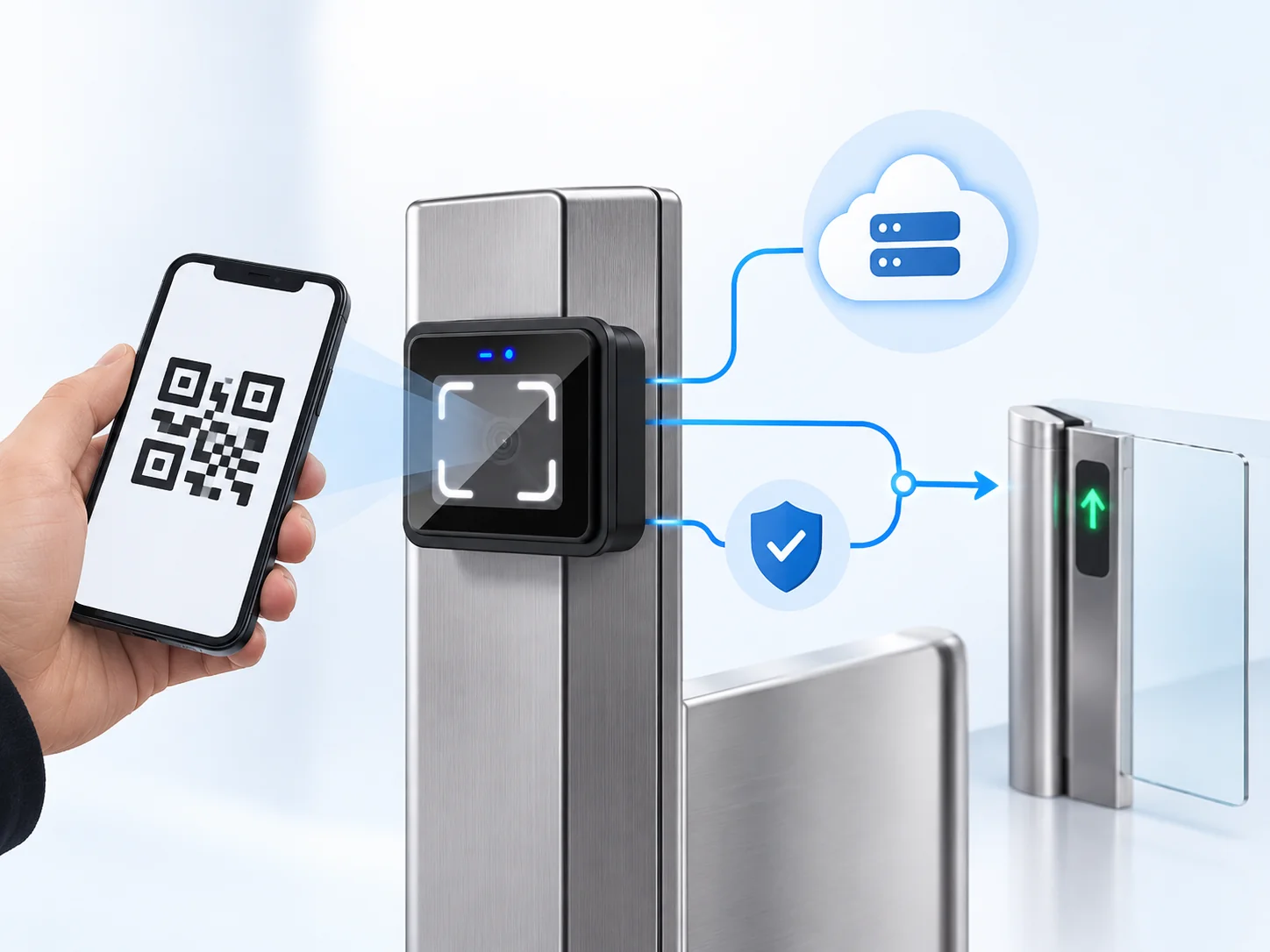
The terminal reads a QR code or card and sends credential data to the connected backend for a permission decision. Once the backend returns an approved result, the terminal can activate its relay to open the connected entry point.

Locally configured verification

CR10E can also check permissions stored on the device. Its operating modes include online first with offline fallback, offline only, and offline first with online checking when local verification does not approve the credential. Offline permissions and record synchronization must be configured with the project platform.

A QR code carries the credential; the configured permission rules determine access. Test real project codes and network conditions before rollout.

CR10E verification and relay control flow diagram

Designed Around the Entry Point

When the panel has limited space

The 76 × 66 mm front format and screenless design make CR10E a candidate for compact gate and equipment panels. Check the 33 mm depth, mounting position and the user's approach to the scan area before cutting the panel.

When the platform already manages permissions

Ethernet communication and HTTP, HTTPS or MQTT provide a route from the device to an existing access, visitor or ticketing platform. Define the credential format, server response and event handling during sample integration.

When the network may be interrupted

A configured local verification mode can keep eligible credentials available at the device. The offline credential set, fallback behavior and record upload after reconnection belong in the project's acceptance test.

Match CR10E to the Control Architecture

Swipe horizontally to view full table →
Project condition CR10E selection guidance
A lock or turnstile needs a local control signal Use the built-in relay only after confirming the receiving input or lock circuit and its load against the 1 A rating.
An existing controller must receive credential data Specify Wiegand or the optional RS-485 output before ordering; these are alternative configurations.
The platform must decide access in real time Plan the Ethernet connection, server endpoint, credential format and response logic.
Local operation during a network interruption is required Provision local permissions and validate the selected fallback mode with real credentials.
The entry point is exposed to rain or washdown Choose a model with a documented protection rating; CR10E has no waterproof rating.
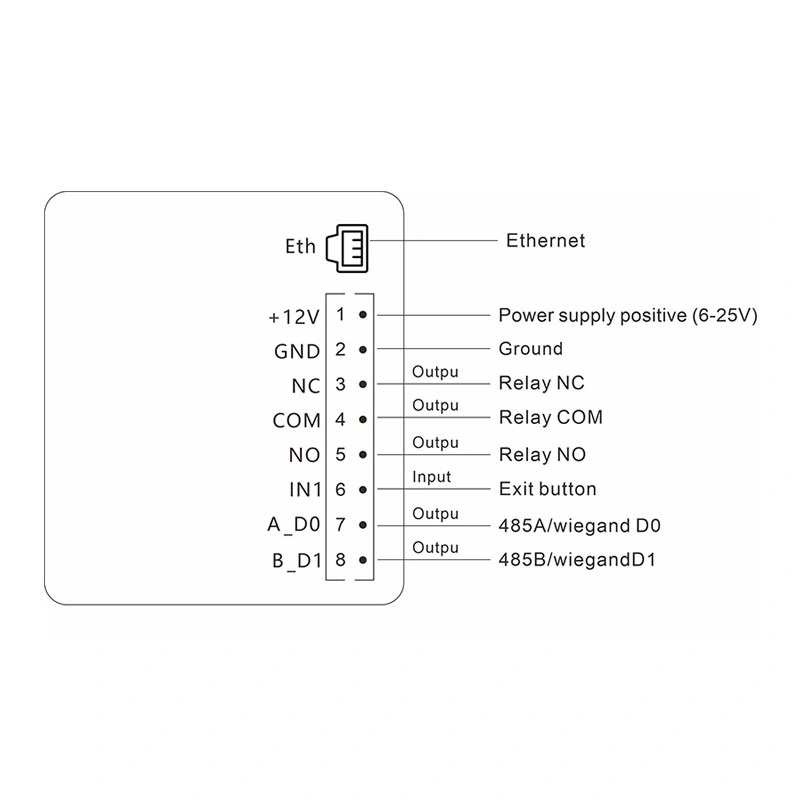
CR10E rear wiring terminal positions and pin definitions

Where CR10E Fits

Office and building doors: Use QR or card credentials with a compatible lock circuit and the project's access rules. Review the electric strike or magnetic lock power arrangement separately from the terminal's relay rating.

Turnstiles and equipment panels: The compact, screenless format can be embedded where the gate controller accepts a relay signal. Check mounting depth, cable routing and scanning position with a physical sample.

Visitor or ticket entry: Connect the device to the existing credential and permission platform, then validate the actual mobile and printed codes expected on site.

Why Specify CR10E

One compact endpoint: Credential reading, Ethernet communication and a relay are combined in one terminal, reducing the need for a separate front-end reader and controller in suitable architectures.

More than one credential format: QR codes, Code 39 and Code 128 barcodes, and 13.56 MHz MIFARE cards let a project evaluate mobile, printed and card-based entry on the same model.

Configurable verification path: Online and local operating modes let the integrator define what should happen when the network is available or interrupted. The selected rules must be tested against the backend and actual credentials.

Documented interface choices: The specification and instruction identify the network protocols, Wiegand or RS-485 output choice, relay terminals, configuration method and commissioning checks needed for an engineering review.

CR10E terminal front, side and rear dimensions

CR10E Integration Guide

Does CR10E need a separate access controller?

Not for every installation. CR10E has its own verification modes and a relay that can control a compatible entry point. If the site already relies on an external controller, specify the Wiegand or optional RS-485 output configuration and verify the controller's expected data format.

How should an electric strike be connected?

Start with the strike's voltage, current and fail-safe or fail-secure behavior. CR10E provides NC, COM and NO relay contacts with a maximum load of 1 A; the strike's power circuit must be designed for the actual lock. Disconnect power before wiring, and use the model's interface drawing and the lock manufacturer's instructions for the final connection.

What is the first configuration sequence?

Install and power the terminal within its DC 6–25 V range, connect Ethernet, set the network and server parameters with the CR10E configuration tool, then test an approved and rejected credential. Check the terminal indicators, backend response and relay action together. Secure device configuration credentials before deployment.

Can CR10E be installed outdoors?

CR10E has no waterproof rating. Plan it for a protected location and assess glare, rain exposure and panel temperature before installation. For an exposed entrance, select a terminal with a documented environmental protection rating instead of assuming an added cover changes CR10E's rating.

What should be reviewed before sourcing CR10E for a project?

Compare the exact model specification, mounting drawing, output configuration, relay load, platform protocol and operating environment. A useful sample review uses the project's real QR codes or cards, backend responses and intended lock or gate input. Cerberus can provide the CR10E specification and instruction for that review.

CR10E compact QR code access control terminal

Product Documentation for Engineering Review

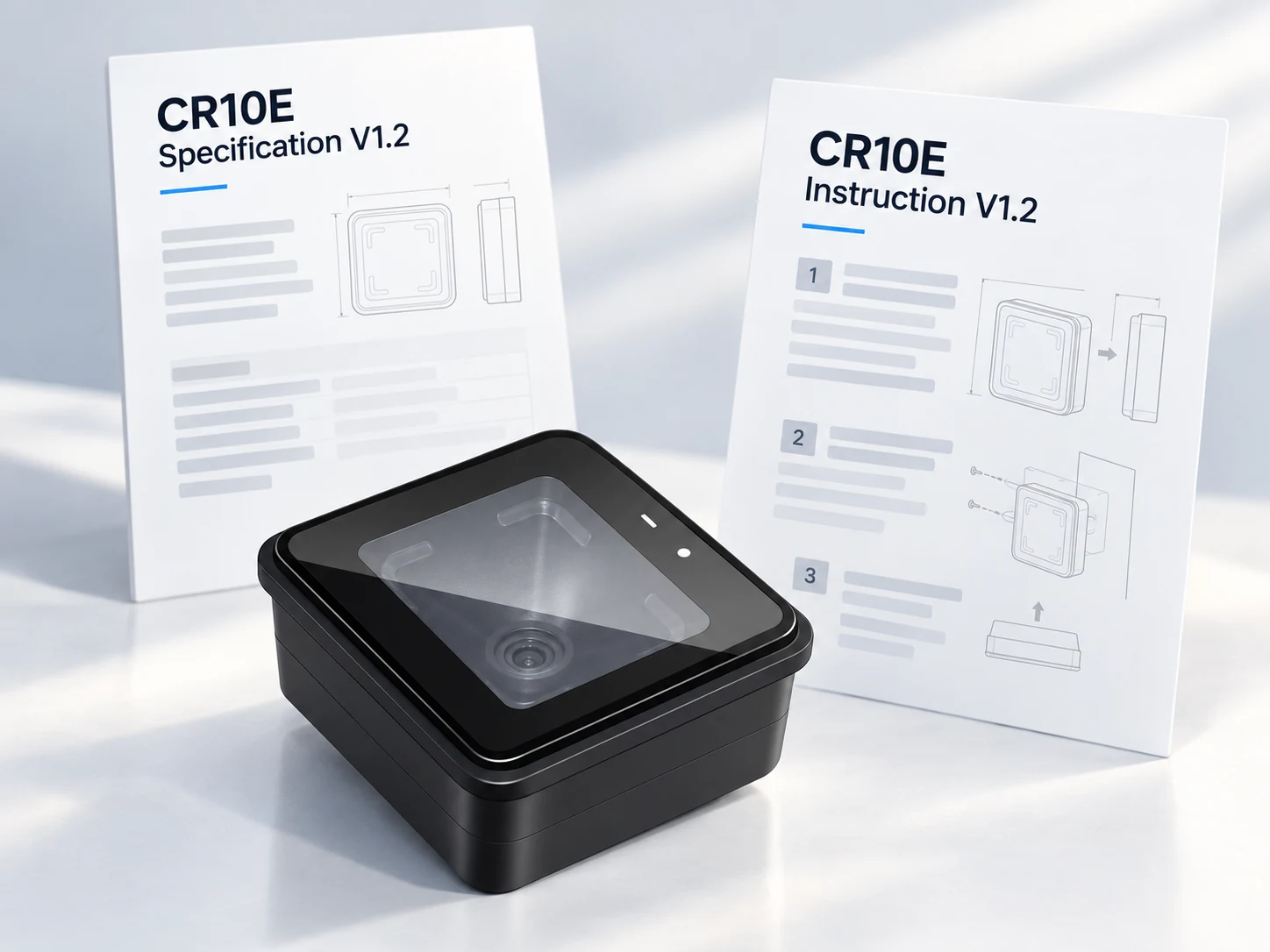
Cerberus develops and manufactures QR code access hardware in Shenzhen. For CR10E, the model specification defines the physical, electrical and communication parameters, while the instruction covers verification modes, interface definitions, configuration and commissioning checks. Review both documents against your controller, lock or turnstile before approving the final configuration.

CR10E Specification V1.2
CR10E Instruction V1.2
Request CR10E Documents

Discuss Your CR10E Configuration

Share your entry-point type, credential format, platform protocol and preferred output configuration. We can review the CR10E specification with your integration requirements and identify the points to verify on a sample.

Address Room 306, Building B11, Yintian Industrial Park, Xixiang Street, Bao'an District, Shenzhen, Guangdong Province, China

CR10E Product Inquiry

Supported formats: PDF, JPG, PNG, STEP, IGES, STL, DWG (Max 20MB)