Visitor codes and staff cards
Use QR codes for temporary or pre-issued entry credentials while retaining supported 13.56 MHz cards for regular users. Test the actual code format and card type before deployment.

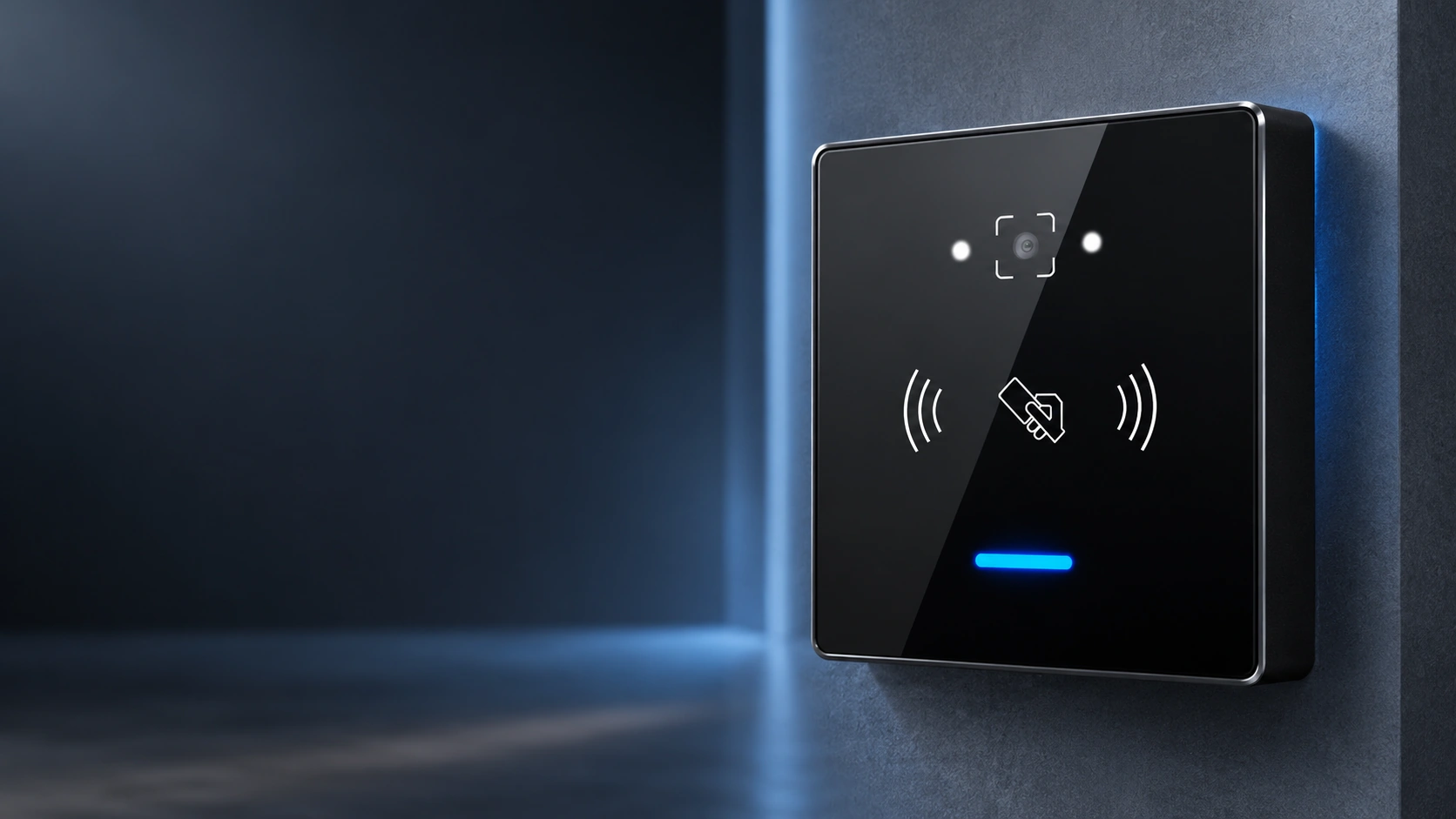
QR and RFID Credential Reader
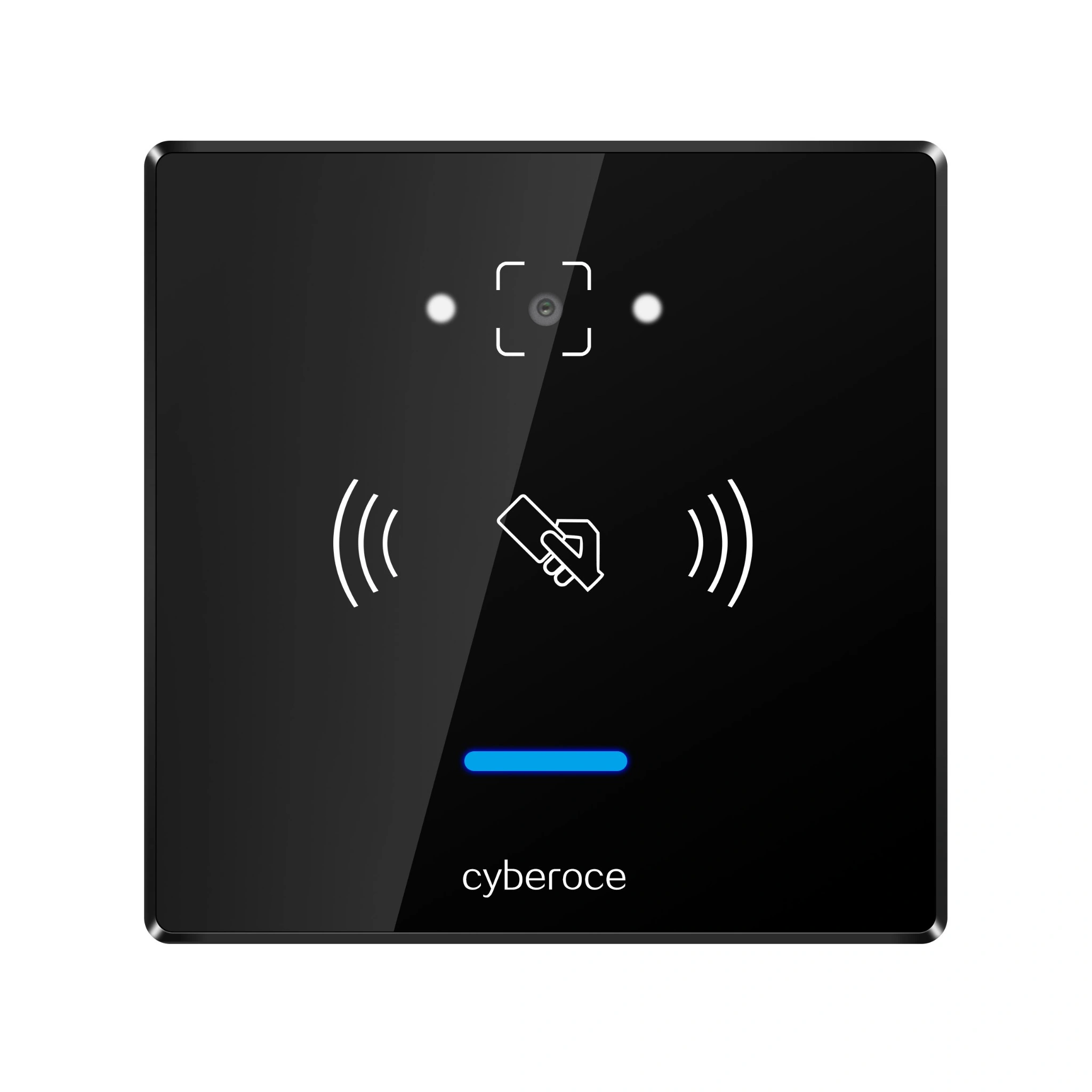
An 86 × 86 mm, keypad-free reader for QR code and 13.56 MHz card entry. Connect credential output to your existing access controller through Wiegand or RS-485, then validate the complete entry workflow with your own codes, cards and control rules.
Reader overview
C6NK is the reader at the entry point. It captures a presented QR code or supported RFID card and sends credential data to the connected controller. The controller and access system determine whether entry is permitted and operate the lock or gate. This distinction matters when replacing a reader or adding QR entry to an established installation.
Swipe left or right to view the complete table on smaller screens.
| Specification | C6NK |
|---|---|
| Credential methods | QR code and 13.56 MHz RFID card |
| Controller interface | Wiegand and RS-485; output configuration depends on the integration |
| Dimensions | 86 × 86 × 16.5 mm |
| Housing | ABS with tempered glass front panel |
| QR reading distance | 2–20 cm for the reference QR code specified in the product document; actual results depend on code size, display and lighting |
| Card reading distance | Less than 5 cm for the specified IC card configuration |
| Operating temperature | −20°C to 60°C |
| Ingress protection | IPX7, as listed in the C6NK product specification |
| Current at 12 V | 120 mA working; 80 mA standby |
Confirm the final power supply, wiring and firmware configuration against the delivered hardware documentation.
Integration context
QR code or RFID card
Presented credential
C6NK reader
Captures credential data
Wiegand or RS-485
Configured output path
External controller
Applies rules and controls lock or gate
Use QR codes for temporary or pre-issued entry credentials while retaining supported 13.56 MHz cards for regular users. Test the actual code format and card type before deployment.
C6NK offers Wiegand and RS-485 output paths. Match the selected path, data format and controller settings before replacing an existing reader.
The 86 × 86 mm front format and 16.5 mm depth help teams assess wall space and mounting fit early. Review the mounting drawing, cable route and reading position before preparing the opening.
The product specification lists IPX7 protection. For exposed locations, also assess direct sunlight, reflections, cable-entry sealing and the way users present phone screens or printed codes.
Technical planning
| If your system uses… | Check before integration |
|---|---|
| Wiegand input | Confirm the controller’s accepted bit format, credential mapping and wiring definition. Test both QR and card output with the intended access rules. |
| RS-485 input | Confirm the controller or host can interpret the selected output protocol, baud rate and credential data format. Check cable routing and termination against the final wiring documentation. |
| A standalone lock controller | Select a networked access terminal or retain an external controller. C6NK is a credential reader and does not make the door-opening decision on its own. |
C6NK combines QR code scanning with 13.56 MHz RFID reading, allowing an access design to serve different credential workflows at the same entry point.
Wiegand and RS-485 give integrators two established paths for connecting the reader to a controller or host. The suitable output and data format are determined by the existing system.
The 86 mm square front presents the scan and card areas without a password keypad. If PIN entry is part of the project requirement, compare the related C6 model instead.
The C6NK specification describes dynamic QR decryption and validity-period recognition. Their use must be matched to the credential format, firmware and access-system rules during integration.
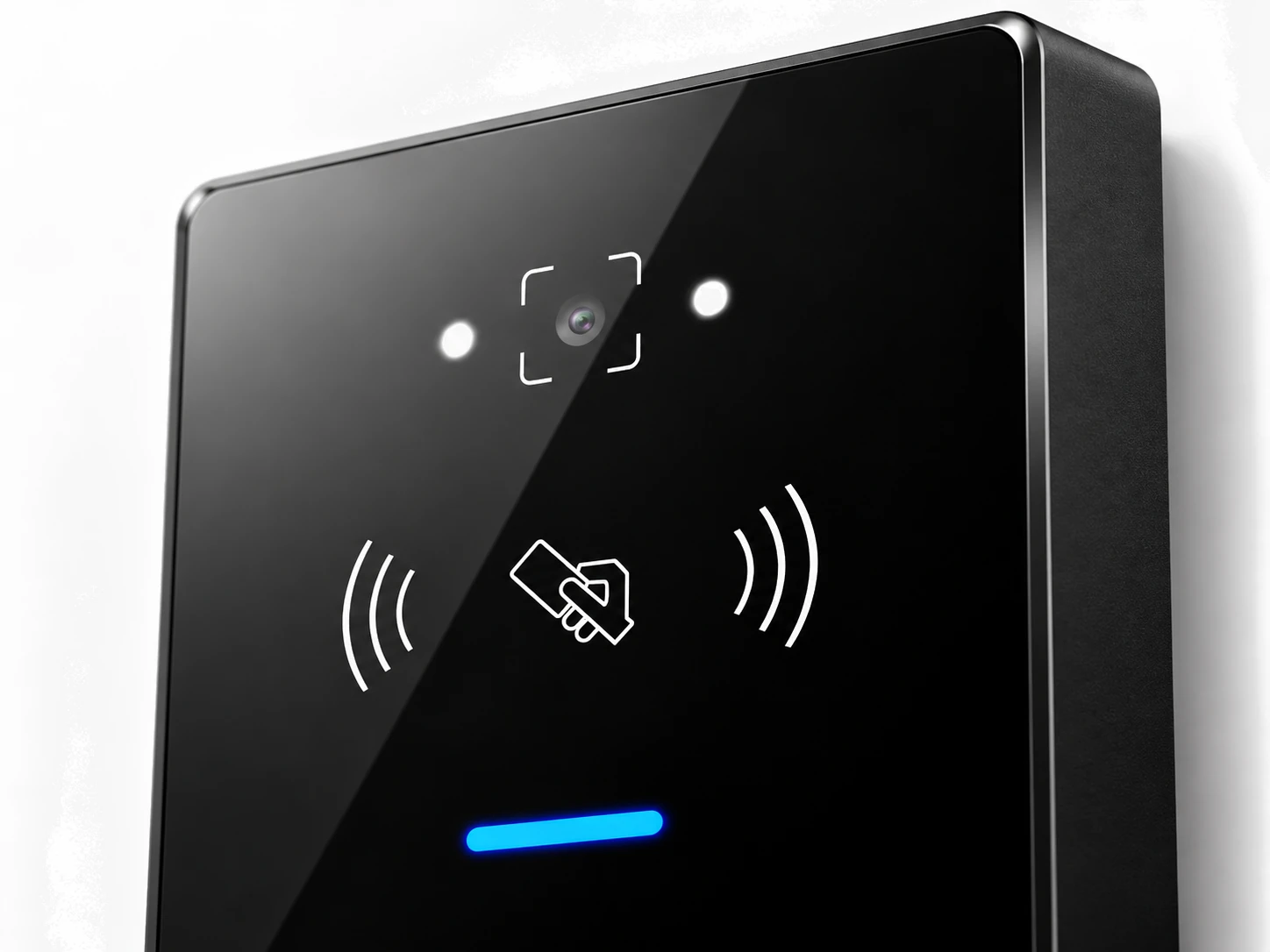
Tempered glass front face without mechanical keypad keys
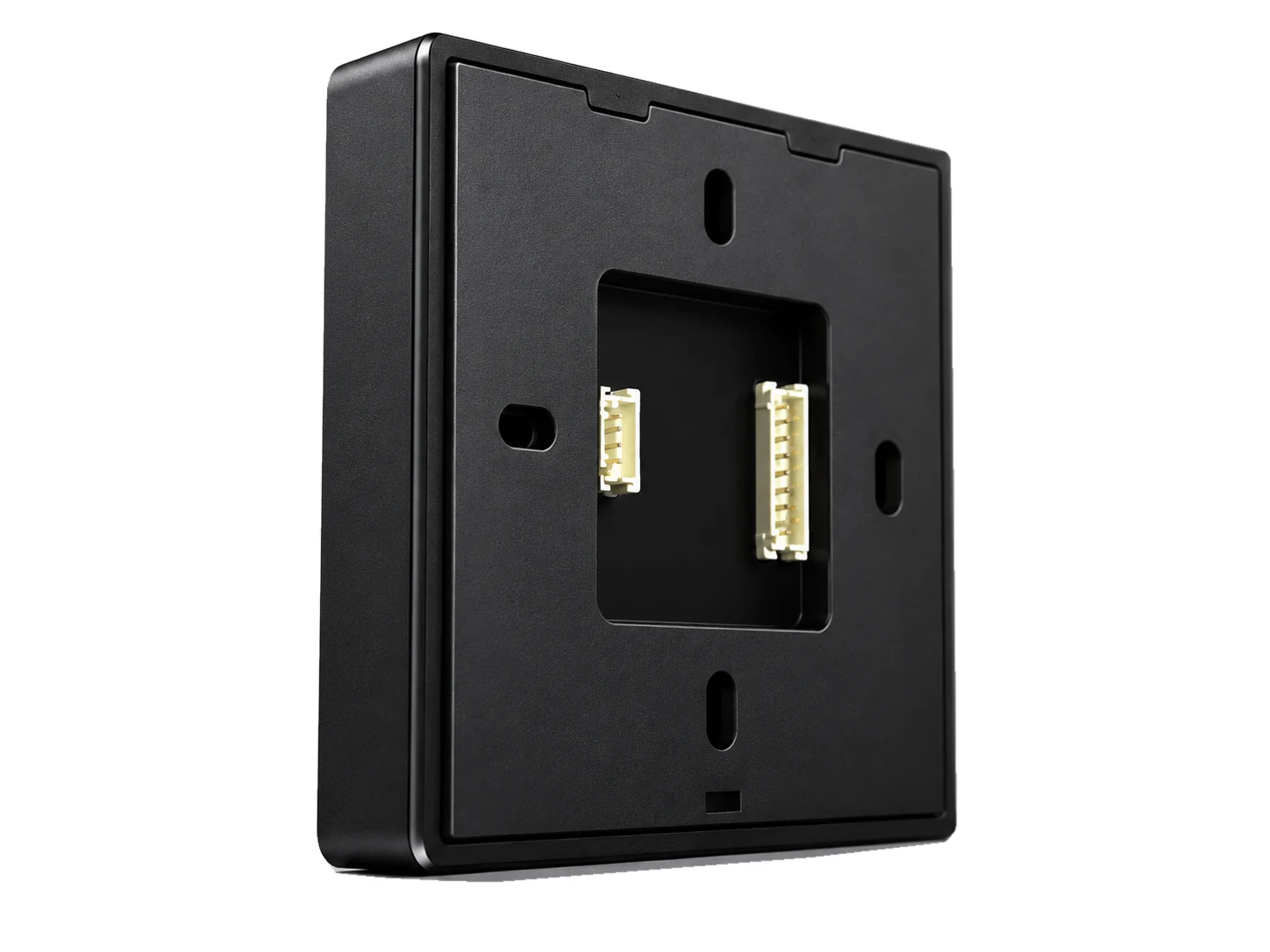
16.5 mm profile depth in ABS enclosure for wall-box installation
We develop and manufacture QR access hardware and support projects that need reader selection, credential-format checks and controller integration. For C6NK, start with the product specification and mounting information, then validate the selected output and sample credentials in your own access system.
Our ISO 9001:2015 management-system certificate covers the design, development and sales of intelligent access control products. It is a company management-system credential, not a product-specific certification for C6NK.
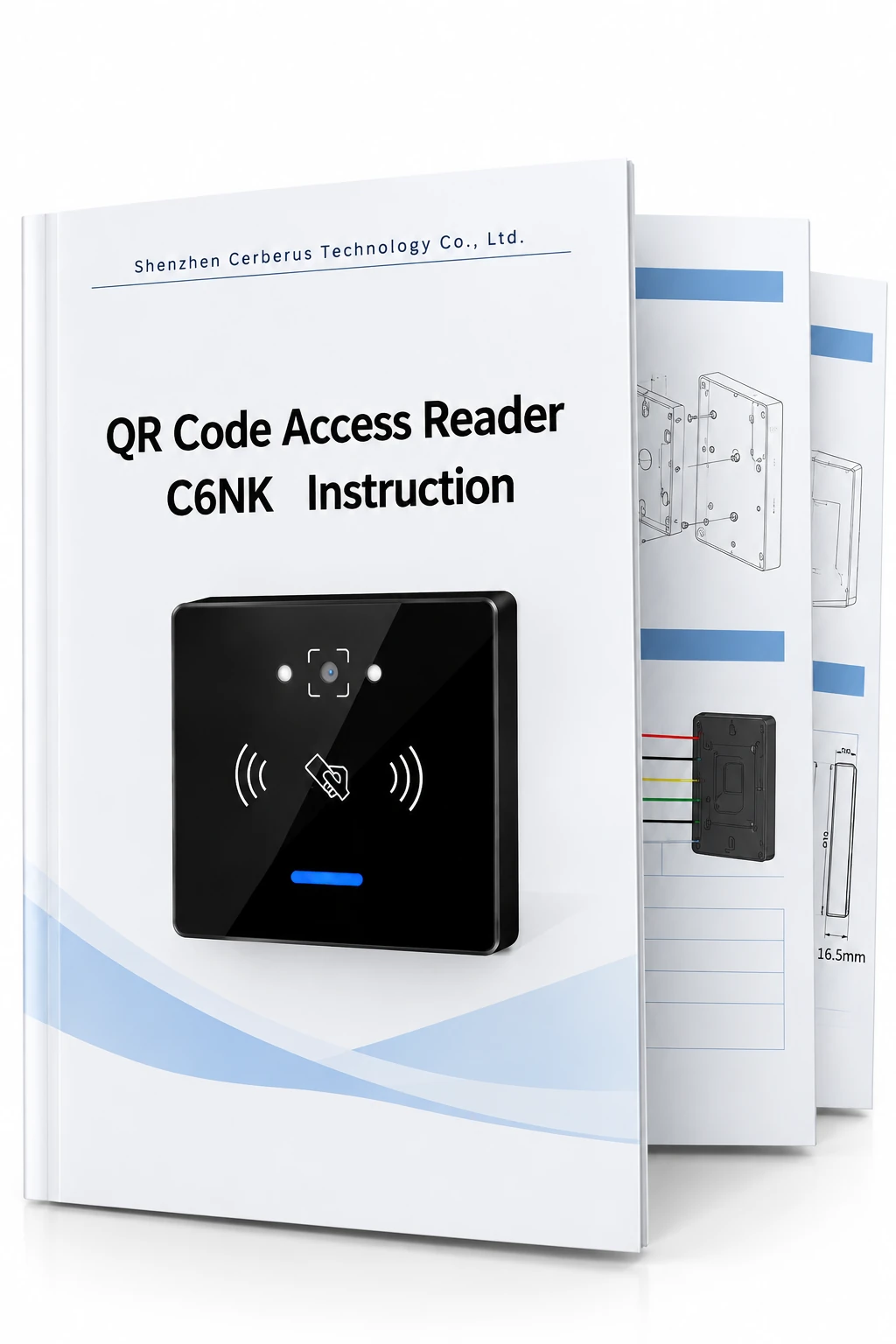
C6NK Specification & Integration Reference
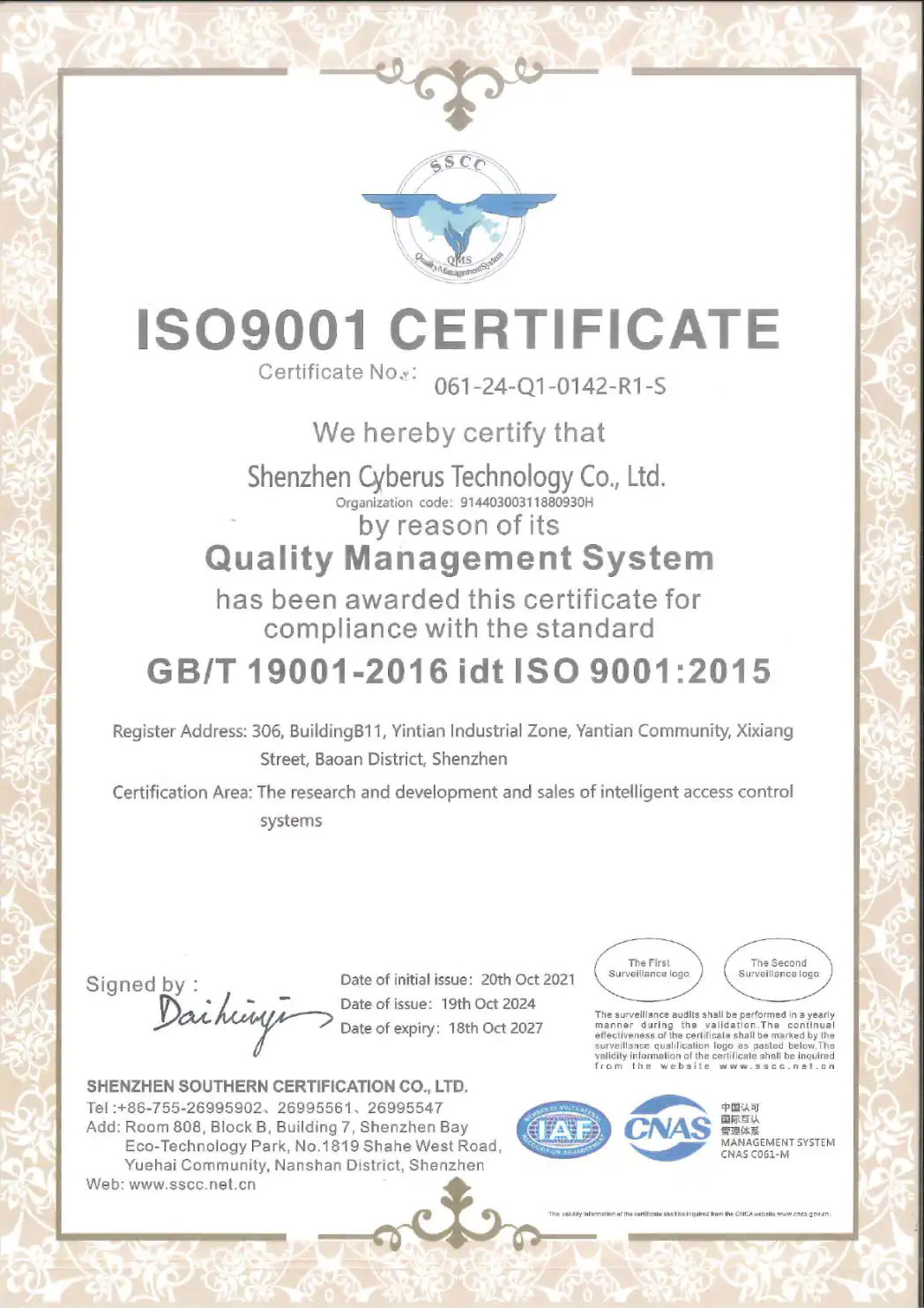
ISO 9001:2015 Management-System Certificate
C6NK reads the presented QR code or supported card and outputs credential data through the configured interface. The connected controller or host checks the credential against its access rules and controls the door or gate. Plan the code format, output format and permission logic as one integration workflow.
It may fit a controller that accepts the required Wiegand credential format. Check bit length, data mapping, power and physical wiring, then test real QR codes and cards with the controller before rollout. A matching connector alone does not establish system compatibility.
Choose RS-485 when the controller or host is designed to receive and interpret that serial output. Confirm the protocol, baud rate, cabling and credential fields during integration. If the current system expects Wiegand card data, evaluate that path first.
No. C6NK is a reader that works with an external controller or host. The product specification lists working current of 120 mA and standby current of 80 mA at 12 V; confirm the approved supply range for the delivered hardware before installation.
A reader is only one part of the security design. Define how codes are issued, how long they remain valid, whether they can be reused, and where the access decision is made. C6NK’s documented dynamic-code functions should be evaluated with the actual credential format, firmware and controller rules.
Test sample phone and printed QR codes, the intended RFID cards, the selected controller interface, access-rule decisions and the installed reading position. For exposed entrances, include sunlight, reflections and cable-entry protection in the site review.
Review controller-connected QR and RFID readers across different form factors.
Select the keypad-equipped C6 model when password entry is required alongside QR and RFID credentials.
Evaluate standalone terminals when the entry device must handle network communication and lock control directly.
Share your controller model, preferred output, sample credential format and installation environment. We can use those details to discuss the C6NK configuration and the technical documents relevant to your project.