
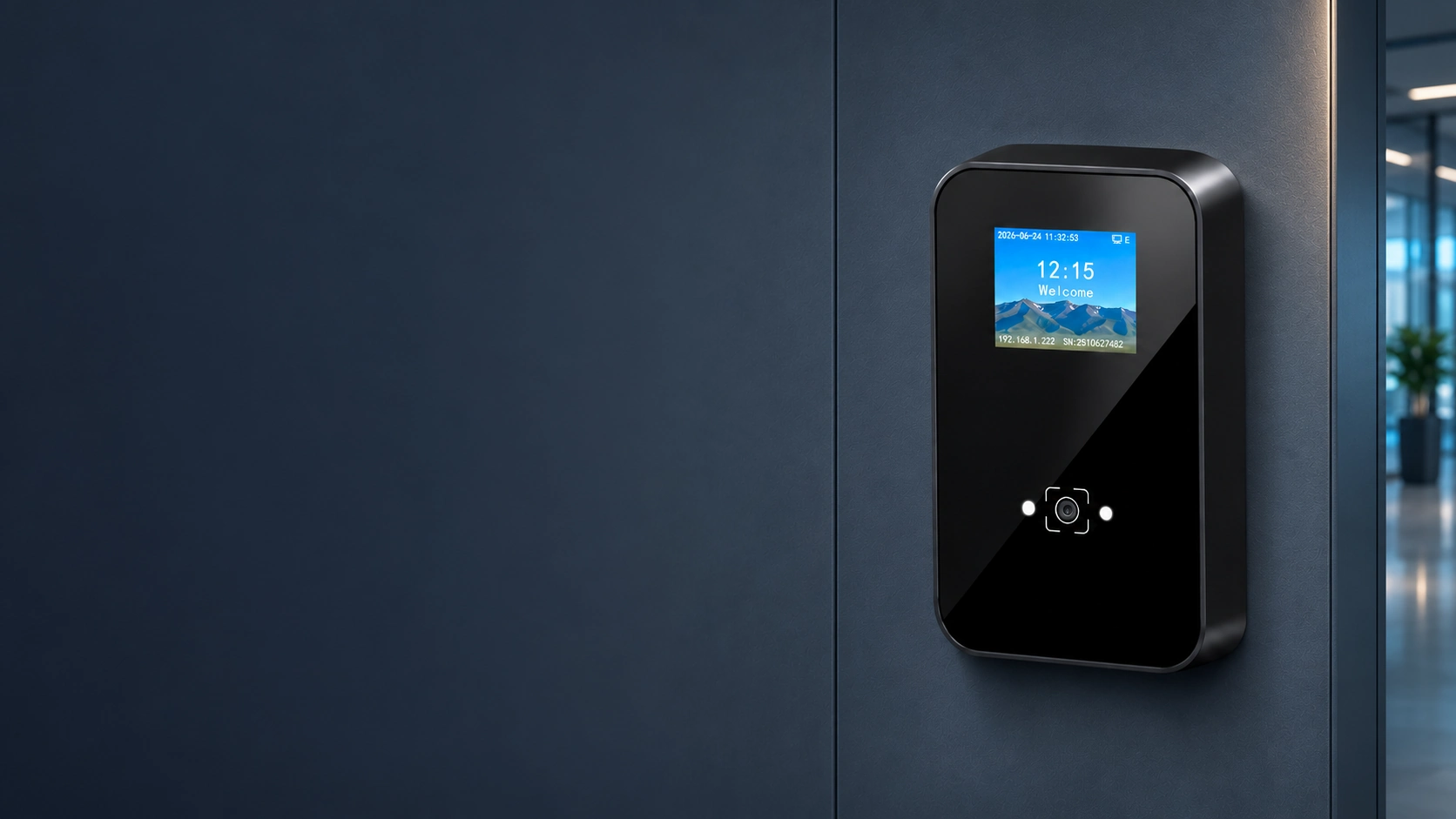
CR09EU QR Code Access Control Terminal Manufacturer
Connect QR codes, barcodes and MIFARE cards to your access platform through one display terminal. CR09EU combines a 2-inch IPS screen, online and offline verification, local storage and relay control for compatible doors and turnstiles.
Choose Ethernet or evaluate an optional Wi-Fi or Cat-1 4G configuration to match the entrance.
- 2-inch IPS display with voice prompts
- HTTP/HTTPS and MQTT communication
- 100,000 offline users and 100,000 offline records
- Optional Wi-Fi, Cat-1 4G and 125 kHz EM card reading
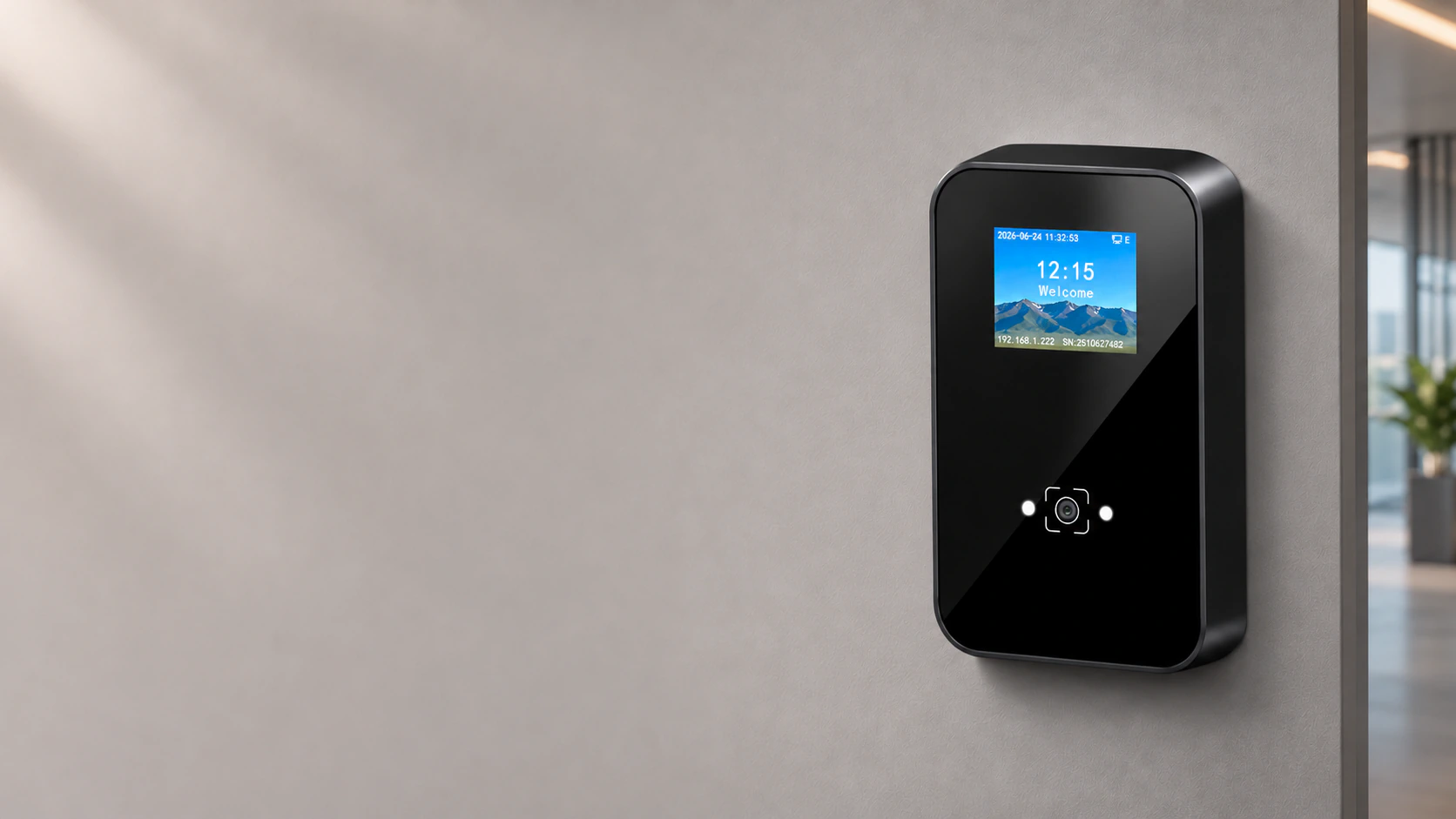
Choose the CR09EU Network Configuration
CR09EU is a networked QR code access control terminal with an ABS housing and tempered glass panel. It reads supported codes and cards, communicates with the configured platform, and provides a relay output for compatible access equipment.
Network options are configuration choices within the product. Select the required hardware before ordering.
| Connection | Availability | When to consider it | Selection check |
|---|---|---|---|
| Ethernet | Standard wired connection | A network cable is available at the entrance | Device-to-server connectivity and the site network |
| Wi-Fi | Optional, on supported configurations | Wireless networking is preferred at the mounting point | Supported 802.11b/g/n configuration, coverage and network access |
| Cat-1 4G | Optional, on supported configurations | A compatible cellular connection is needed | Modem bands, operator support, SIM service and installation signal |
Check the Cellular Bands Before Selecting 4G
The listed Cat-1 configuration supports FDD-LTE B1/B3/B5/B8 and TDD-LTE B34/B39/B40/B41, with a Nano SIM and built-in antenna. It does not support 5G.
These bands do not establish worldwide carrier compatibility. Match the exact modem configuration to the destination country and operator before choosing the cellular option.
CR09EU Specifications
Review the key specifications for credential reading, network communication and door control. Optional functions depend on the selected hardware configuration.
| Display & housing | 2.0-inch IPS, 320 × 240; ABS with tempered glass panel |
|---|---|
| Credentials | QR codes, supported barcodes and 13.56 MHz MIFARE cards; optional 125 kHz EM |
| Network | Ethernet; optional Wi-Fi or Cat-1 4G |
| Platform protocols | HTTP/HTTPS and MQTT |
| Verification & storage | Online and offline verification; 100,000 offline users and 100,000 offline records |
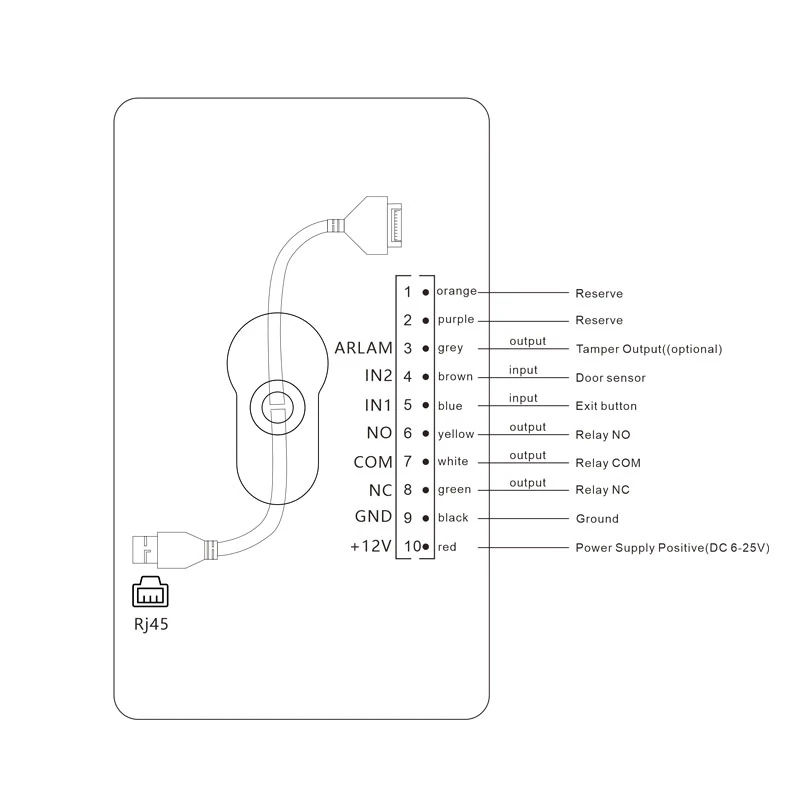
| Control & inputs | One relay output, rated 1 A; two inputs for functions such as an exit button or door sensor |
| Extended interface | Wiegand output or RS-485, mutually exclusive; Wiegand output by default |
| Reading distance | Codes: 5–20 cm; MIFARE cards: less than 5 cm, depending on the card and installation |
| Screen & audio | Verification status, customizable backgrounds and audio files; TTS by configuration |
| Power | DC 6–25 V; operating current 200 mA and standby current 150 mA at 12 V |
| Operating temperature | −20°C to 60°C |
QR Code, Code 39 and Code 128 are enabled by default. Other supported formats require configuration. Validate actual codes, cards and network compatibility before deployment.
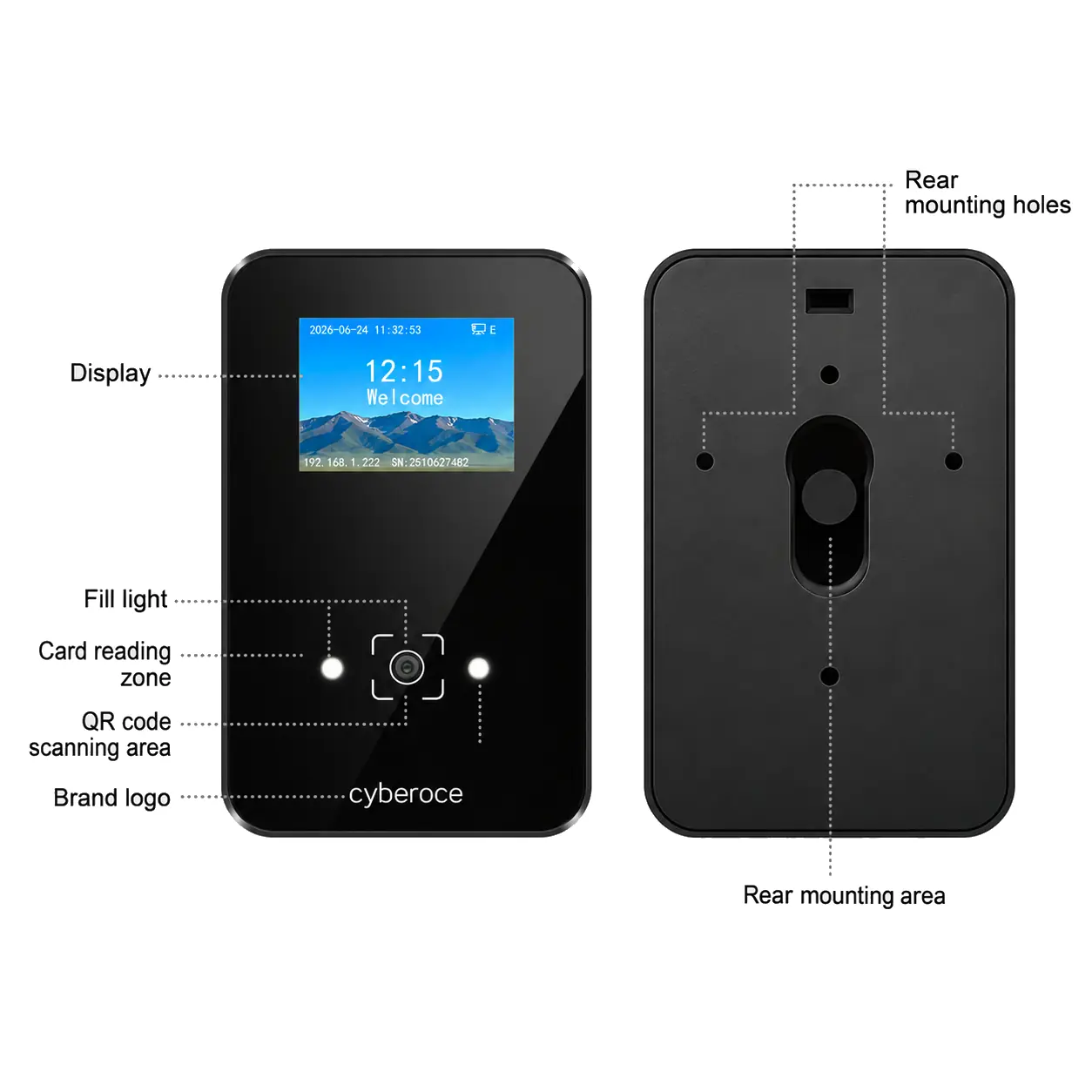
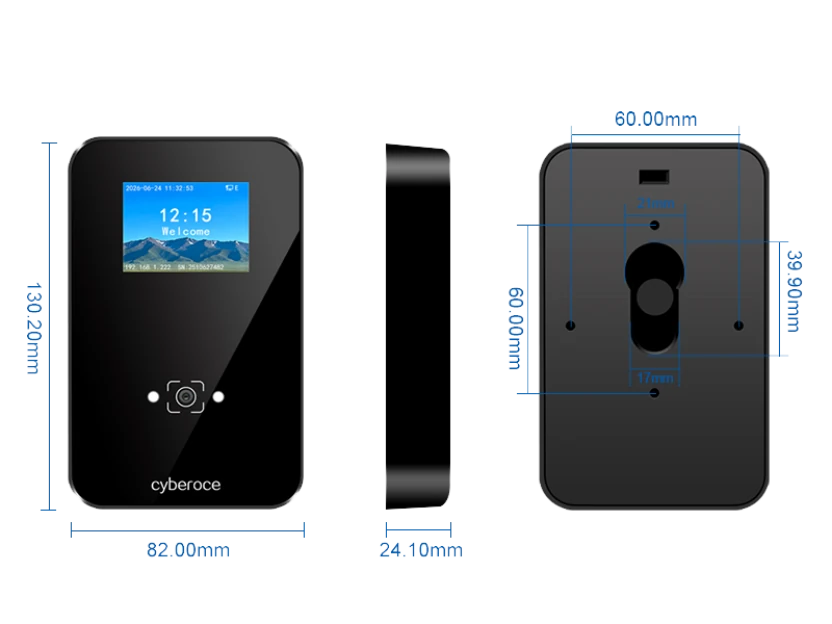
For installation planning, use mechanical and wiring information matched to the hardware being ordered.
Connect the Credential, Access Decision and Opening Signal
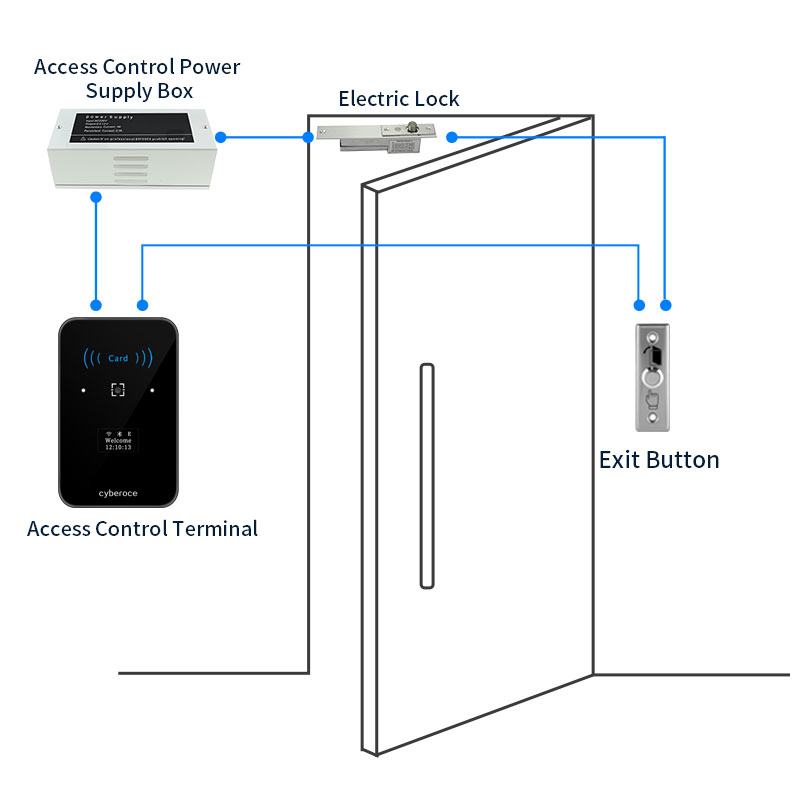
A successful scan is one stage of an access event. CR09EU reads the credential, follows the configured online or offline verification process, provides feedback at the entrance and can trigger compatible access equipment through its relay.
The connected system defines credential issuance, access permissions and the handling of access records.
Functional integration overview. The verification path and controlled equipment depend on the project configuration.
A Scan Succeeds, but the Entrance Stays Closed
Recognition, authorization and relay operation need to be checked separately. Match the credential data and platform response first, then validate the opening signal and receiving equipment. This helps the integration team identify whether the issue is reading, access permission, communication or door control.
The Network Is Not Always Available
CR09EU supports offline verification and local record caching. Locally stored permissions provide a basis for an offline access policy, but the permissions loaded onto the device, outage behavior and later record handling must be defined with the platform.
An Existing Controller Must Remain in the System
The extended interface can be configured for Wiegand output or RS-485. Select the required mode and match its output format to the receiving controller. The two interface functions are mutually exclusive, and a shared interface name alone does not establish compatibility.
| Integration point | Available function | What must match |
|---|---|---|
| Platform connection | HTTP/HTTPS or MQTT | API fields, messages, authentication and response handling |
| Existing controller | Wiegand output or RS-485 | Selected mode, data format and receiving interface |
| Door or gate control | Relay output, rated 1 A | Control input, switching requirements and power design |
| Peripheral inputs | IN1/IN2 | Exit-button or door-sensor function and delivered wiring definition |
Practical Features at the Entry Point
Visible Results for Users and Staff
The 2-inch IPS display and built-in voice prompts communicate the verification result at the terminal. Custom background images and audio files allow the feedback to be adapted to the project’s presentation requirements. Text-to-speech is configuration dependent.
Codes and Cards in One Device
QR codes, supported barcodes and 13.56 MHz MIFARE cards can be evaluated around the same terminal. This suits entrances that combine issued digital passes with existing card credentials. Optional 125 kHz EM reading is available for configurations that require it.
Reading and Control in One Terminal
Network communication, local storage and relay output are combined with credential reading. For a compatible access design, the terminal can provide the opening signal without a separate front-end reader and controller pair. The lock or gate circuit still needs its own appropriate power and control design.
Where CR09EU Fits
| Entrance | Relevant capability | Project consideration |
|---|---|---|
| Venue or exhibition entry | QR and barcode verification with display feedback | Ticket formats, authorization responses and gate control |
| Office or campus access | Code and MIFARE card reading with platform communication | Existing cards, access permissions and network architecture |
| Reservation-based or self-service entry | Online/offline verification and local record storage | Credential validity, locally stored permissions and record handling |
| Entrances with limited wired networking | Optional Cat-1 4G configuration | Destination bands, operator compatibility, SIM service and signal |
Swipe to view full table →
Assess mounting space, cable routing, glare, weather exposure and maintenance access for the actual entrance. The final device configuration and installation arrangement should be reviewed together.
Work with the Team Behind the Terminal
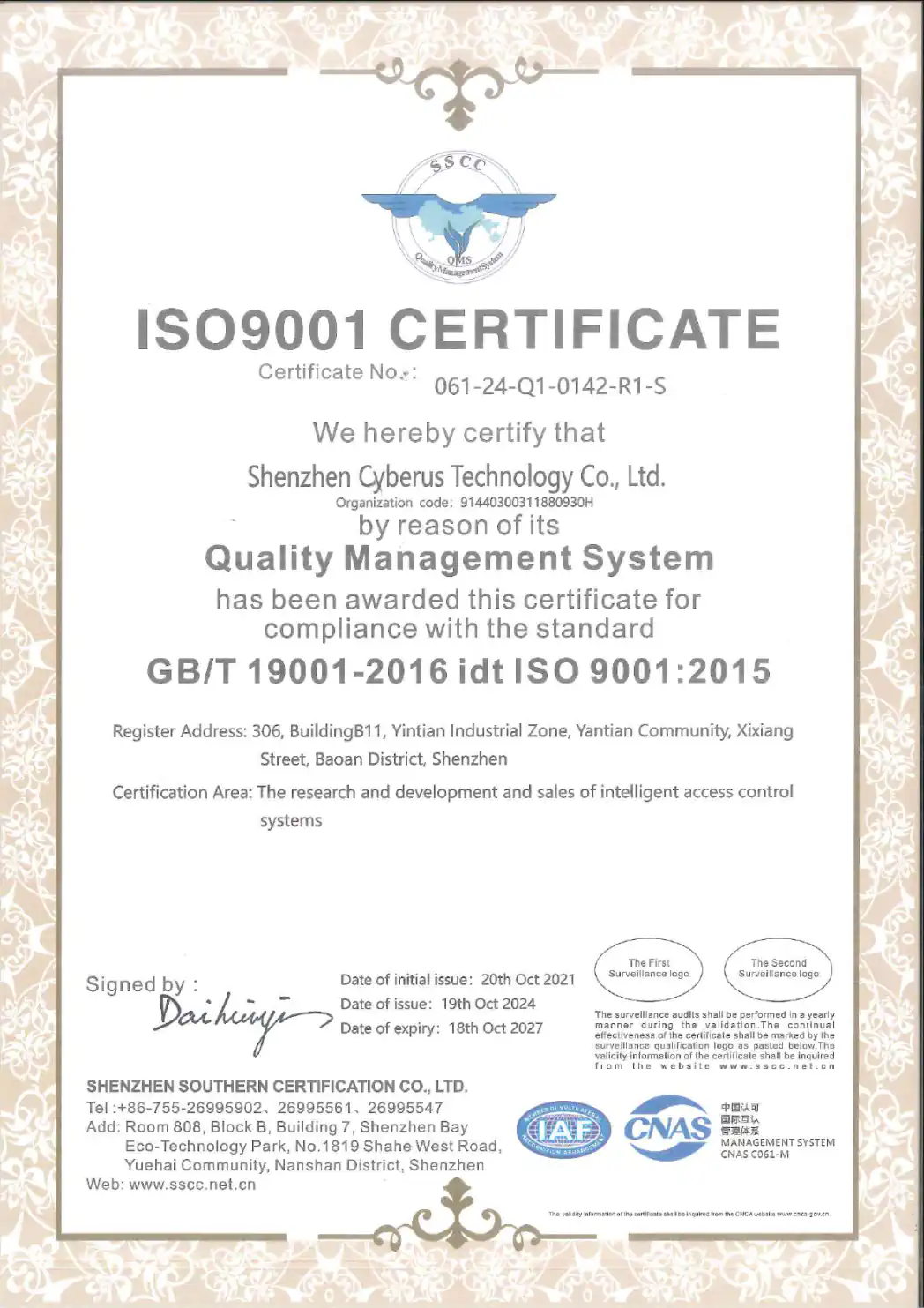
Cyberoce is the international brand of Shenzhen Cerberus Technology Co., Ltd., a QR access control hardware manufacturer founded in Shenzhen in 2014. Our work covers device development, production and project integration support.
For CR09EU, evaluation starts with the required credentials, network configuration and access-control interfaces. We can support sample review and discuss project branding, display backgrounds, audio files and device configuration. Hardware or firmware changes require a separate technical review.
Technical Information for Evaluation
- CR09EU product specifications
- Configuration-matched mechanical and wiring information
- Platform interface information for integration review
- Operating instructions matched to the delivered model and firmware
Use the same model and configuration throughout sampling, installation planning and ordering. This keeps the selected hardware, interface requirements and project documentation aligned.
About Cyberoce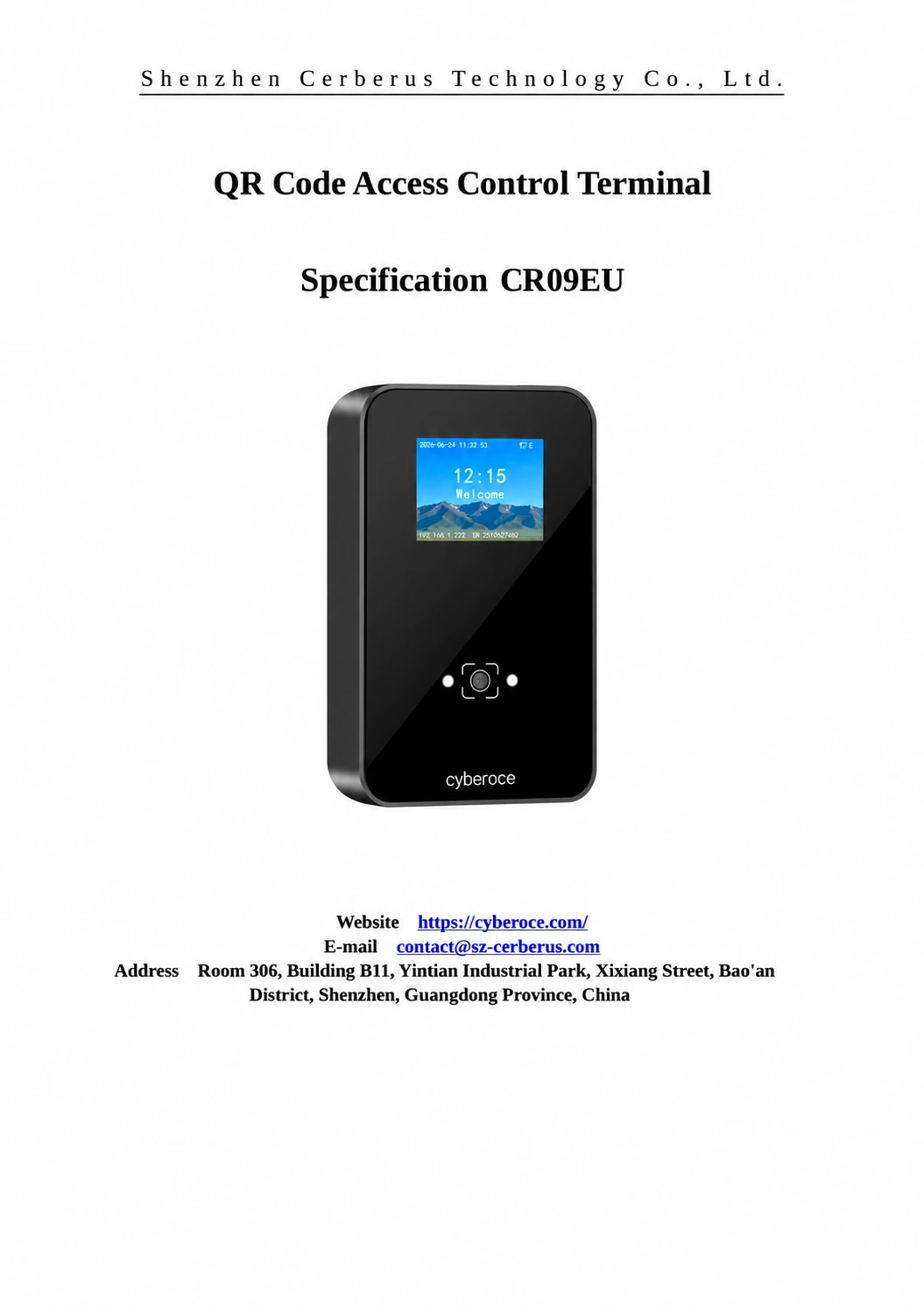
CR09EU Integration and Buying Guide
Can CR09EU work with my existing access platform?
CR09EU lists HTTP/HTTPS and MQTT for platform communication. Integration requires the device and platform to agree on credential data, request or message formats, authorization responses and event handling.
If the existing controller will continue making the access decision, evaluate the Wiegand or RS-485 output instead. Review the relevant interface information and test a sample against the actual platform. Protocol support alone does not establish plug-and-play compatibility with a named system.
What happens when the network connection is lost?
CR09EU supports offline verification, with storage for 100,000 offline users and 100,000 offline records. Offline access depends on the permissions available locally and the configured verification rules.
During evaluation, test valid and revoked credentials during an outage, then check how records and permission updates are handled after reconnection. Automatic mode switching, synchronization behavior and the treatment of newly changed permissions should be agreed for the selected firmware and platform.
Does a QR code prevent pass sharing?
A readable QR code is a credential carrier. Its security depends on how the access system issues, validates, expires and revokes that credential. Reading a code does not by itself prove that the person presenting it is the intended holder.
For visitor or ticketing projects, assess validity periods, reuse rules and revocation behavior in both online and offline operation. CR09EU provides credential reading and configured verification functions; screenshot blocking, one-time use and other anti-sharing measures require their own verified system design.
How should the relay connect to a door or turnstile?
Use the relay as part of the compatible equipment’s control circuit. CR09EU lists a 1 A relay load capacity, so the receiving input, switching requirements and lock power design must be checked before installation.
A powered lock and a gate’s opening input can require different connections. Higher-power loads may need an appropriate access control power supply or an intermediate relay. Follow the wiring information for the delivered CR09EU configuration and the controlled equipment rather than treating the terminal output as a universal lock power source.
How can I source CR09EU for an overseas project?
You can discuss CR09EU supply directly with Cyberoce in Shenzhen. Identify the destination country, network option, credential types, platform interface and expected quantity so the quotation can describe the required configuration.
For a cellular order, check the exact modem bands and operator compatibility before purchase. For a US project, do not assume that the listed Cat-1 configuration is suitable for a local network. Review destination-specific product documentation, shipping arrangements and installation responsibilities with the supplier and project team.
How should I compare quotations for QR access terminals?
Compare a defined entrance configuration rather than the terminal unit price alone. Network modules, credential options, power equipment, platform integration and site installation can change the scope of an offer.
| Cost area | Compare on the same basis |
|---|---|
| Terminal hardware | Exact model, network option and credential configuration |
| Access equipment | Required lock or gate interfaces, power supply and accessories |
| Software integration | Platform interface work, configuration and any applicable software charges |
| Branding | Panel, label, screen background and audio requirements |
| Delivery and support | Freight, order terms, warranty scope and agreed technical support |
A useful quotation states what is included, what the project team supplies and which configuration will be used for sample validation.
Compare Other Terminal Formats
Discuss Your CR09EU Configuration
Share the entrance type, network available on site and the platform or controller you need to connect. Include the expected quantity and any display, audio or branding requirements.
Drawings, interface specifications and representative credential samples can help us review the intended configuration.
Manufacturer
Shenzhen Cerberus Technology Co., Ltd.
-
Email contact@sz-cerberus.com
-
Phone +86 137 2888 0920
-
Address Room 306, Building B11, Yintian Industrial Park, Xixiang Street, Bao'an District, Shenzhen, Guangdong Province, China